Salary Assignment
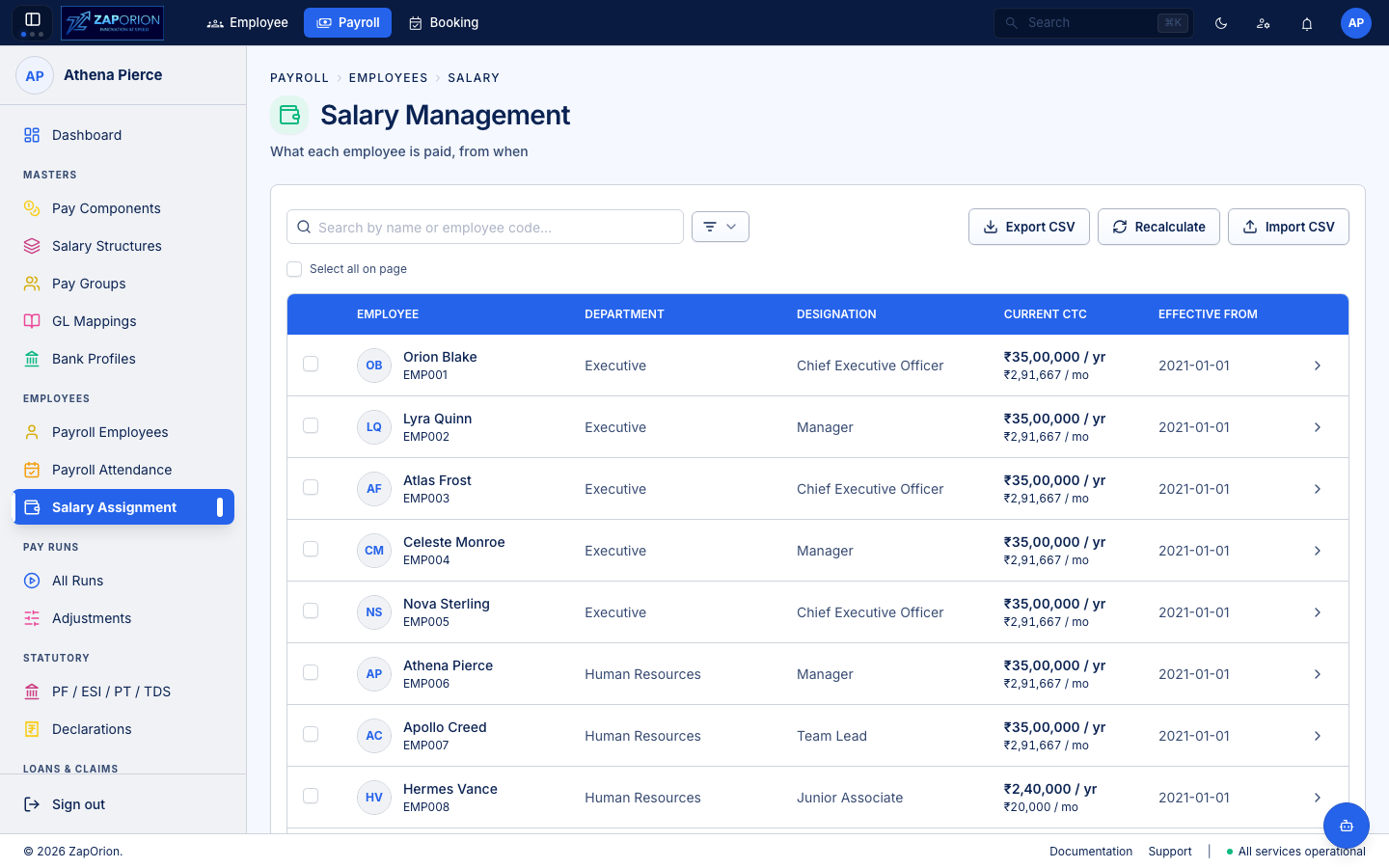
Payroll → Employees → Salary Assignment (/salary) — where a Salary Structure + CTC + effective date becomes a Salary Revision. Every pay run costs the employee at the revision that covers its period end.
Core concepts
- Revision = one row per employee per effective date:
payrollEmployeeId, salaryStructureId, effectiveDate, ctc, reason. Stored viaSalaryRevisionRequest; queried viauseSalaryRevisions(empId, withStatutory=true). - Current = the newest revision (by effective date) — what the next run will pay by. History is newest-first.
- Reason badge —
HIRING/INCREMENT/PROMOTION/CORRECTION/ etc. (SALARY_REVISION_REASONS). - CTC vs Gross — CTC is what the structure is costed at; Gross is earnings after statutory injection. The two differ when employer PF is inside CTC.
List view (entry point)
- Search by name or
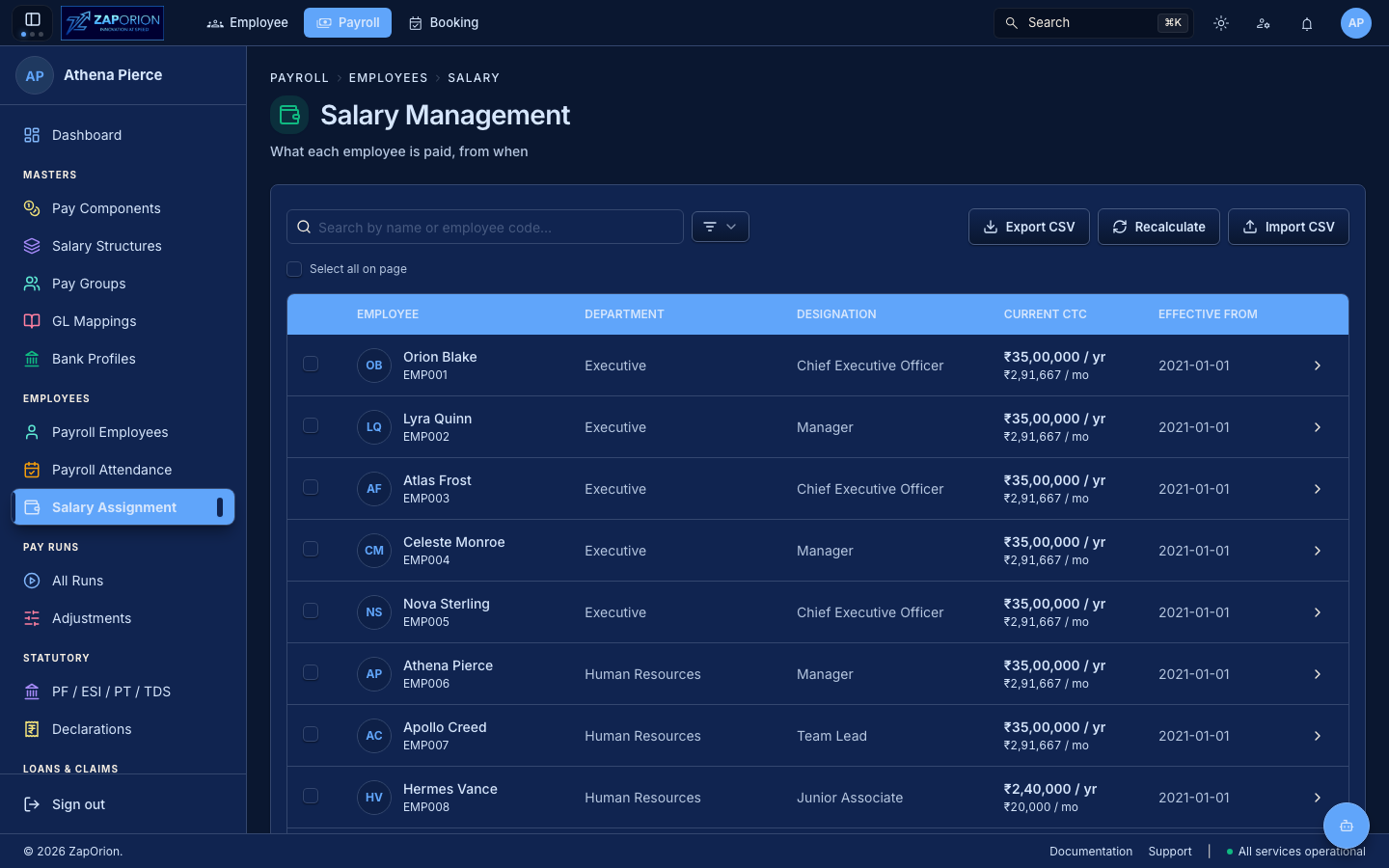
employeeCode; filters: Location, Department, Designation, Pay Group, Employment Status (pop-over with count badge). - Columns: Employee (avatar + code), Department, Designation, Current CTC (annual + monthly), Effective From (badge
Not assignedif none). - Bulk stats:
useBulkLatestSalaryRevisions(ids, false)fetches one bulk request per page — no N+1. ThewithStatutory=falsefetch is cheap; the detail view usestrueto get the breakdown. - Actions (top bar,
payroll:manage):
| Action | What it does |
|---|---|
| Export CSV | Exports filtered employees' current revision: employee, structure code/name, cta, effectiveDate. Built via buildSalaryRevisionsCsv; goes straight back in via import |
| Import CSV | Template columns + example row overlay (SALARY_REVISION_TEMPLATE_COLUMNS). Result: Rows / Created / Failed + per-row failures |
| Recalculate | Job that re-evaluates every revision with effectiveDate ≥ startDate against current pay-component/structure definitions. Needs RecalcDate |
| New Revision | Bulk overlay (see below) |
- Select checkboxes per row + Select all on page (indeterminate state). Bulk overlay accepts the selected IDs.
Detail view — employee → revision history
Click a row → EmployeeSalaryDetail:
- Header — avatar +
employeeCode · designation · department+All Employeesback +New Revision(single-employee). - Current Revision card —
RevisionDetailwith 4GradientCards: Annual CTC, Monthly CTC, Annual Gross, Effective Date + Component Breakdown (three groups):
| Group | Types |
|---|---|
| Earnings | EARNING |
| Deductions | DEDUCTION |
| Employer contributions | EMPLOYER_CONTRIBUTION, STATUTORY, BENEFIT |
Each group is a Table with Per payout / Monthly / Annual (exact paise via moneyExact), payoutFrequency badge (MONTHLY vs other) and Statutory / percentage markers. Subtotal row per group. The breakdown includes statutory lines injected at read-time (not stored).
- Revision History table — every revision, expandable:
| Column | Meaning |
|---|---|
| Effective Date | Click chevron to expand; Current badge on newest |
| Reason | Color badge |
| Structure | code — name lookup via useAllSalaryStructures |
| Annual CTC / Monthly CTC | Tabular-nums, money (whole rupees) |
| Change | +₹Δ (+pct%) with TrendingUp/Down/Minus vs previous row |
Expanded row → inline breakdown (same ComponentBreakdown) + header Reason · Structure · Gross / CTC.
Bulk Salary Revision overlay
BulkSalaryRevisionOverlay — one config, many employees:
- Fields: Salary Structure (
select), Effective Date (date), CTC (auto-filled fromstructure.ctcunless typed), Reason (select). - Preview — with
ready(structure + effectiveDate), a debouncedusePreviewSalaryRevision(250 ms) costs the config for the first selected employee and shows the same 3-group breakdown live.isCalculatedcomponents are costed against statutory. - Save —
Promise.allSettled(createMut)per employee; toastX recorded, Y failedwith partial-success variant.
Old routes
salary/assignments/new→ redirects tosalary/revisions/new(SalaryRevisionFormPage). History handled bynavigateinside detail.
:::note Re-costing after a master fix
Edited a Pay Component or Salary Structure? Open Salary Assignment → Recalculate, pick the earliest effective date the fix should hit, and start the job. Existing COMPUTED runs are untouched — they already froze their breakdown — but the next run will read the new cost.
:::