Role Permissions
Payroll → Administration → Role Permissions (/role-permissions) — decide what each role can do in Payroll. Requires payroll:admin.
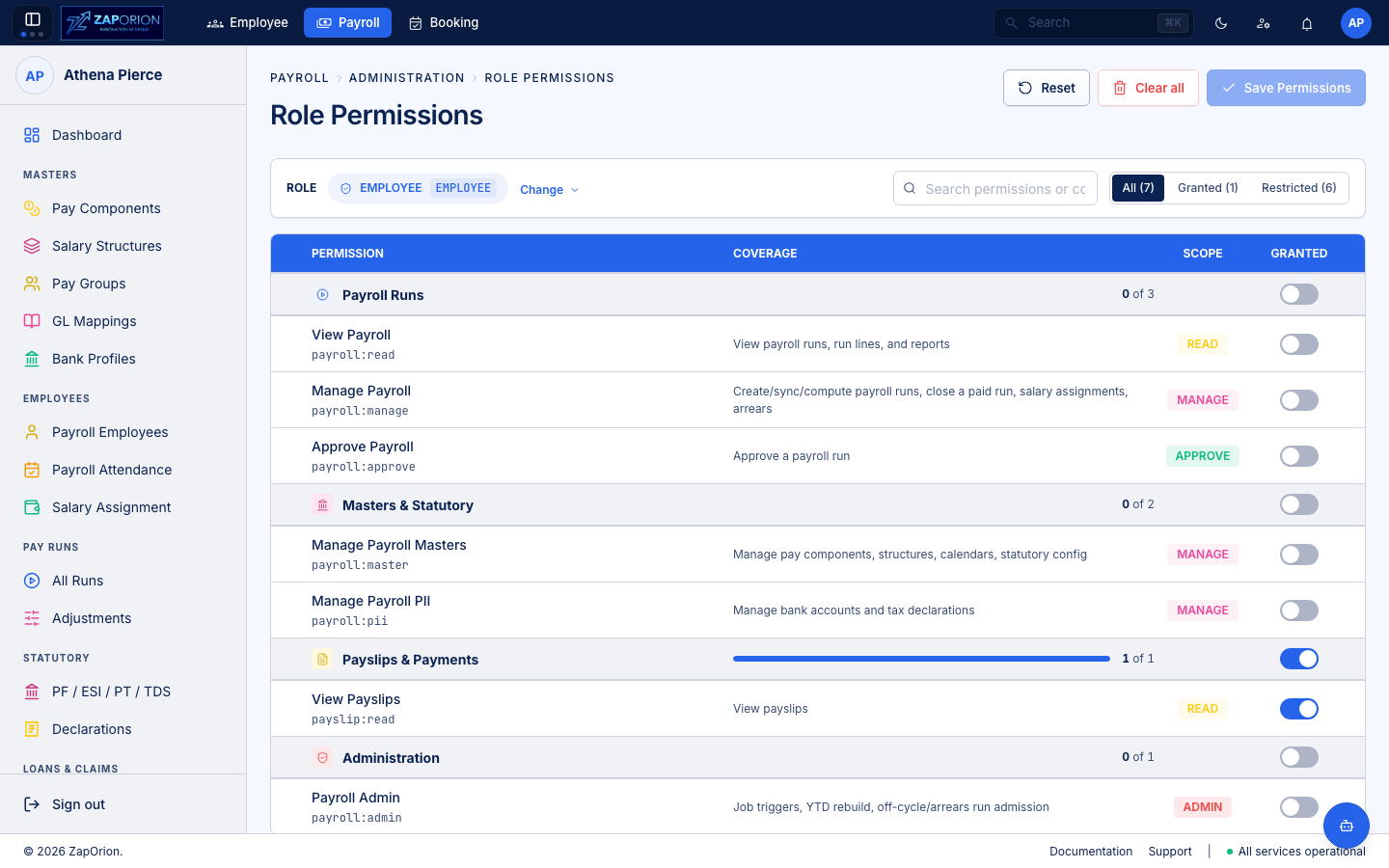
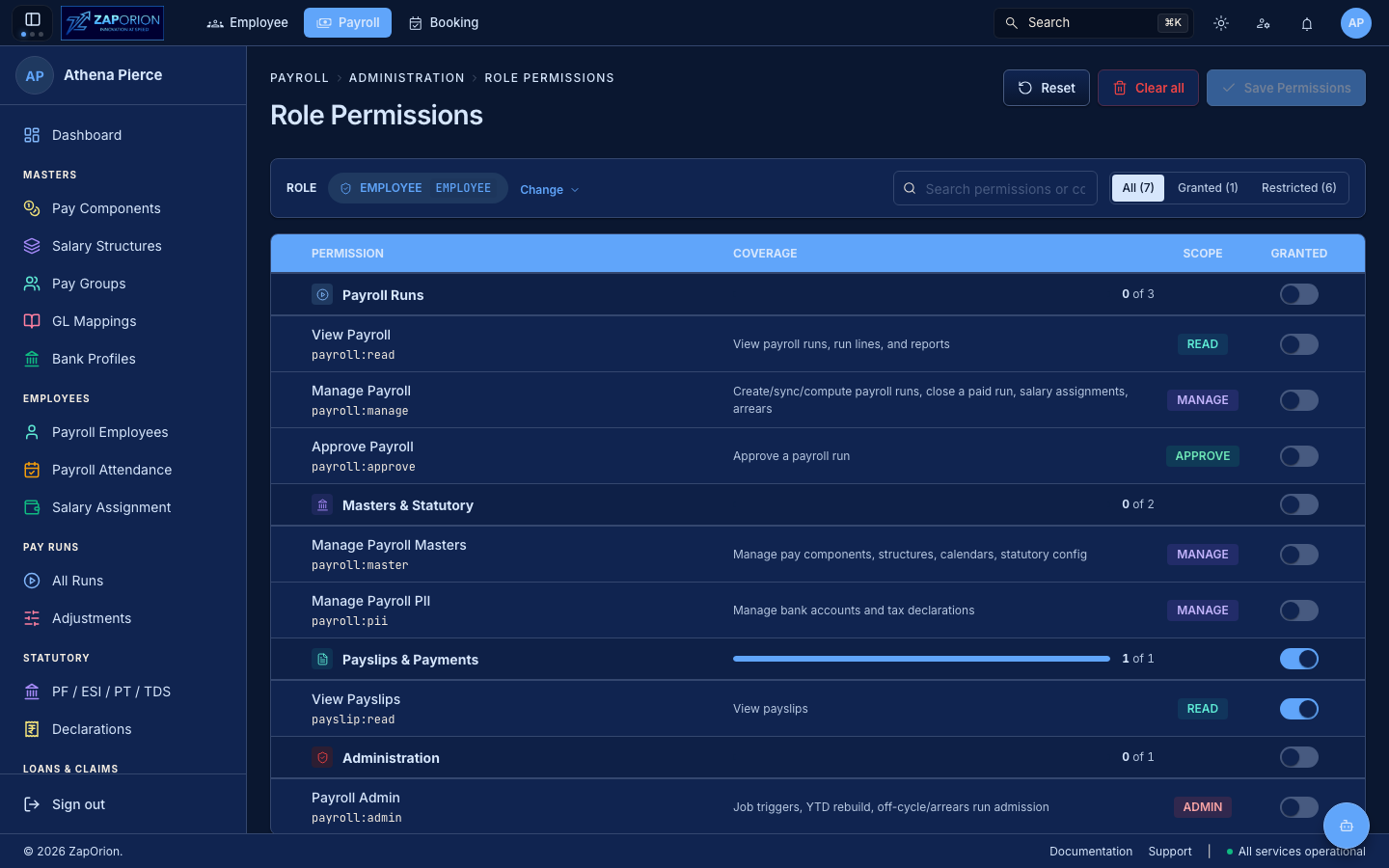
The permission matrix
- Pick a role with the Change selector (roles come from Zitadel / your IdP — e.g.
PAYROLL_ADMIN,PAYROLL_VIEWER,FINANCE). - Toggle individual permissions on/off. Permissions are grouped (Masters, Employees, Pay Runs, Statutory, Payslips, Loans) with a coverage bar per group; each carries a READ or MANAGE / PII / MASTER / APPROVE / ADMIN scope badge (
payroll:read,payroll:master,payroll:manage,payroll:pii,payroll:approve,payroll:admin). - Use All / Granted / Restricted filter or search to find a permission.
- Click Save Permissions. Changes apply on next page load (
useMyPermissionscache).
Reset discards unsaved edits; Clear all removes every grant from the role (before saving).
Payroll permissions at a glance
| Permission | Unlocks |
|---|---|
payroll:read | All read views (dashboard, masters, employees, runs, statutory, payslips, loans) |
payroll:master | Create/edit Pay Components, Salary Structures, Pay Groups, GL Mappings, Statutory configs |
payroll:manage | Create runs, revisions, adjustments, loans; send payslips |
payroll:pii | View/edit tax declarations (amounts + regime drive TDS) |
payroll:approve | Approve/reject reimbursements |
payroll:admin | This page + Configuration |
Guidelines
- Follow least privilege: grant
payroll:readbeforepayroll:master/manage, treatpayroll:piiandpayroll:adminas sensitive. - The full list and what each unlocks is summarized in the Payroll Overview.
- Permission changes are recorded in the Activity Logs.