Reimbursements
Payroll → Loans & Claims → Reimbursements (/reimbursements) — employee reimbursement claims and their approval workflow. Approval requires payroll:approve (separate from payroll:manage).
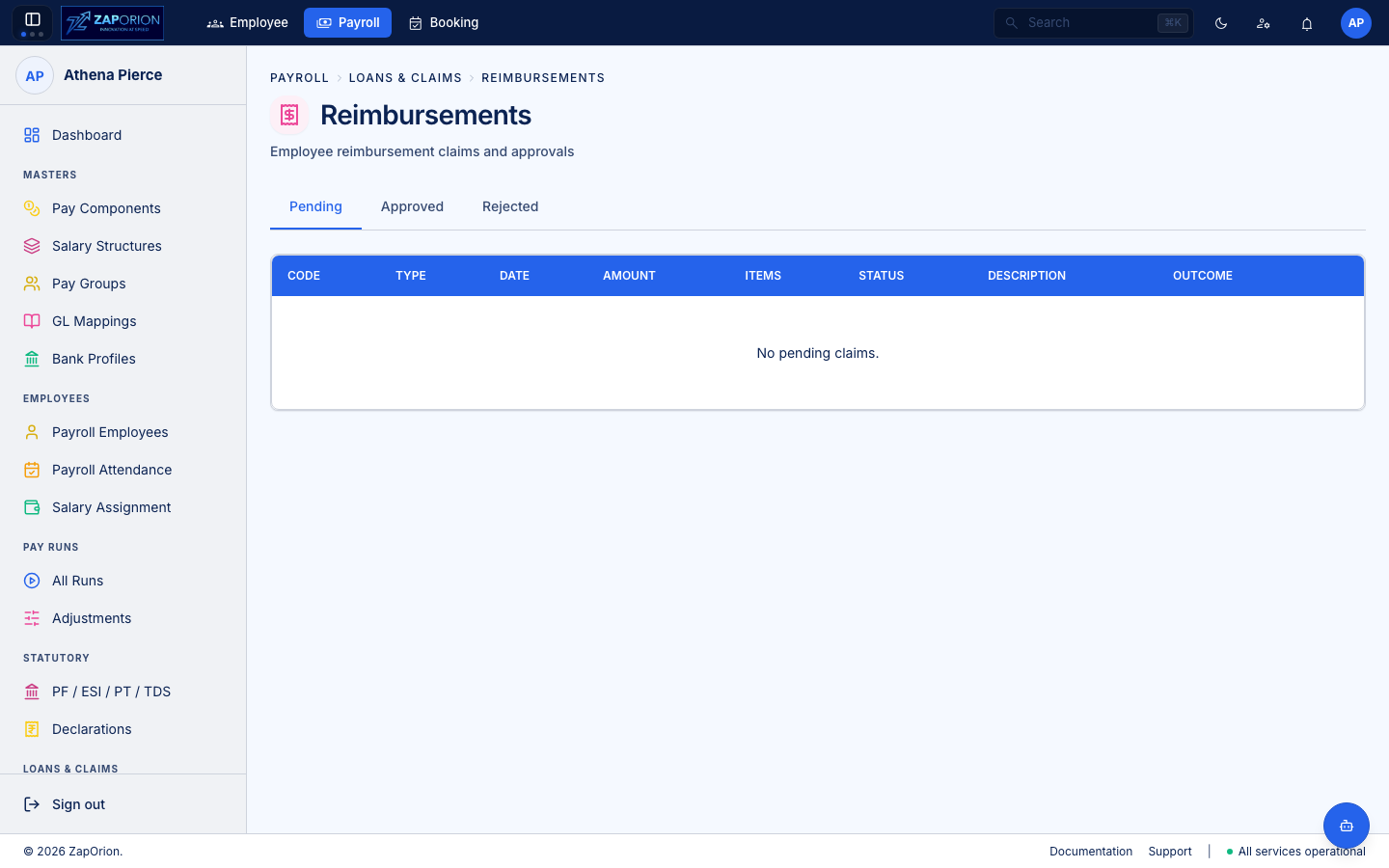
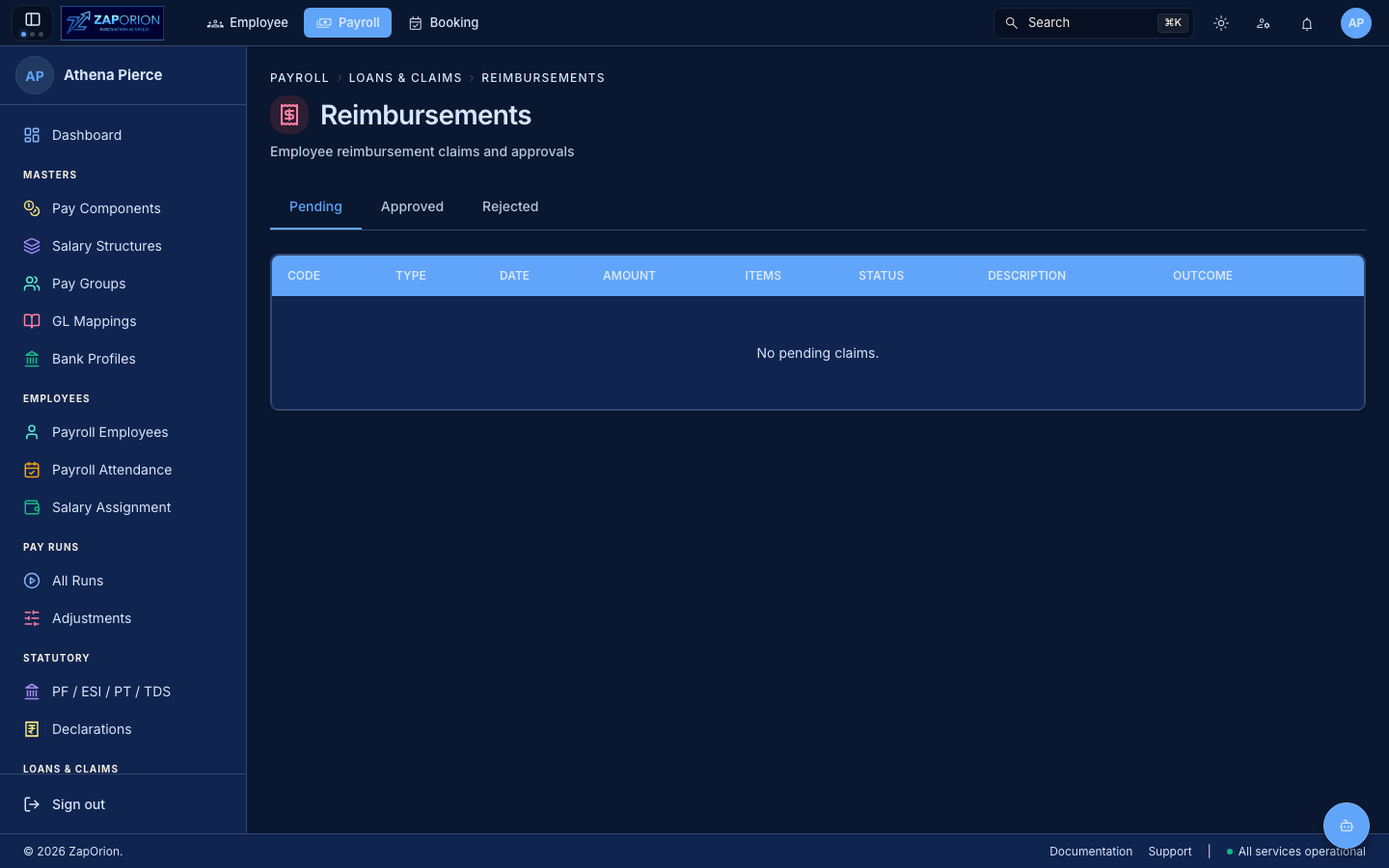
Layout
Tabs via UrlTabs with defaultTab=PENDING:
| Tab | Query | Empty text |
|---|---|---|
| Pending | GET /reimbursements?status=PENDING | No pending claims. |
| Approved | PENDING → APPROVED | No approved claims. |
| Rejected | REJECTED | No rejected claims. |
Each tab renders ClaimsTable(status).
| Column | Meaning |
|---|---|
| Code | claimCode (mono) |
| Type | claimType (MEDICAL_BILL → MEDICAL BILL) |
| Date | claimDate |
| Amount | totalAmount (money) |
| Items | items.length (line-item count) |
| Status | StatusBadge |
| Description | Free text |
| Outcome | APPROVED → approvedAt (date en-IN), REJECTED → rejectedReason |
Row actions (only when status === PENDING, payroll:approve):
- Approve (
Checkicon) —POST /reimbursements/:id/approvewithX-User-Id: user-id(the API reads the approver from the header, not the token — missinguser.idblocks with “Your user id is unavailable…”). Confirm modal:“claimCode for ₹X will be approved for payout.” - Reject (
Xicon) —POST /reimbursements/:id/reject reason— reason required (“A rejection reason is required.”). Modal has atextarea(3 rows).
Lifecycle
PENDING → APPROVED → paid in next pay run
        → REJECTED (with reason, shown in Outcome)
An APPROVED claim is picked up by the next run that includes the employee (within its period); its amount is added as a reimbursement earning. Approved claims appear in the run's employee lines and on the payslip.
:::tip Who can approve
Unlike pay-run transitions (payroll:manage), reimbursements require payroll:approve. Finance approvers often have approve without manage so they can approve claims but not create runs.
:::