Payroll Attendance
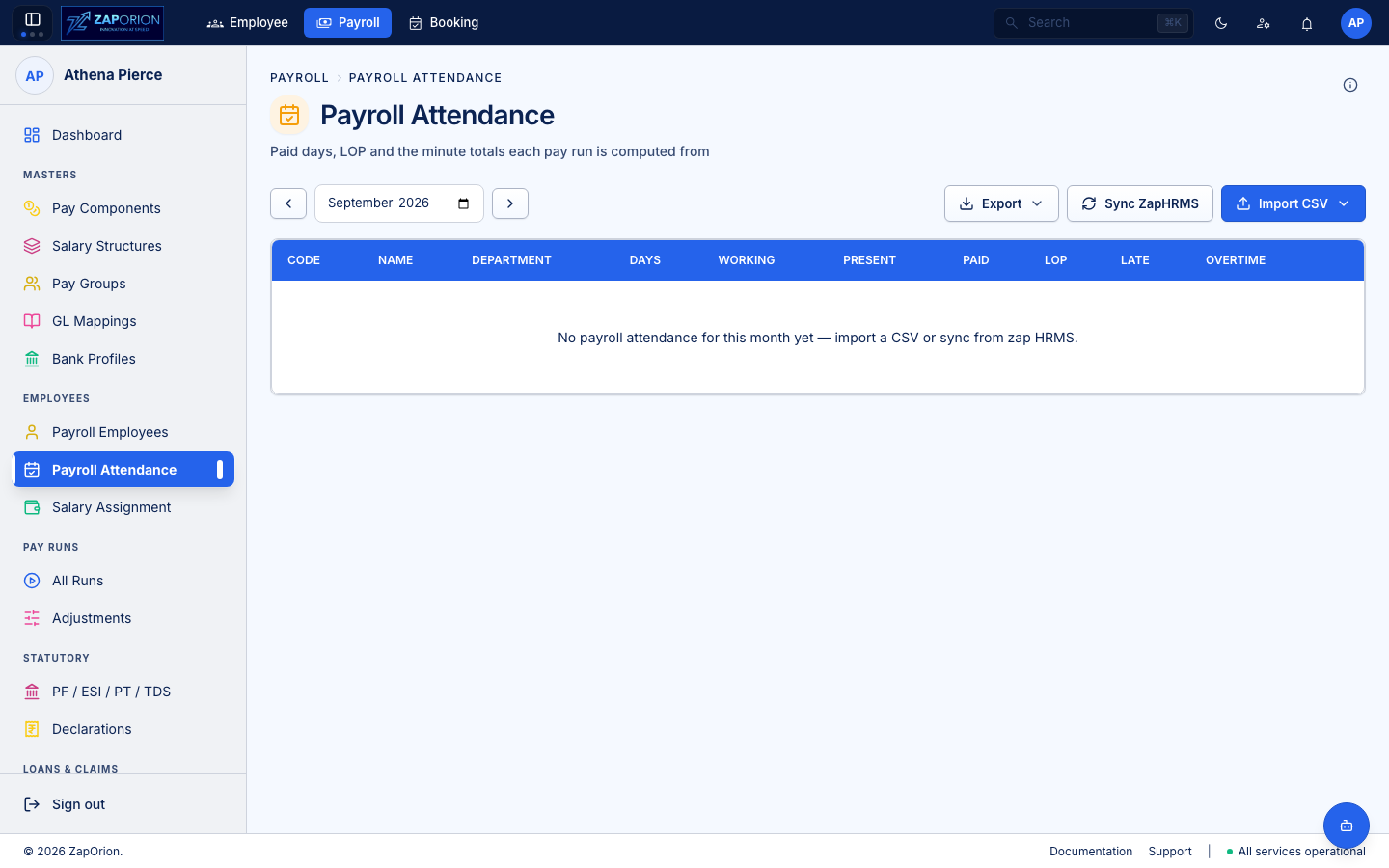
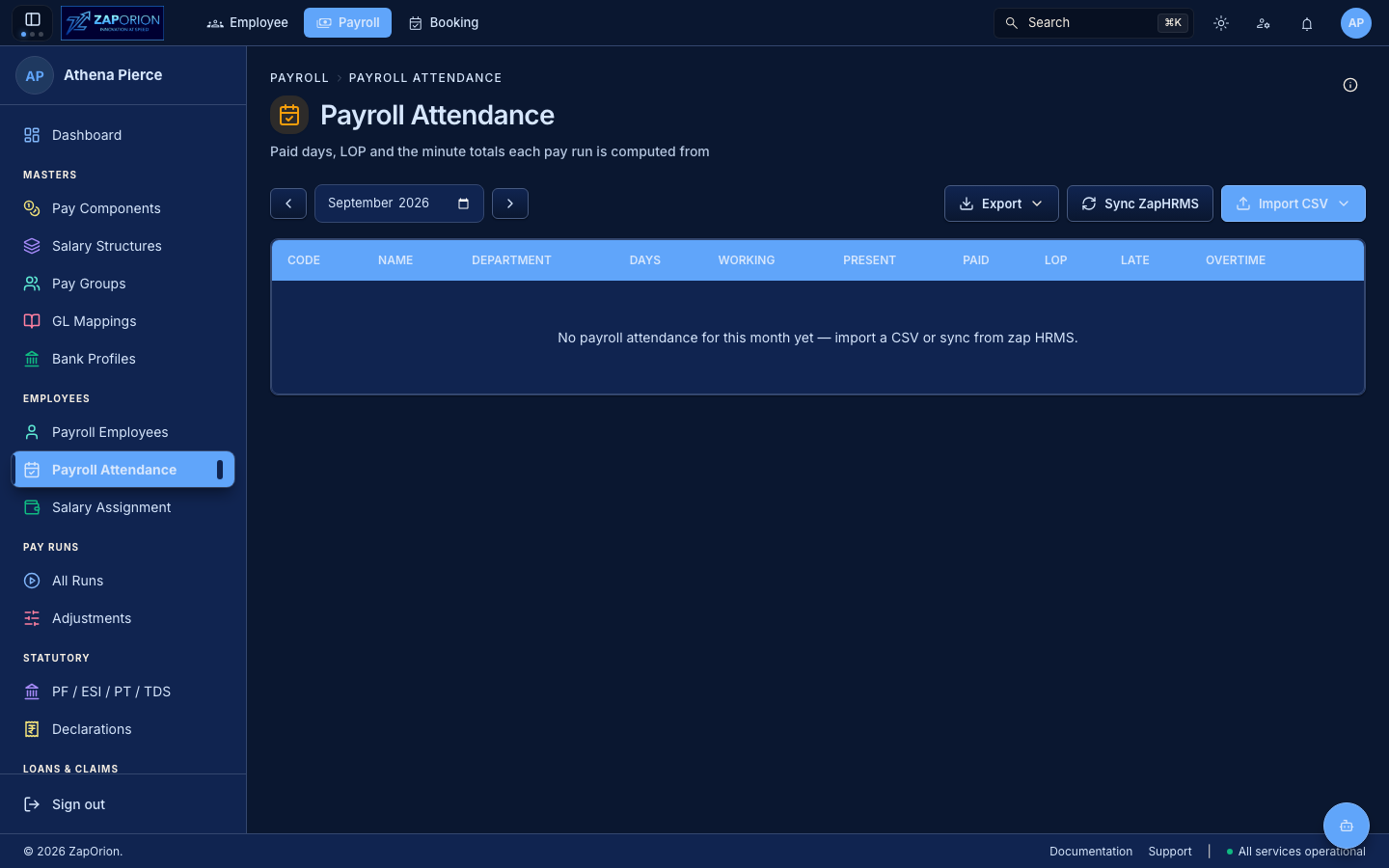
Payroll → Employees → Payroll Attendance (/attendance) — the payroll view of attendance. Unlike HRMS → Attendance (uploads & corrections), this page shows what payroll will actually pay by.
What it is
Payroll attendance is a materialized, payable-day count per employee per pay period, synced from HRMS attendance and then frozen at run compute.
- Source: HRMS attendance (calendar with Present/WFH/Leave/Absent + corrections).
- Payroll sync: on
Sync & Computethe run pulls the payable days for its period (payGroupsperiod →AttendanceTab→EmployeeAttendance.testharness). - Freezing: once a run is
COMPUTED, its attendance snapshot is locked; a later HRMS correction requires Re-compute on the run.
The page
- Period picker — selects the pay group's period (start/end/payDate). Defaults to current open period.
- Table — per employee:
| Column | Meaning |
|---|---|
| Employee | Code + name + designation |
| Department / Location | From payroll employee |
| Payable Days / LOP | Days payable vs Loss-of-Pay (derived from absent/missed-punch) |
| Overridden? | Badge if a manual override exists |
- Filters — pay group, department, search. The same filter popover pattern as other lists.
- Row action: View Detail — opens per-employee attendance calendar for the period (present/week-off/holiday/leave split).
Relationship to HRMS
| HRMS | Payroll |
|---|---|
Employee → Attendance (uploads, manual punches, overrides) | Read-only payroll attendance |
Manager approves corrections in Team Attendance | No approval here — corrections approved in HRMS flow into next compute |
| Real-time calendar | Pay-period snapshot |
:::tip When a day moves after compute
If an employee's leave is approved after a run is COMPUTED, open the run → Re-compute (see Pay Runs). The job re-syncs attendance and re-costs statutory. Do not edit payroll attendance directly — fix HRMS.
:::