Pay Runs
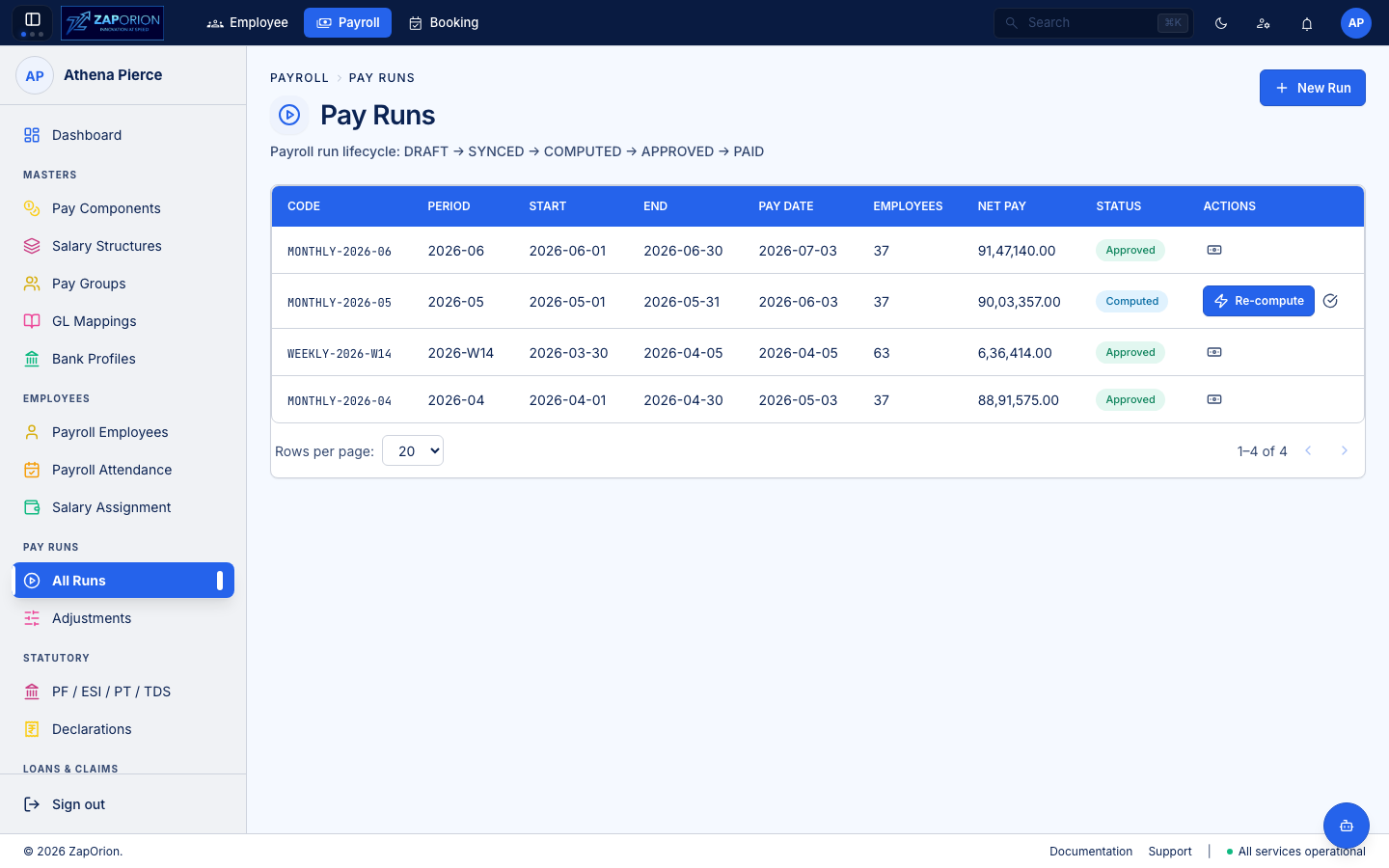
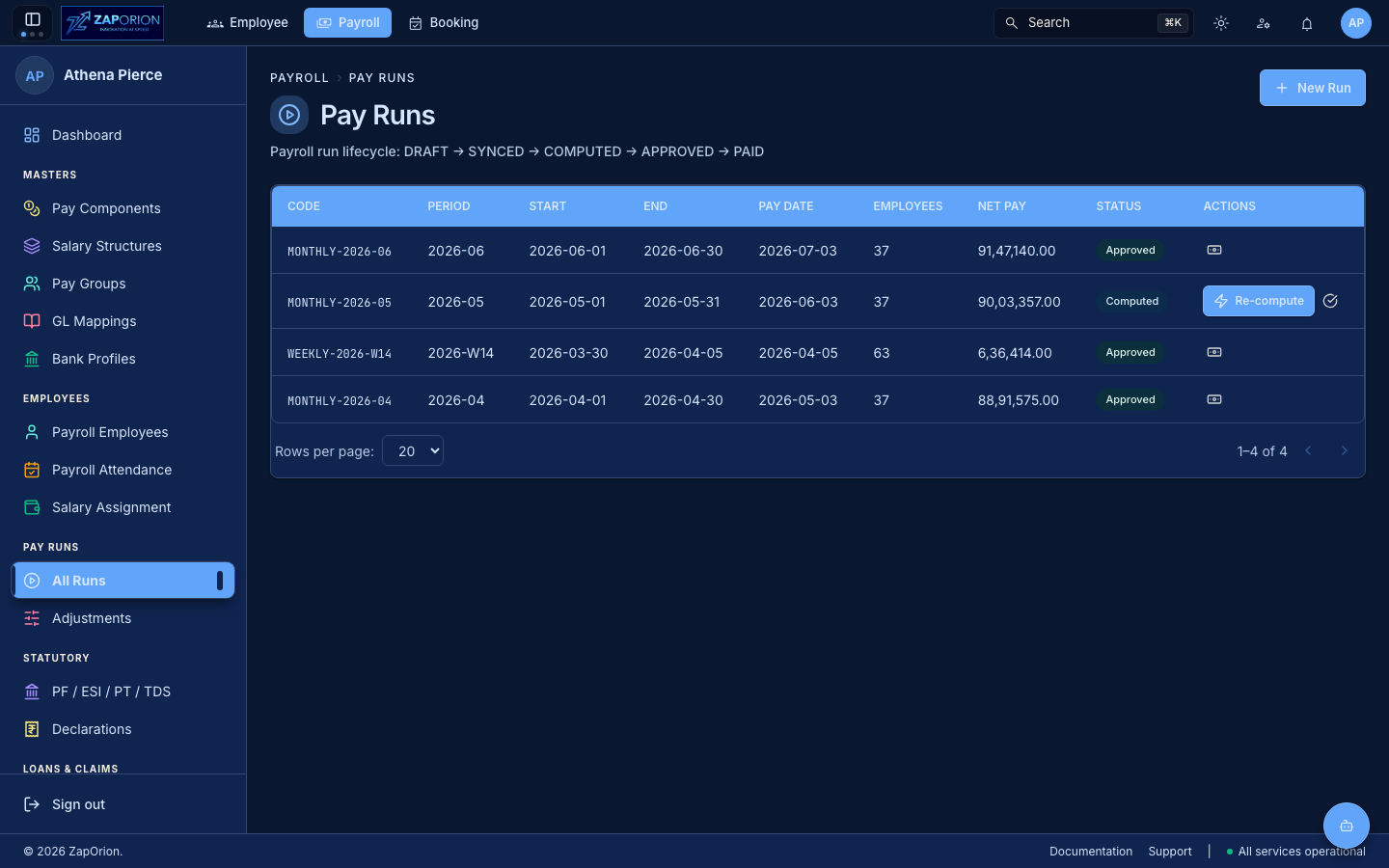
Payroll → Pay Runs → All Runs (/runs) — the payroll lifecycle. Each run pays one Pay Group for one Period.
Lifecycle
DRAFT → SYNCED → COMPUTED → APPROVED → PAID
| Status | Meaning | Actions |
|---|---|---|
| DRAFT | Created, not yet costed. Delete allowed (releases the period for a corrected schedule) | Sync & Compute, Delete |
| SYNCED | Employees + attendance + revisions synced | Sync & Compute |
| COMPUTED | Costed — net pay computed per employee, statutory calculated | Approve, Re-compute (after attendance/revision fix) |
| APPROVED | Finance approved | Mark Paid & Close |
| PAID | Closed — no further actions. Payslips generated | — |
Transitions are POST /pay-runs/:id/transition (sync-and-compute / approve / mark-paid).
List view (/runs)
| Column | Meaning |
|---|---|
| Code | runCode (mono) — suggested as payGroupCode-periodCode |
| Period | periodCode (e.g. 2026-04) |
| Start / End / Pay Date | From the pay group's calendar |
| Employees | totalEmployees in run |
| Net Pay | Sum netPay (locale en-IN, 2 decimals) |
| Status | StatusBadge |
| Actions | Lifecycle buttons (stop-propagation so row click → detail is preserved) |
- New Run (top right,
payroll:manage) →PayRunFormPage. - Row click → Run Detail (
/runs/:id).
New Run form (/runs/new)
- Pay Group (select) — who the run pays. Without one, paying "everyone" would include a weekly employee in a monthly run.
- Year (select
year-1 / year / year+1) — scopesusePayPeriodPreview. - Period (select) — periods are scheduled by the group's rule (
startDate/endDate/payDate). Only periods not yet taken (takenCodesfromusePayPeriodswherestatus !== OPEN) and from the chosen group's preview are offered. Dates are derived, not typed. - Run Code — auto-suggested as
group.code-periodCodeuntil touched; editable. Created viauseCreatePayRun→ navigates to/runs/:id.
Run Detail (/runs/:id)
- Header:
runCode · periodCode · payGroup, dates, totals, status. - Sync & Compute — queues a background job (
jobId). Whilejob.statusisPENDING/RUNNING, the button becomes a spinner (Queued… / Computing…) viauseJob(jobId)— second submit is disabled to avoid racing. When finished, re-enable for Re-compute (after an attendance correction or adjustment). - Approve (
COMPUTED→APPROVED) — confirm modal fromrunActions.ts(RUN_ACTION_COPY). - Mark Paid (
APPROVED→PAID) — final; closes run. Then review payslips (/runs/:id/payslips) and payment batch (/runs/:id/batch). - Employee Lines (
/runs/:id/employees/:employeeId) — per-employee breakdown (RunEmployeeLinesPage): component splits, payable days, adjustments applied, statutory.
:::tip Rerun after a fix
If HR corrects attendance after COMPUTED, do not edit the run. Open it and click Re-compute (same sync & compute path). The job re-syncs attendance and re-costs statutory against the same revisions.
:::