Pay Groups
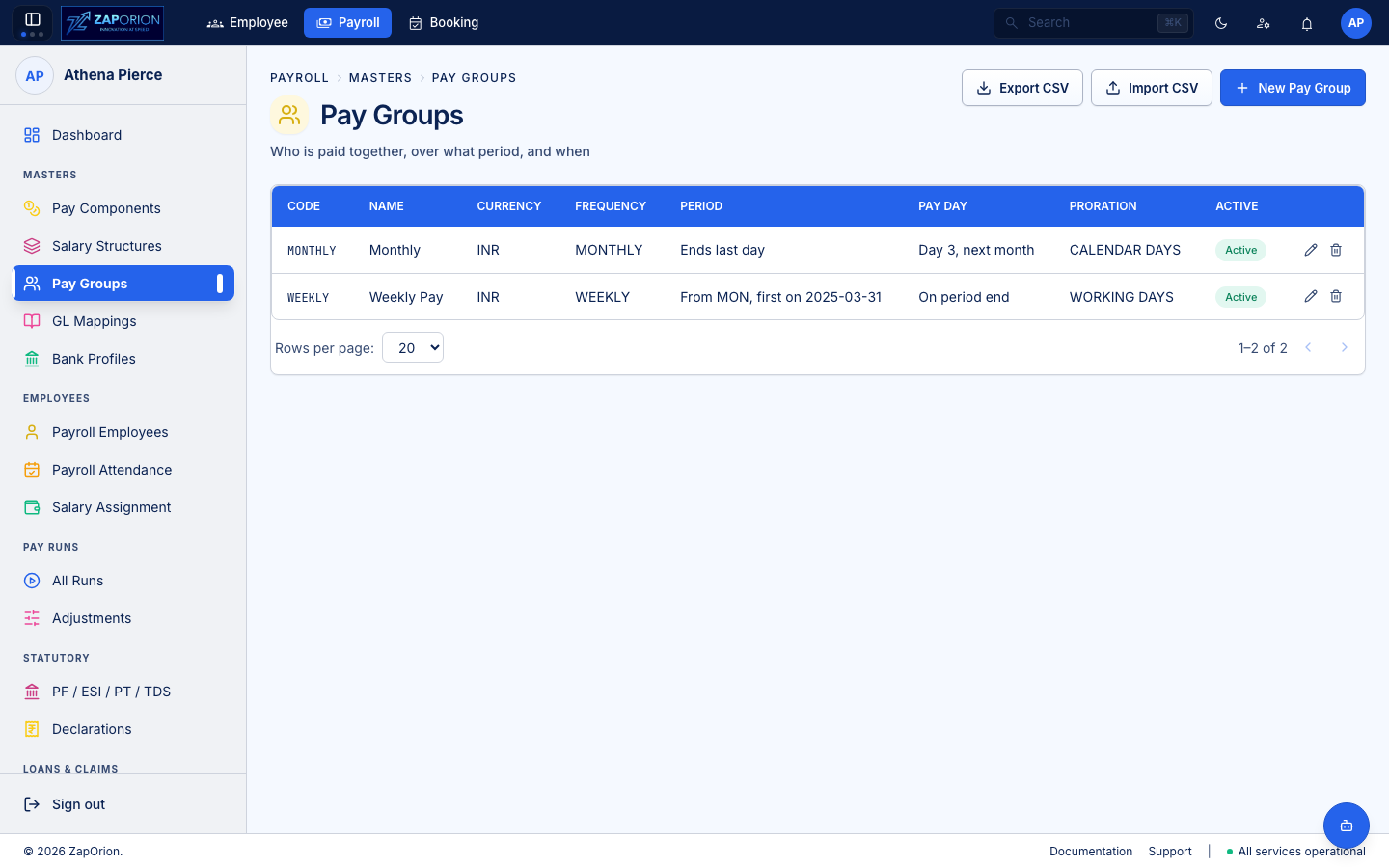
Payroll → Masters → Pay Groups (/pay-groups) — who is paid together, over what period and on which date. Requires payroll:read / payroll:master.
Why pay groups exist
A pay group is the payroll population and its schedule. Employees in the same group share:
- Pay frequency — Monthly, Weekly, Biweekly, etc. (
PAYOUT_FREQUENCY_LABELS). - Calendar — period
startDate/endDateandpayDate. The calendar used to be a second tab; it is now inside the pay group so the population and its dates cannot drift. - Currency and employment-status scope.
GET /pay-groups lists groups; GET /calendars now redirects to /pay-groups.
The page
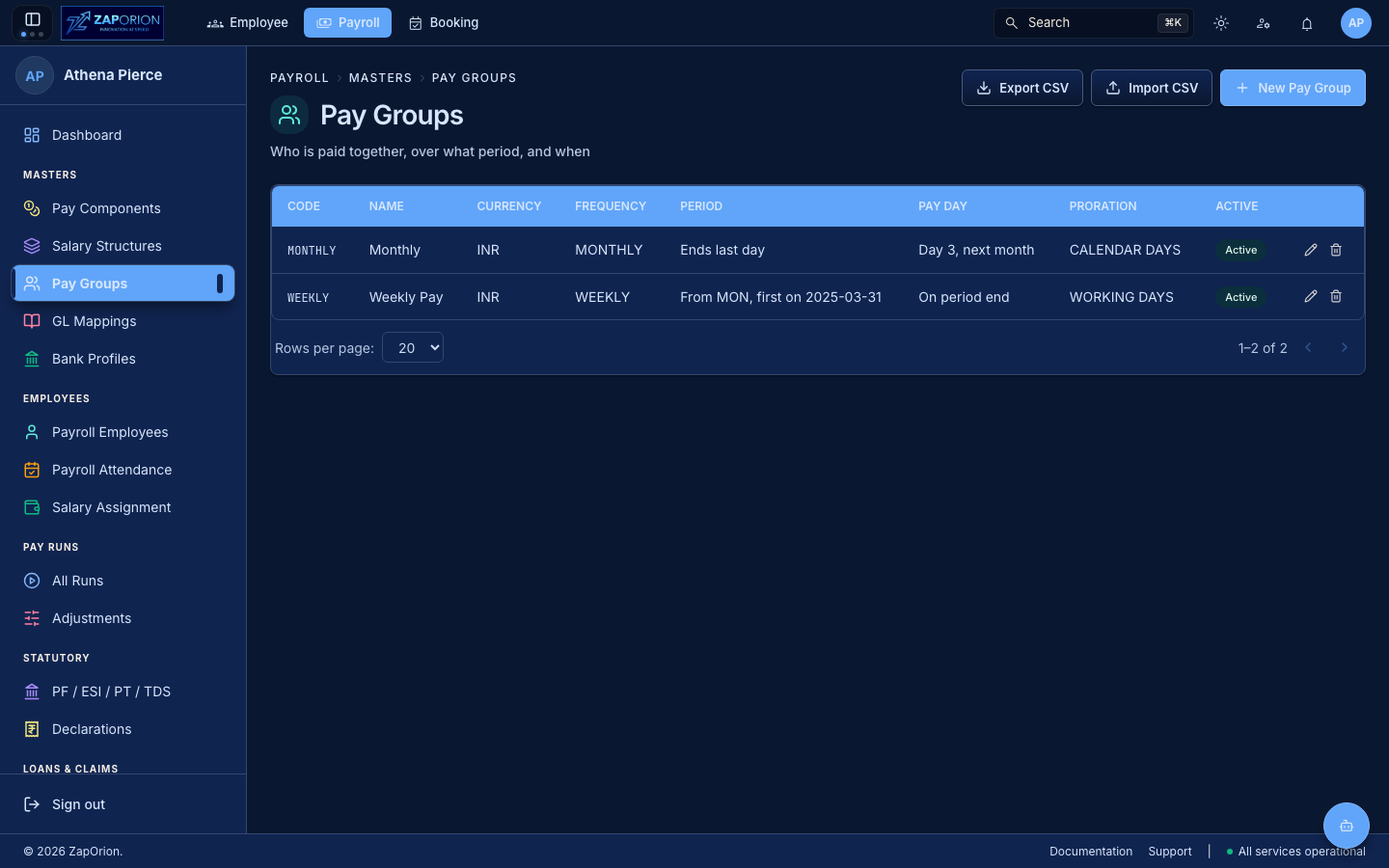
- The main tab is Pay Groups — a table of groups with search and filters. Each row shows code, name, frequency and next pay date.
- New Pay Group (top right) — name, code, frequency, start/end/pay dates, currency. Saving validates that periods don't overlap illegally.
- Row actions: Edit, Delete (blocked if employees assigned).
- Bulk Assign Overlay (
/tabs/BulkPayGroupAssignOverlay) — select many payroll employees and move them to a group in one call. - Import / Export CSV — same pattern as other masters: template columns + example row overlay, stats
Rows / Created / Updated / Rejected, per-row failures. - Old calendar routes (
/calendars/*) redirect to/pay-groups— bookmarks survive.
:::tip Calendar is now part of the group If you followed older docs that said "create a Pay Group, then create a Pay Calendar", the second step is now inline: open the Pay Group and its calendar is the schedule section at the bottom of the form. There is no separate Pay Calendars page. :::