Pay Components
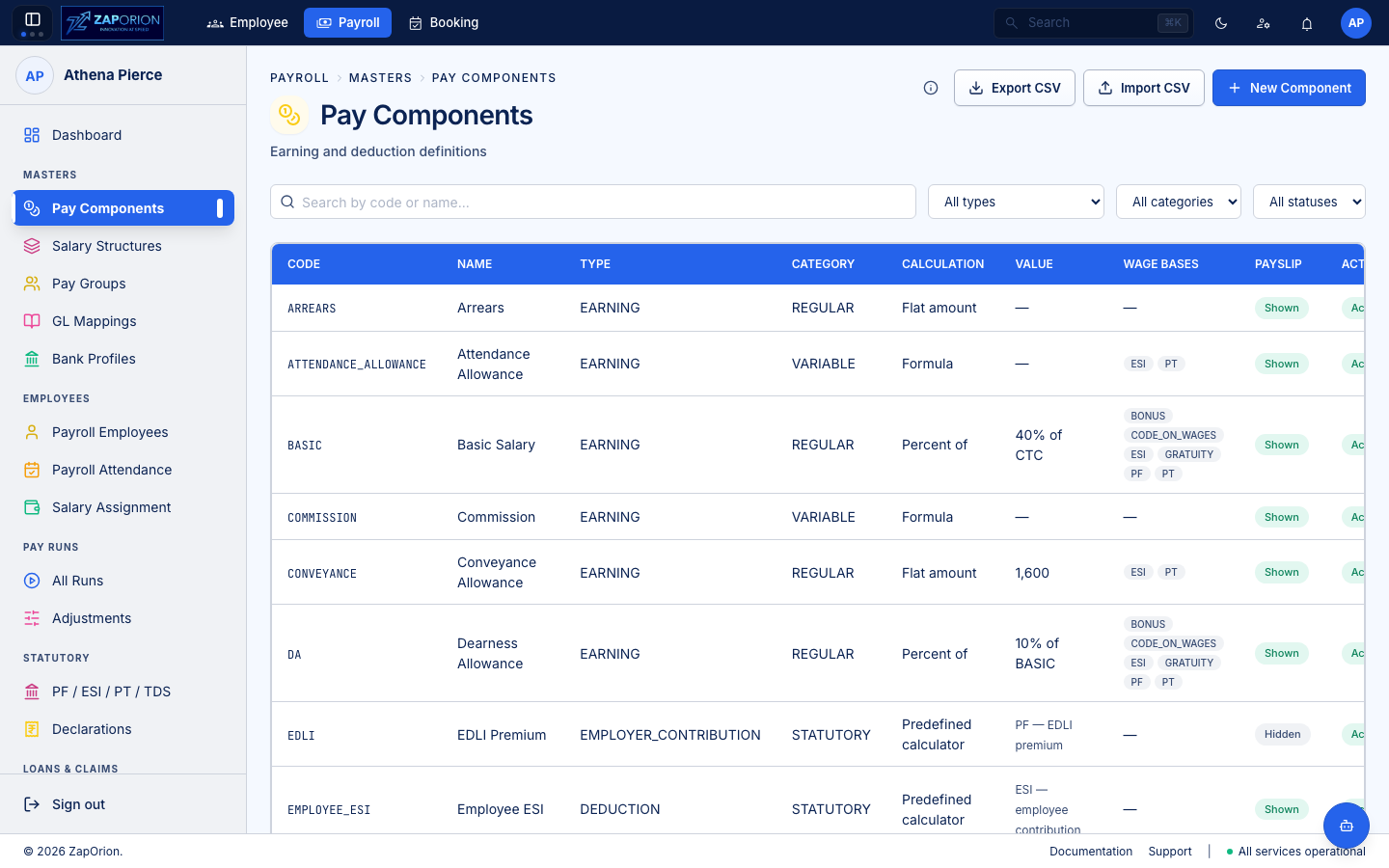
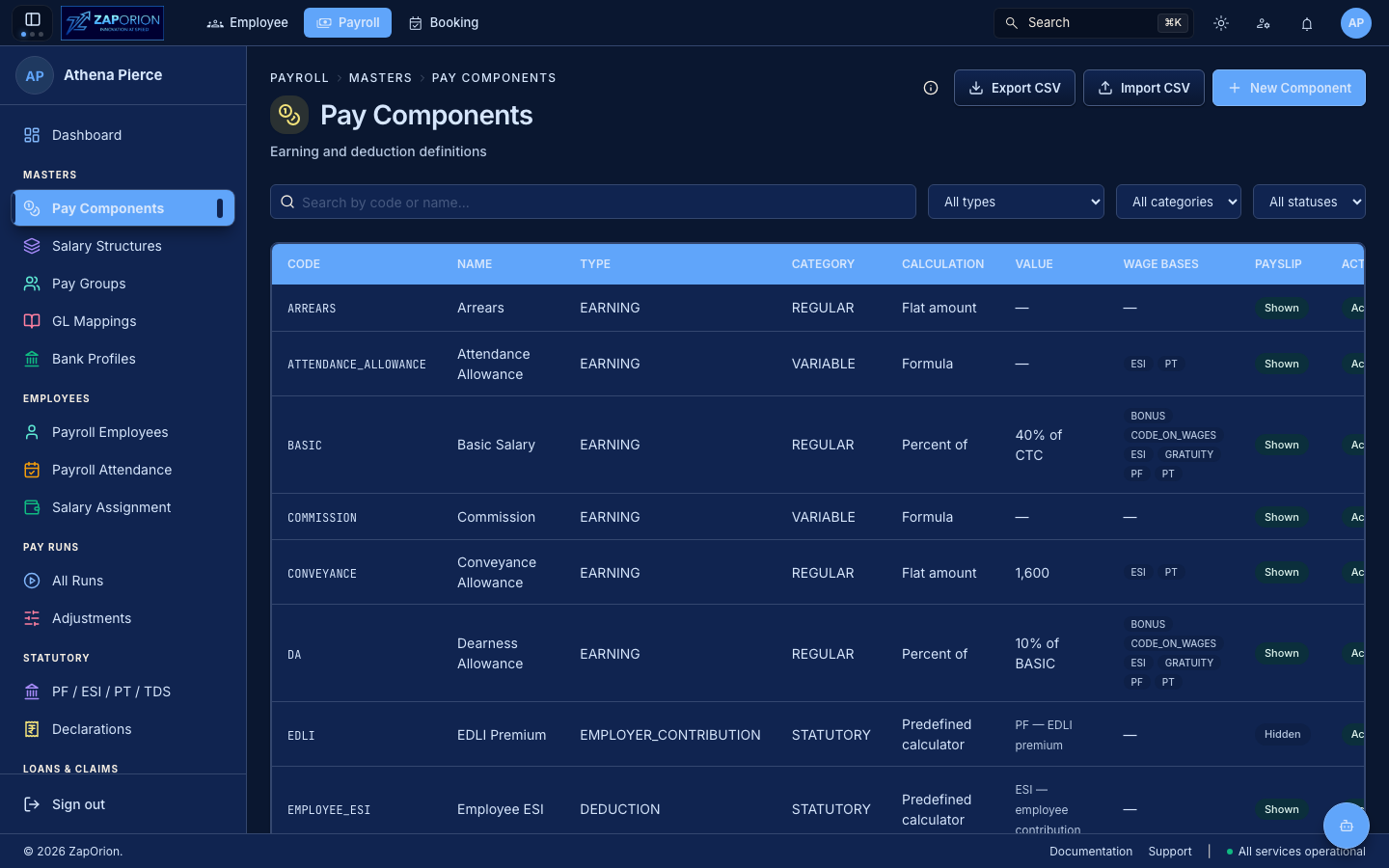
Payroll → Masters → Pay Components (/components) — the master list of every earning, deduction and employer-contribution that can appear on a salary. Requires payroll:read to view, payroll:master to create/edit.
What a component is
A pay component is a named line on the payroll: BASIC, HRA, PF_EMPLOYEE, PT, TDS and so on. Each has:
| Field | Meaning |
|---|---|
| Code / Name | Stable identifier (BASIC) and display name |
| Component Type | EARNING / DEDUCTION / EMPLOYER_CONTRIBUTION / STATUTORY / BENEFIT |
| Category | REGULAR / REIMBURSEMENT / STATUTORY / etc. |
| Calculation Type | How its value is derived (see below) |
| Tax Treatment | TAXABLE / EXEMPT (+ exemption rule like HRA_EXEMPTION) |
| Include in CTC | Whether it counts toward Cost-to-Company total |
| Show on Payslip | Hidden items (e.g. employer PF) stay hidden on payslip but appear on salary certificate when in CTC |
| Active | Inactive components are kept for history, not offered on new structures |
Calculation types
| Type | What you fill in | Example |
|---|---|---|
| FLAT | Fixed flatAmount | Conveyance — 1600 |
| PERCENT_OF | percentage + percentOfBase (another component code) | HRA — 40% of BASIC |
| SLAB | slabRefType → PT (state) or TDS (tax regime). For TDS you may pin a slabRefId (tax regime) or leave blank to follow the employee's declared regime | PT — PT slab by state |
| FORMULA | formulaExpression with vocabulary of component codes (validated via checkFormula) | GROSS = BASIC + HRA + OTHER |
| CALCULATOR | calculatorKey → a statutory calculator (pf_configs / esi_configs / pt_slabs / statutory_rules). Only STATUTORY category components may use this | PF — PF calculator |
Additional controls on the form:
- Display Order, Description, Rounding Mode (
HALF_UPetc.) and Rounding Unit. - The form validates locally before the API call: percent needs a base and
0 < pct ≤ 100, flat needs an amount, slab needs a slab set, formula is syntax-checked, calculator needs a key.
Working with the list
- Search by code or name; filter by Component Type, Category and Active only.
- Export CSV — exports what the filters match (not just the visible page). The filter is the scope.
- Import CSV —
Upload→ template download → fill → upload. Result showsRows / Created / Updated / Rejectedand per-row failures; ignored columns are warned. - Row actions: Edit (
/components/:id/edit) and Delete (with confirm; fails if in use). - Help overlay (top bar) explains each field and how a file of components moves.
:::tip Payroll-certificate visibility
A component hidden on payslip (showOnPayslip = false) is still visible on the salary certificate when includeInCtc is true — employer contributions often work this way.
:::