Payroll Overview
The Payroll module is where compensation is defined, assigned and paid. It is a separate module from Employee (HRMS) — switch via the module switcher in the top bar. Requires payroll:read to view and payroll:manage / payroll:master / payroll:pii for changes.
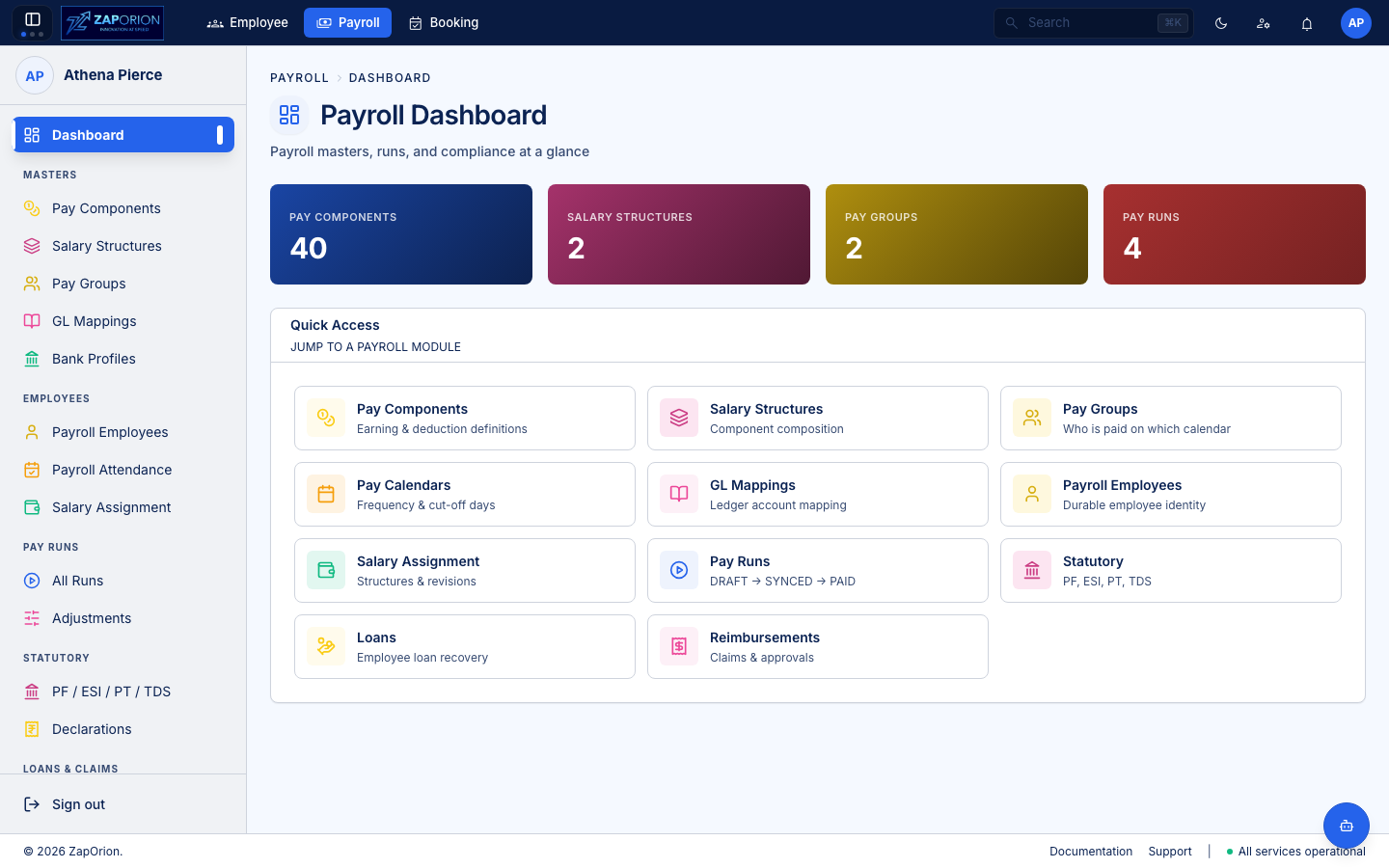
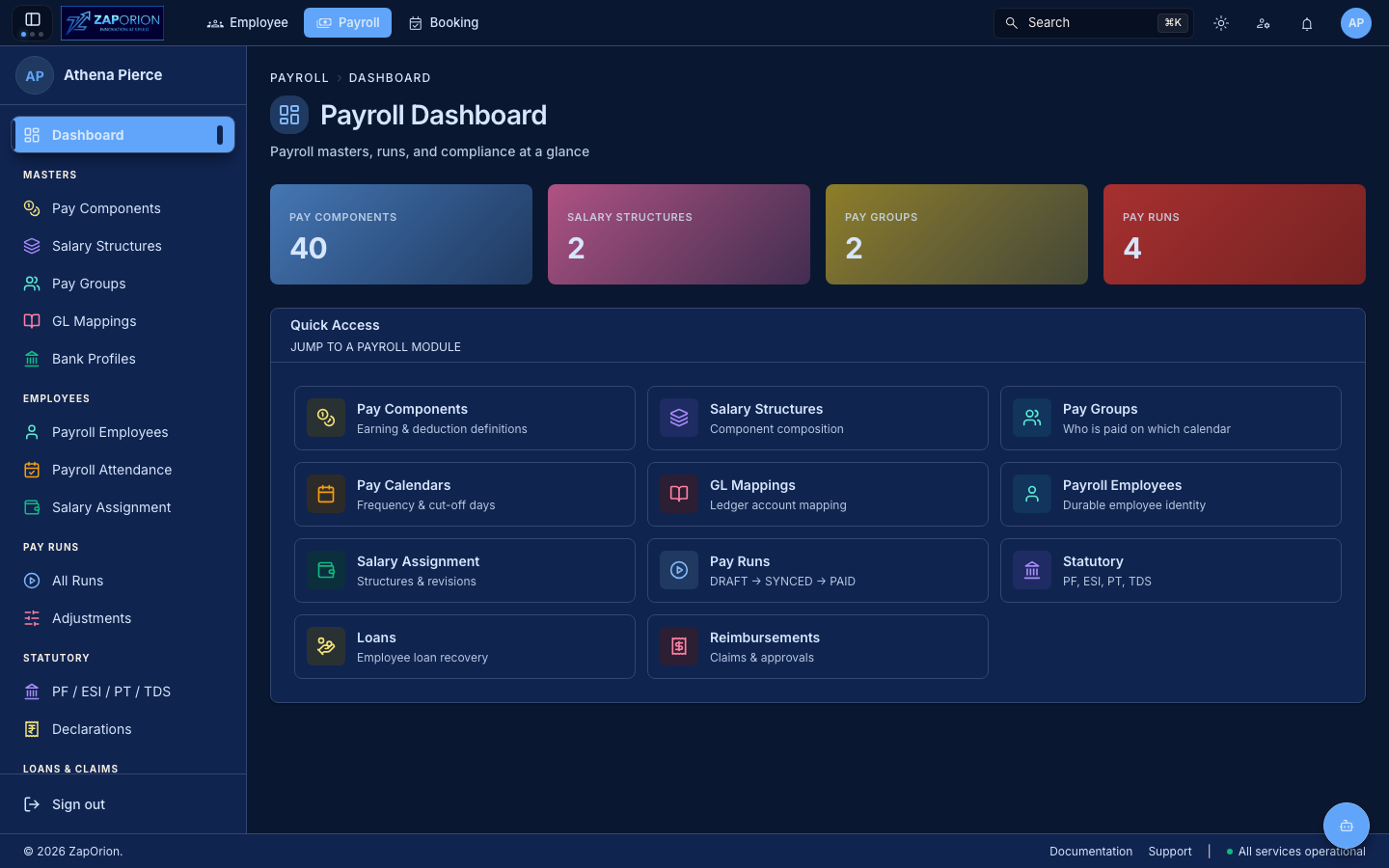
Where things live
| Section | Pages | Purpose |
|---|---|---|
| Masters | Pay Components, Salary Structures, Pay Groups, GL Mappings, Bank Profiles | Earning/deduction definitions, CTC costing, who is paid together, ledger accounts and disbursement accounts |
| Employees | Payroll Employees, Payroll Attendance, Salary Assignment | Durable payroll identity, attendance that feeds pay, and revision history |
| Pay Runs | All Runs, Adjustments | Create, compute, approve and close runs; post-run corrections; payslips live on their run (/runs/:id/payslips) |
| Statutory | PF / ESI / PT / TDS, Declarations | Compliance rates, slabs, wage definitions and Form 12BB review |
| Loans & Claims | Loans, Reimbursements | Recovery schedules and claims |
| Administration | Activity Logs, Role Permissions, Configuration | Audit, access and tenant settings |
Permissions at a glance
| Permission | Unlocks |
|---|---|
payroll:read | View all payroll pages |
payroll:master | Create/edit Pay Components, Salary Structures, Pay Groups, GL Mappings, Statutory configs |
payroll:manage | Create pay runs, salary revisions, adjustments, loans/reimbursements |
payroll:pii | View/edit tax declarations (amounts & regime drive TDS) |
payroll:admin | Role permissions & configuration |
Typical setup order
- Pay Components — earning, deduction and employer-contribution definitions.
- Salary Structures — compose components with CTC costing (topological validation).
- Pay Groups — who is paid together, over what period and pay date; calendar is now inside the group.
- GL Mappings — ledger accounts per component/pay group.
- Statutory — PF/ESI rates, PT slabs, tax regimes and wage definitions.
- Payroll Employees — sync from HRMS or create; verify pay group.
- Salary Assignment — assign structure + CTC + effective date (revisions).
Then run payroll monthly via All Runs → New Run → Sync & Compute → Approve → Mark Paid and publish Payslips.