GL Mappings
Payroll → Masters → GL Mappings (/gl-mappings) — link each pay component to a General Ledger account for posting. Requires payroll:read / payroll:master.
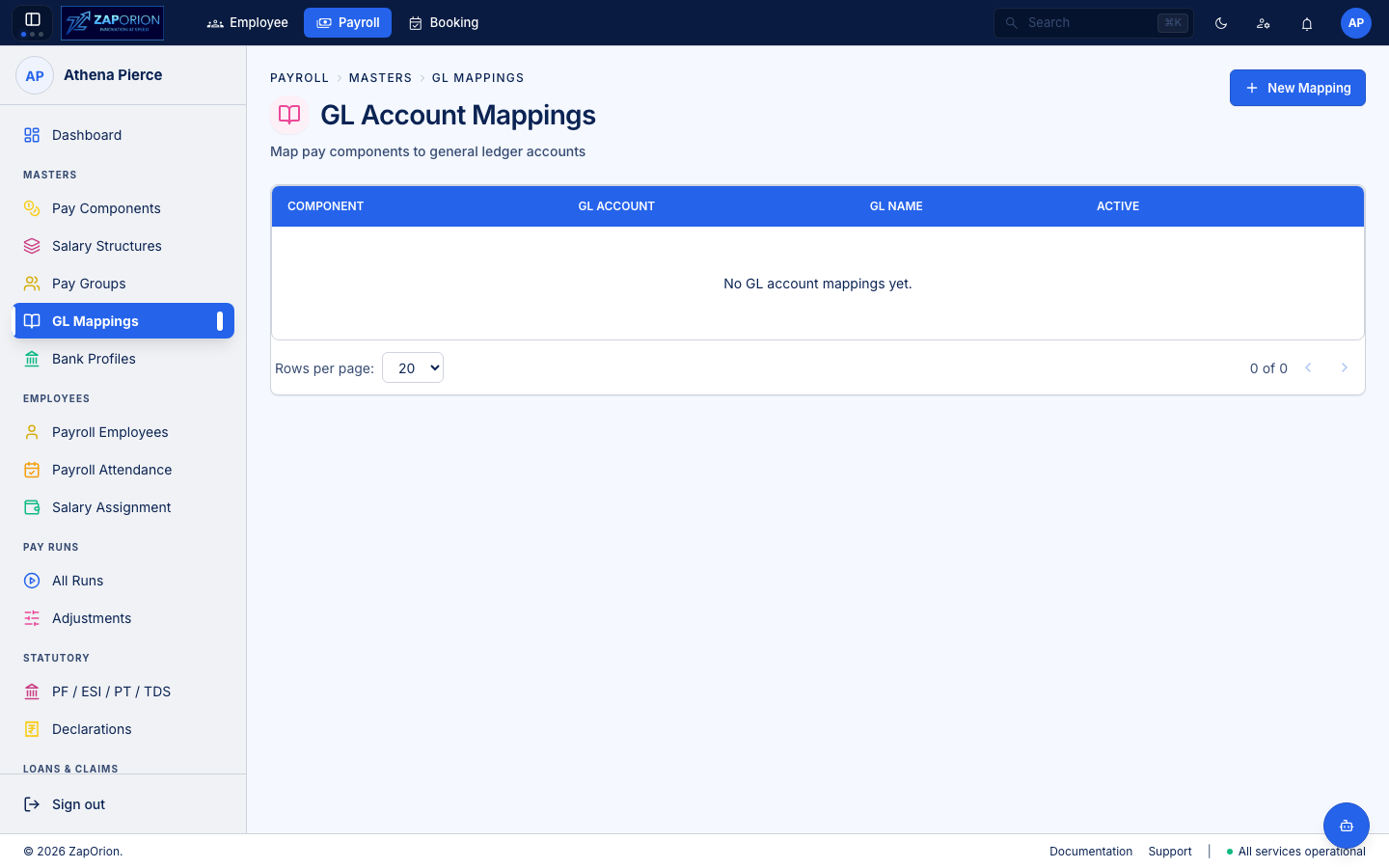
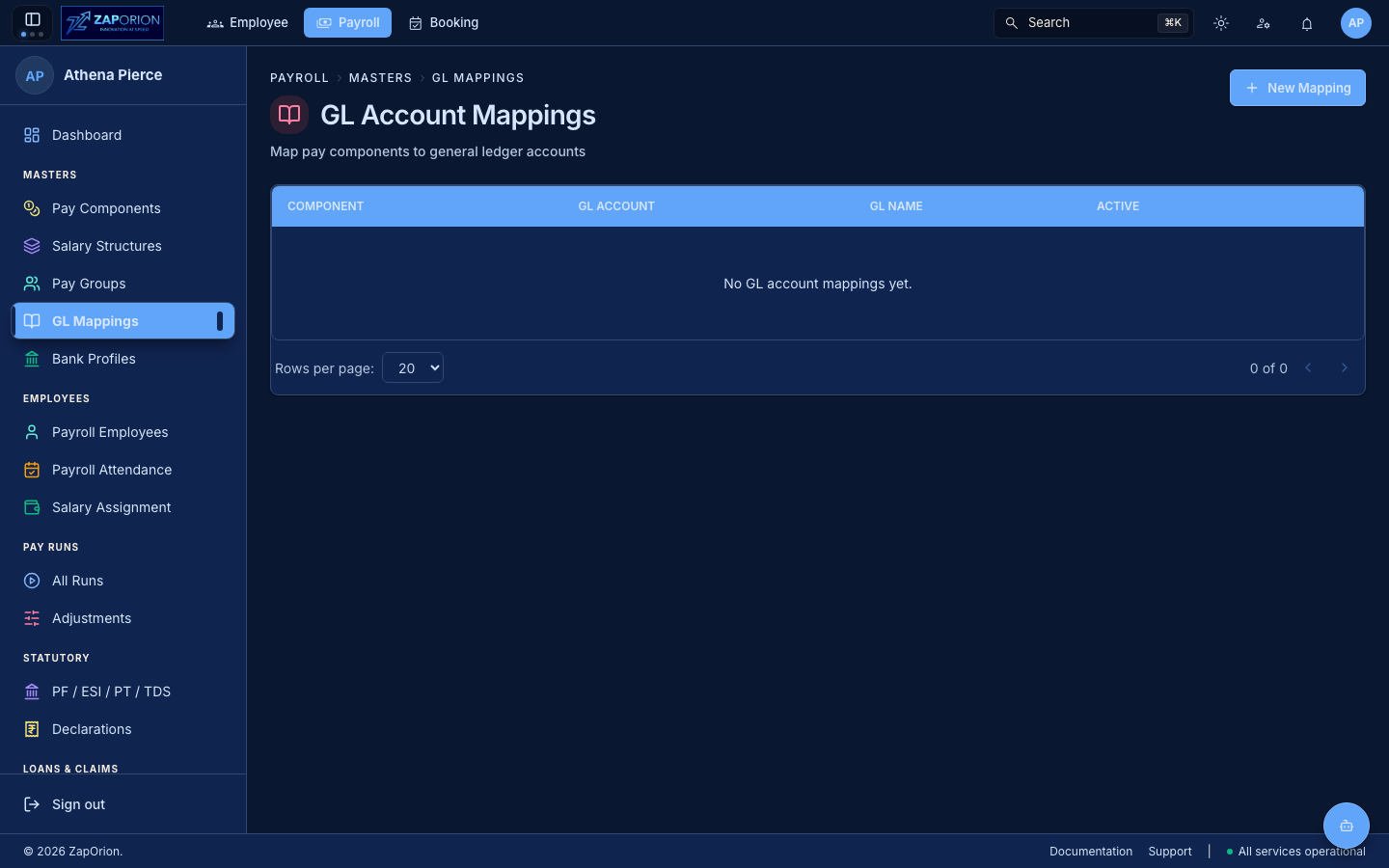
What it maps
| Field | Example |
|---|---|
| Pay Component Code | BASIC (font-mono) |
| GL Account Code | 6001 |
| GL Account Name | Salaries — Basic |
| Active | Inactive mappings are retained for history |
A component can have at most one active mapping. Post-run journal entries use the active mapping to debit/credit the correct ledger.
Working with mappings
- New Mapping (top right) — pick a Pay Component (from the masters), enter GL Account Code/Name, active flag.
- Row actions: Edit (
/gl-mappings/:id/edit) and Delete (confirm modal). - No bulk CSV for this master — volume is low and account codes are validated per-tenant.
:::note Where it lands Pay Runs produce net-pay per employee plus component splits; downstream finance consumes the GL-mapped splits for ERP posting. A missing mapping for a computed component surfaces as an unmapped line in the run's export. :::