Payroll Dashboard
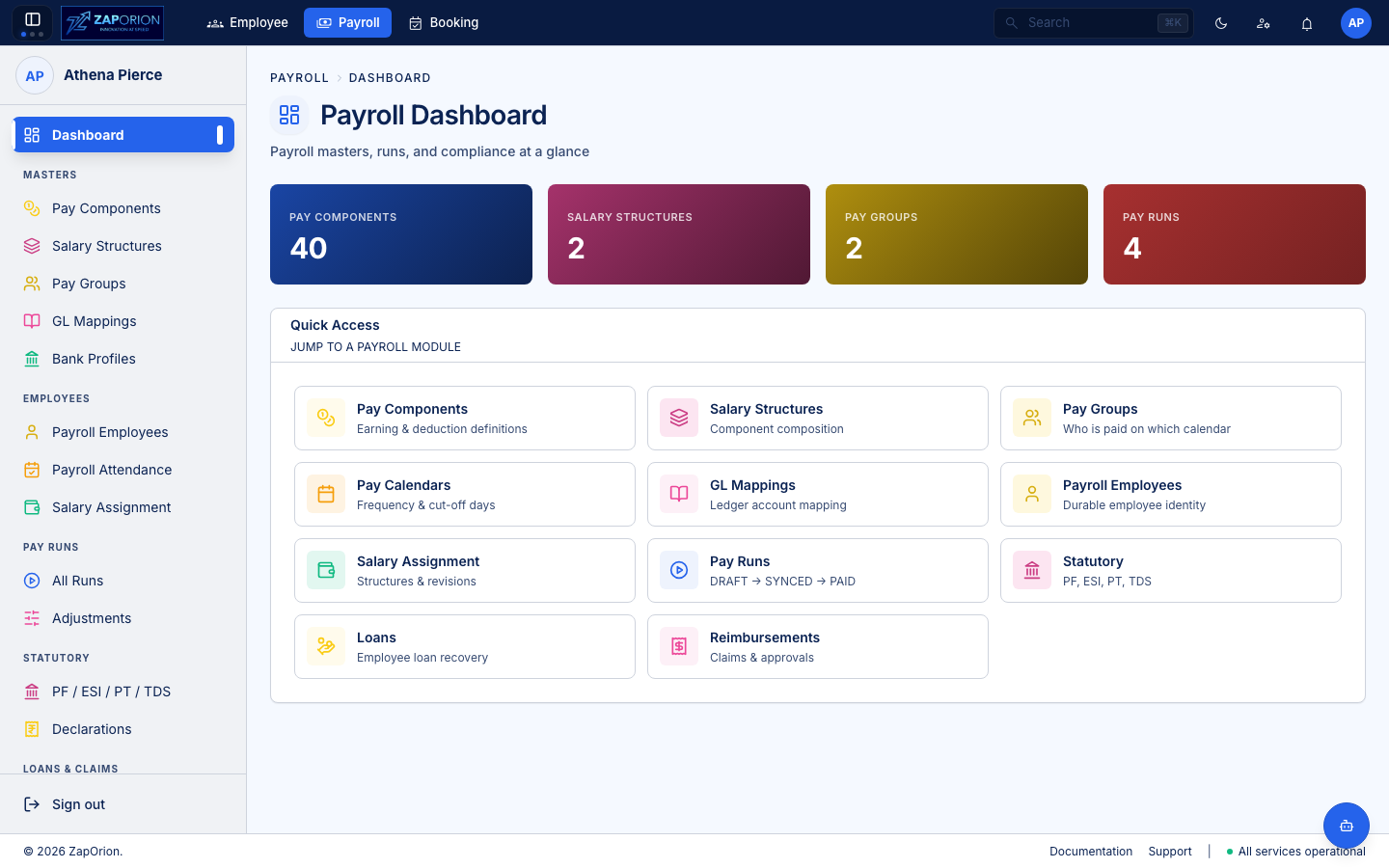
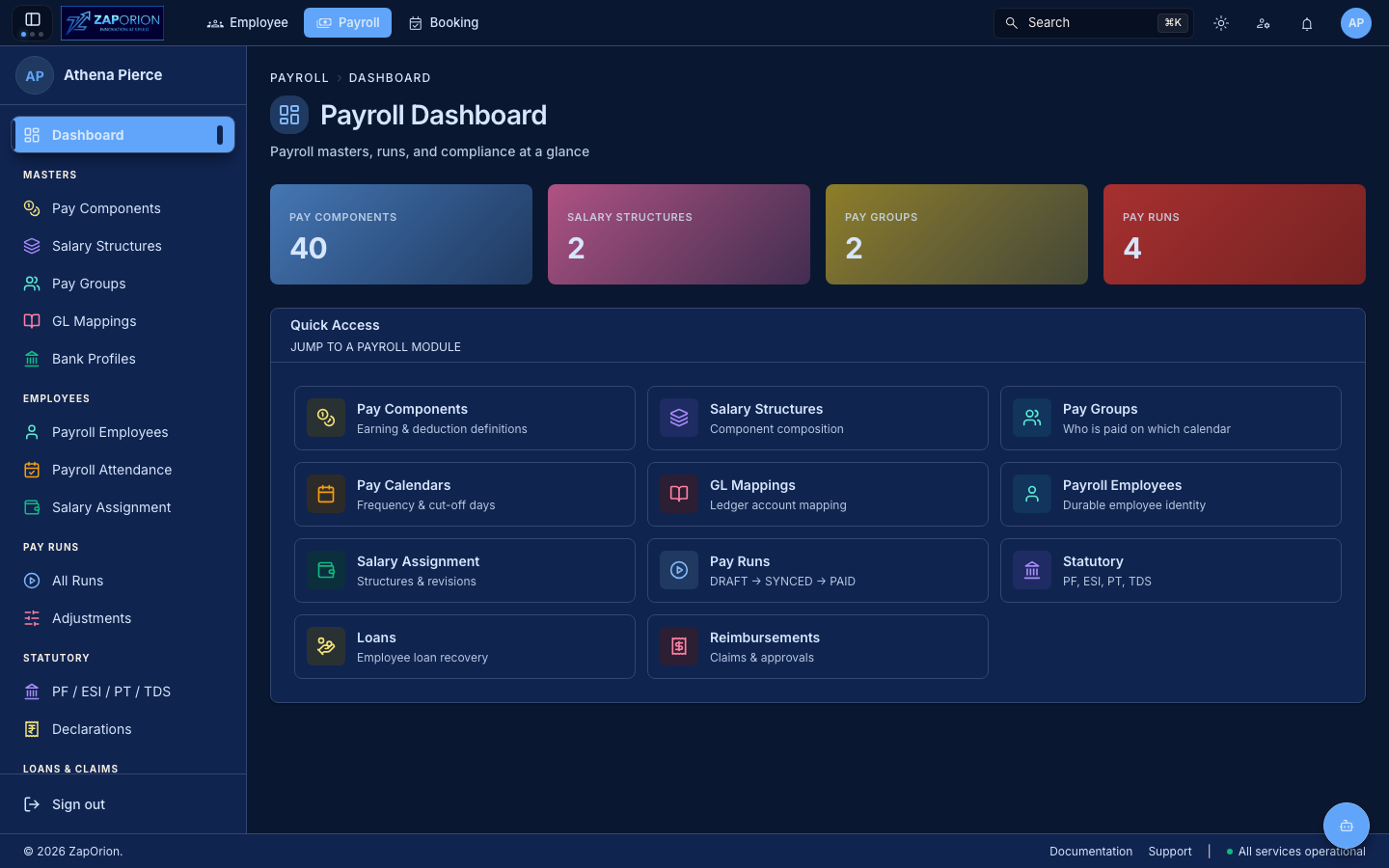
Payroll → Dashboard (/) — the landing page after switching to the Payroll module.
What you see
- Counts — total Pay Components, Salary Structures, Pay Groups and Pay Runs (queried as
page=0&size=1totals). - Quick Access — one-click tiles to every major area:
| Tile | Description |
|---|---|
| Pay Components | Earning & deduction definitions |
| Salary Structures | Component composition |
| Pay Groups | Who is paid on which calendar |
| Pay Calendars | Frequency & cut-off days (now inside Pay Group) |
| GL Mappings | Ledger account mapping |
| Payroll Employees | Durable employee identity |
| Salary Assignment | Structures & revisions |
| Pay Runs | DRAFT → SYNCED → PAID |
| Statutory | PF, ESI, PT, TDS |
| Payslips | Generate & publish |
| Loans | Employee loan recovery |
| Reimbursements | Claims & approvals |
Click any tile to navigate. The header shows Payroll Dashboard with breadcrumbs Payroll › Dashboard.