Activity Logs
Payroll → Administration → Activity Logs (/activity-logs) — every change to pay components, salary structures and statutory configurations, plus every background job that ran. Requires payroll:read (old route /audit-logs redirects).
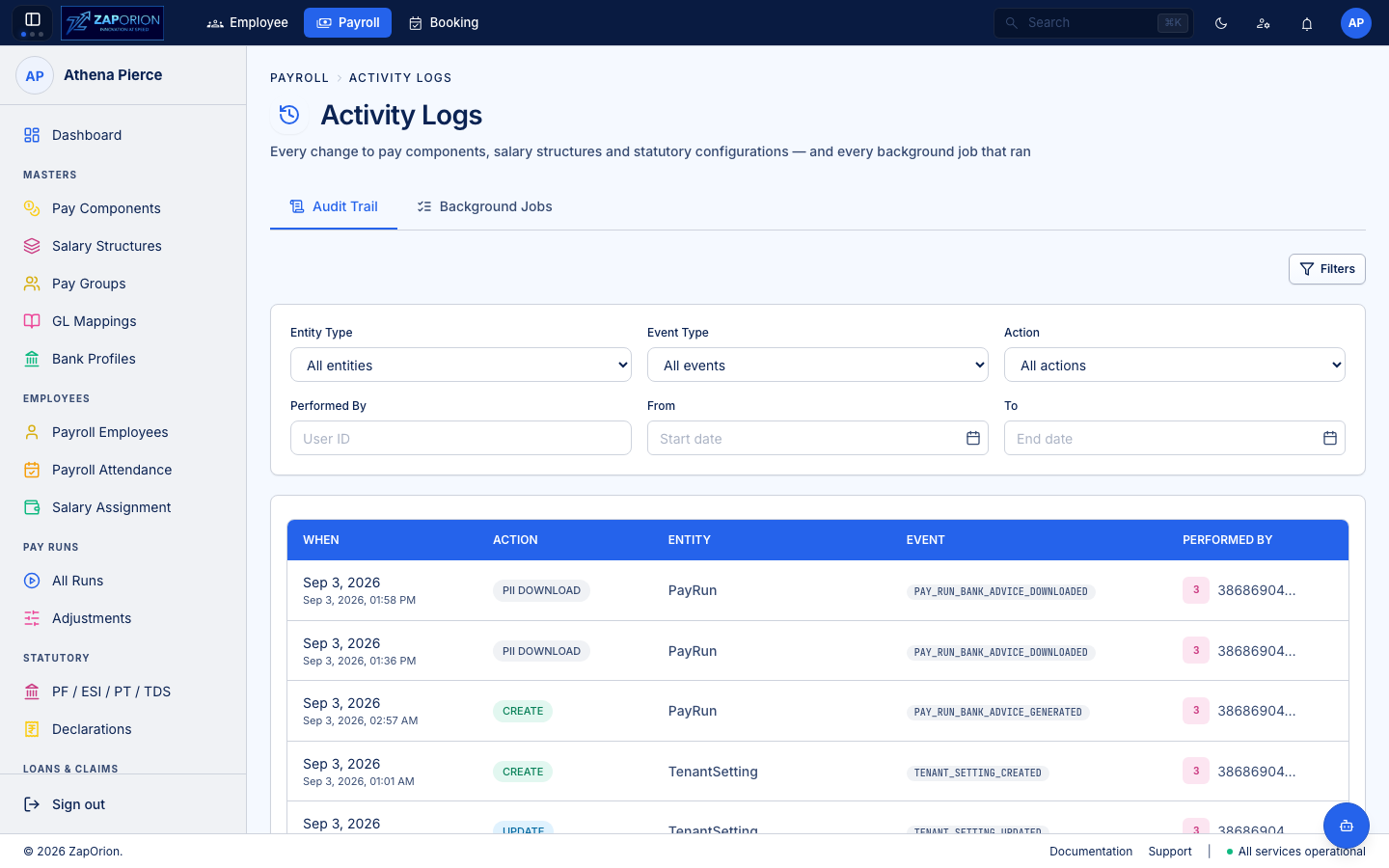
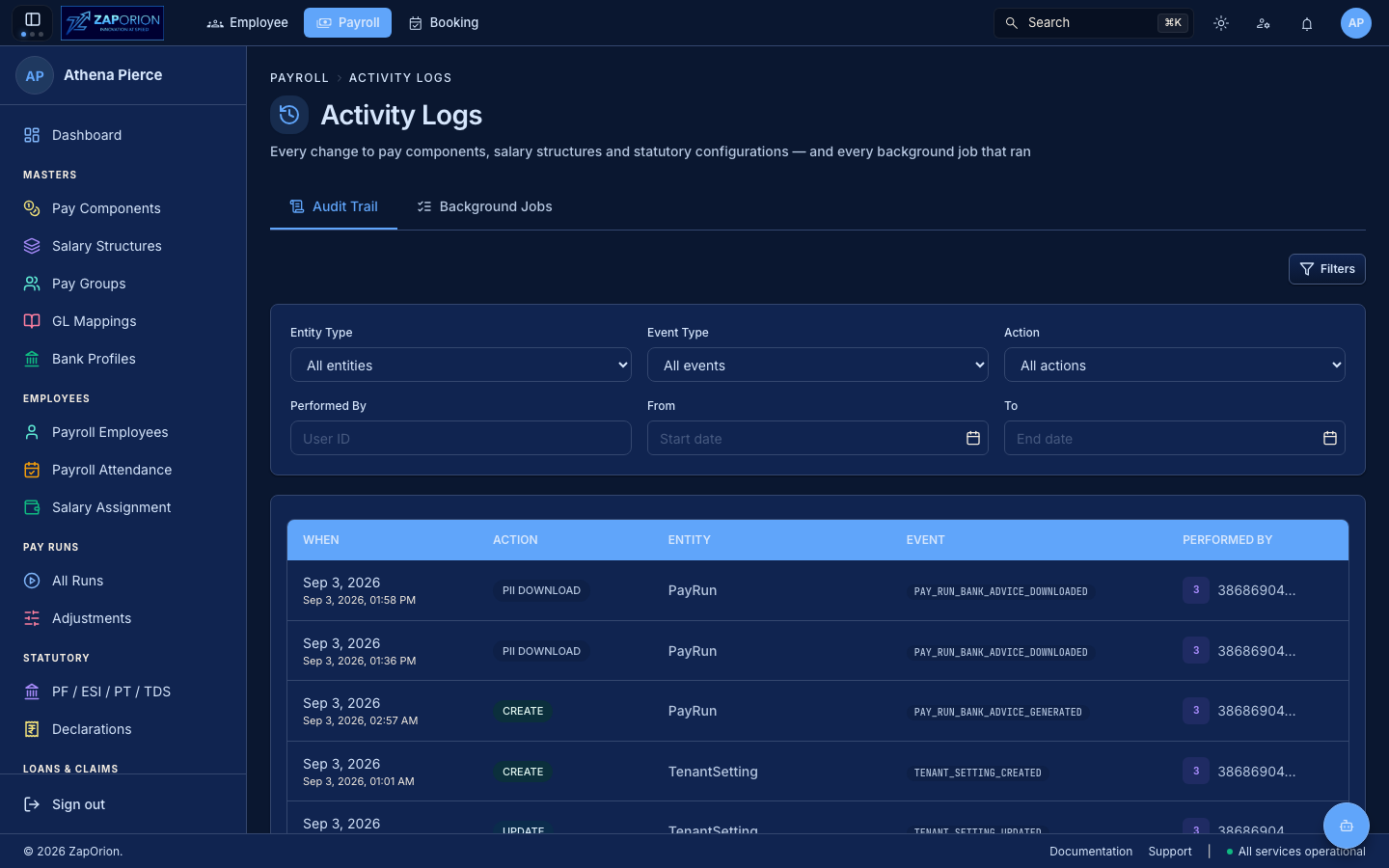
Two views of the same question
“What happened here, and who or what did it.”
| Tab | What it answers |
|---|---|
Audit Trail (?tab=logs) | Changes a person made |
Background Jobs (?tab=jobs) | Syncs and recalculations nobody watched |
They share a page because an operator investigates the same way: a component or a revision is wrong, and the answer is either an edit someone made or an overnight sync.
Audit Trail
AuditTrailTab queries GET /audit-logs via useAuditLogs(query):
| Column | Meaning |
|---|---|
| When | performedAt → formatRelativeTime + formatDateTime |
| Action | ActionPill (CREATE / UPDATE / DELETE / STATUS_CHANGE / PII_ACCESS ...) |
| Entity | entityType (e.g. PayComponent, SalaryStructure, PfConfig) |
| Event | event badge mono (PAY_COMPONENT_CREATED, SALARY_REVISION_CREATED) |
| Performed By | performedByName or performedBy initials tile; System for automated actions |
- Filters (toggle
Filtersbutton, badge count of active):
| Filter | Input | Source |
|---|---|---|
| Entity Type | select (optgroup by AUDIT_ENTITY_TYPES) | tableName |
| Event Type | select (optgroup) | eventType |
| Action | select AUDIT_ACTIONS | action |
| Performed By | text (user ID) | performedBy |
| From / To | DatePicker → ISO (endOfDay for To) | startDate / endDate |
Changing any filter resets page=0; Clear all resets to page=0,size.
- Pagination —
DataTablewithpage/size/total(useAuditLogsreturnstotalElements). - Detail — row click →
AuditLogDetaildrawer witholdValues / newValuesdiff.
Background Jobs (?tab=jobs)
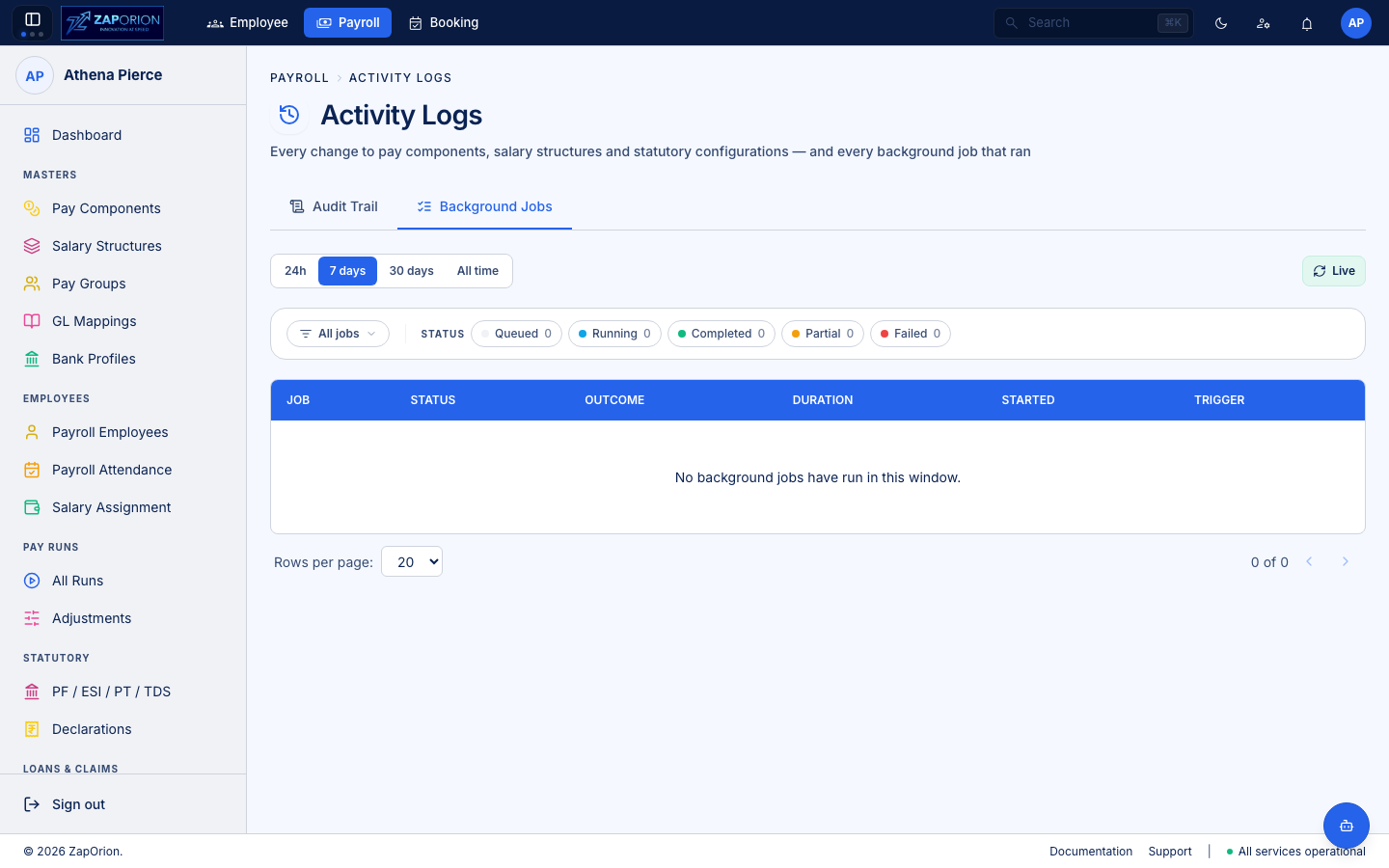
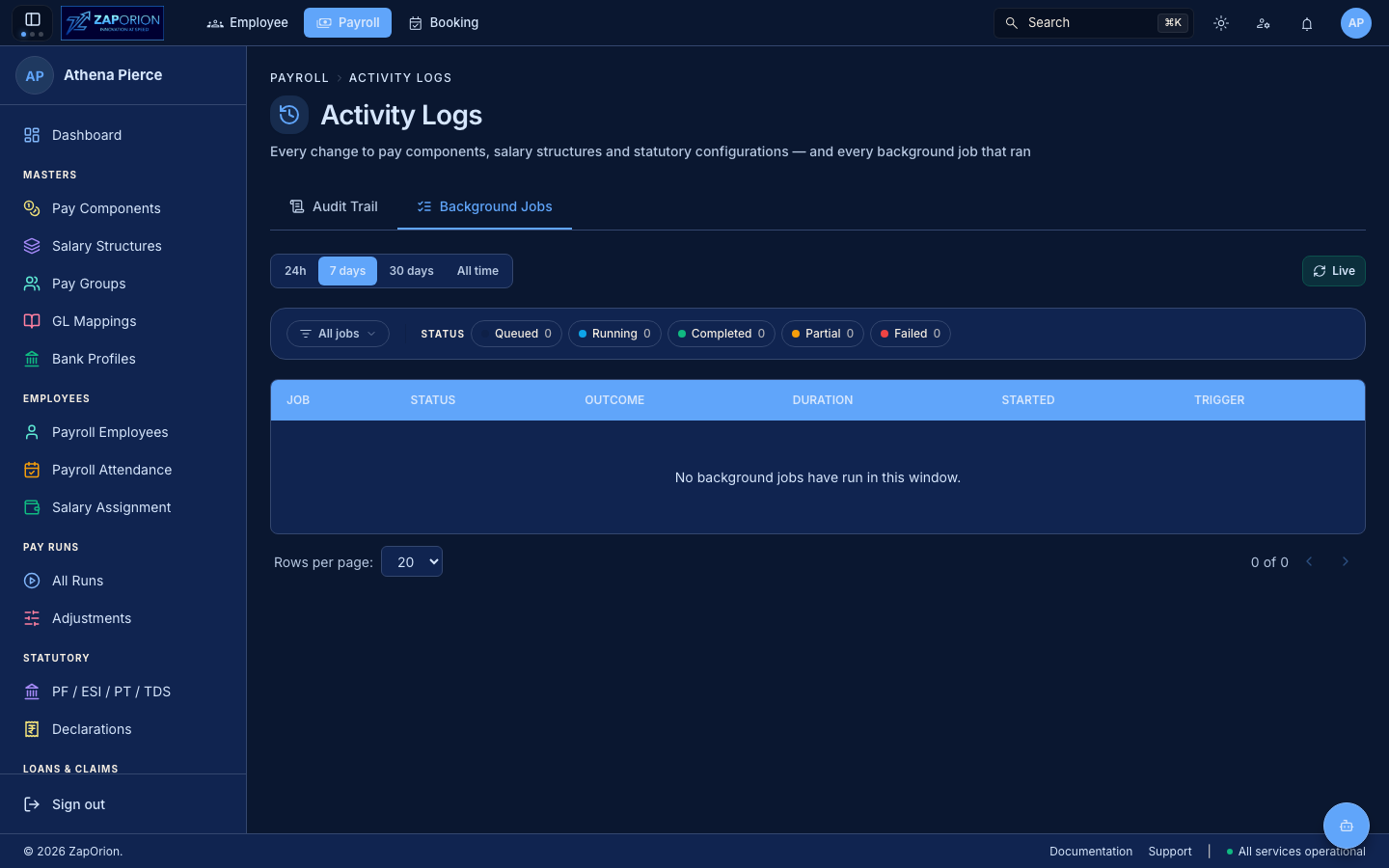
JobsTab (/jobs) — same job table as Employee (HRMS) but for payroll processors: recalculate-revisions, sync-and-compute, import-*. Shows jobId deep link (?jobId=) via RedirectPreservingSearch from old /audit.
Each row shows type, status (PENDING/RUNNING/COMPLETED/FAILED/PARTIAL), outcome counts, run duration, trigger (user or Scheduler), and drill-down via JobDetailOverlay.
:::note HRMS vs Payroll logs
HRMS Activity Logs (Monitor → Activity Logs in the Employee module) track HRMS entities (employees, leave, attendance). Payroll Activity Logs (Administration → Activity Logs here) track payroll entities. Both are employee:admin vs payroll:read-scoped — use the module switcher to reach the other.
:::