Team Timesheet
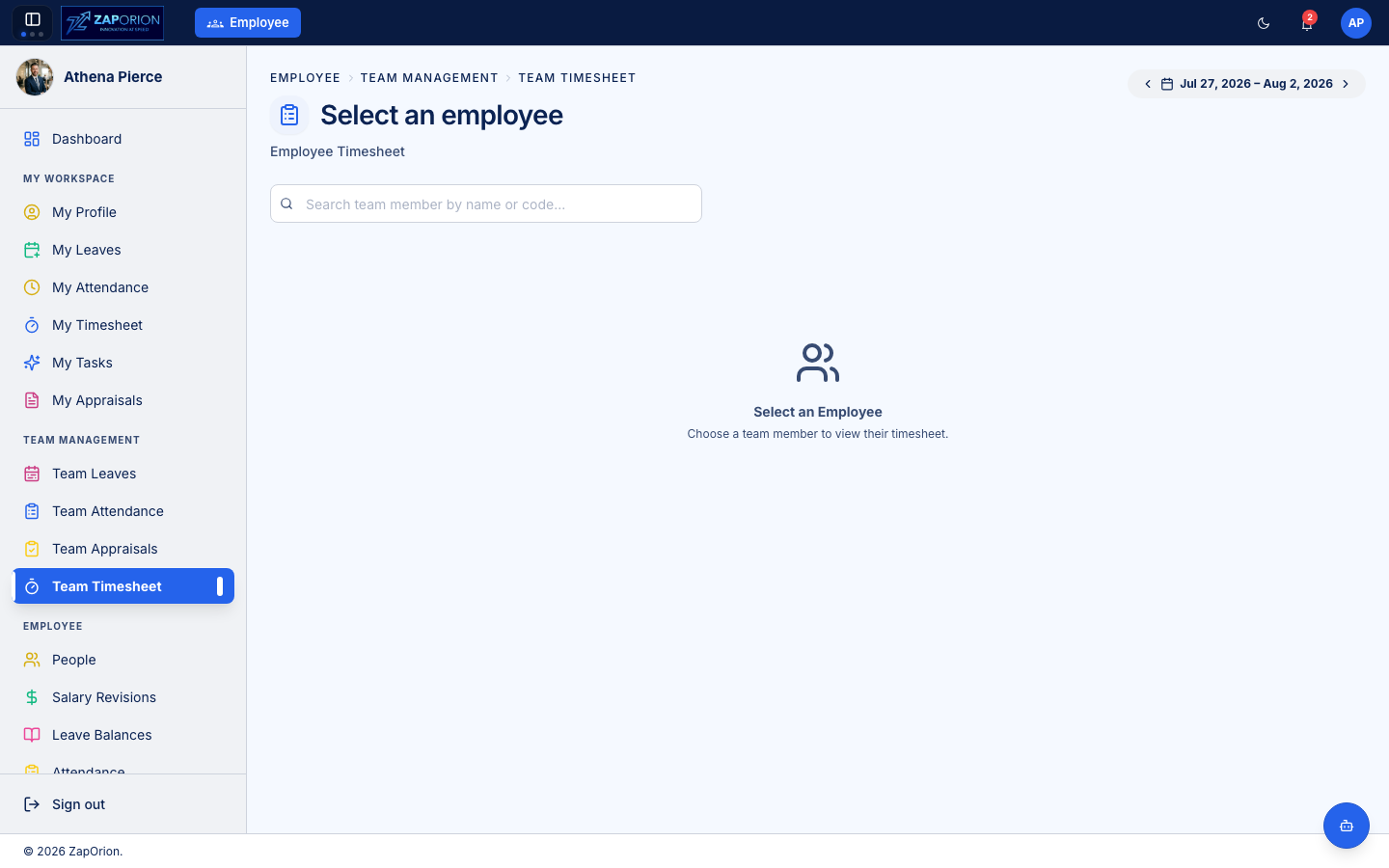
Manage Team → Team Timesheet — approve your team's weekly timesheets.
Reviewing a week
- Pick the week with the date selector.
- The list shows each reportee's submitted timesheet with total, billable and non-billable hours.
- Open a timesheet to see the task-by-task, day-by-day breakdown and the employee's comments.
- Approve it, or Reject with a comment — rejected sheets return to the employee as an editable draft.
What to look for
- Hours logged against the right projects and tasks (allocations are managed in Projects).
- Sensible daily totals compared with attendance.
- Billable vs non-billable classification, if your organization bills clients by these numbers.