Team Leaves
Manage Team → Team Leaves — a shared calendar of your team's time off.
Reading the calendar
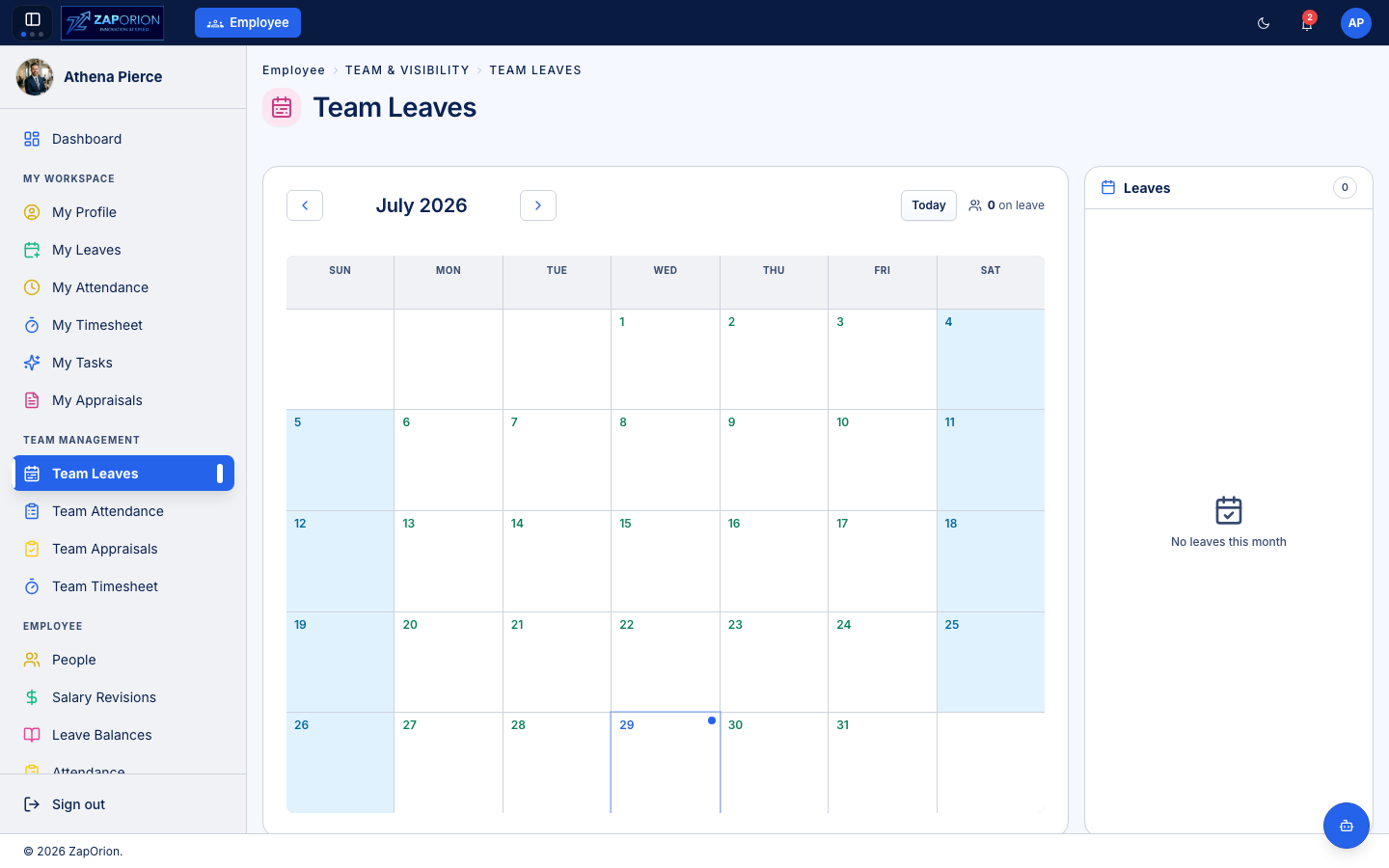
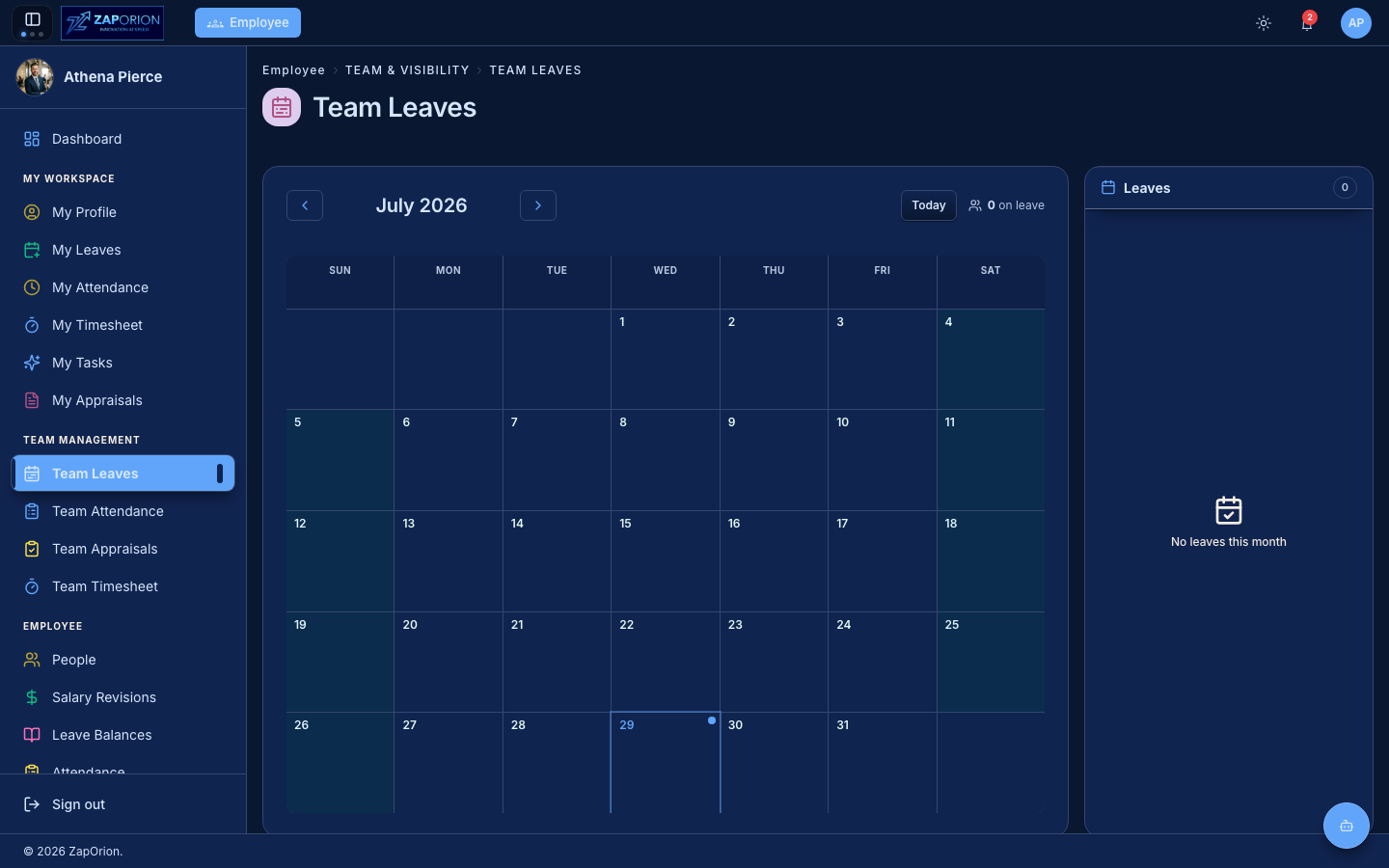
- Each month shows every approved, pending, rejected and cancelled leave for your reportees, colour-coded per employee.
- The N on leave counter and the colour legend (top) show who is off this month. Expand the legend with +N more when it overflows.
- Each day cell shows name chips for the people on leave that day; a count in the corner shows how many. +N more inside a cell means more people are off than fit.
- Click a day to filter the right-hand panel to just that day; click it again (or Clear) to return to the whole month.
- Use the arrows to move between months and Today to jump back.
My Team vs All Employees
If you hold the leave:manage permission (HR / leave administrator), a scope
toggle appears next to the month:
- My Team — only your direct reportees (the default for a manager).
- All Employees — everyone in the organization.
For a plain manager the calendar is always their team. The toggle exists because an HR admin who manages nobody would otherwise land on a permanently empty calendar.
Approving and rejecting leave
Pending leaves waiting on you get Approve and Reject buttons right on the card — you can decide them here without going to the Actions queue. Rejecting opens a dialog for a reason, which is recorded on the leave's history. Only the leaves actually assigned to you for approval show buttons — the workflow engine only accepts an action from the assignee, so a permission alone does not put buttons on every pending card.
Leave requests also still arrive in Approvals & Requests → My Approvals if you prefer to work from a queue. Review the dates against this calendar to avoid overlapping absences before approving.
Cancelling leave (HR admins)
If you hold the leave:manage permission, a Cancel button appears on any
leave that still stands (pending or approved) — for anyone in scope, not just
your reportees. Cancelling opens a dialog that asks for a reason (it goes on
the leave's history as the record of who overrode what). If the leave has
already been taken, a warning tells you cancelling it returns all the days to
the employee's balance and marks those days as not on leave.
Applying leave on behalf
Apply Leave (top right) opens an overlay to file a leave for a reportee — or, if you are an HR admin, for any employee. Useful when an employee is unable to apply themselves (out sick, no access) and you need to record the absence.
Export
Export downloads the current month's leaves as a CSV — one row per leave with the employee, type, dates, days and status. Handy for payroll or reporting.
Approved leave immediately appears here and in the employee's own attendance calendar.