Team Appraisals
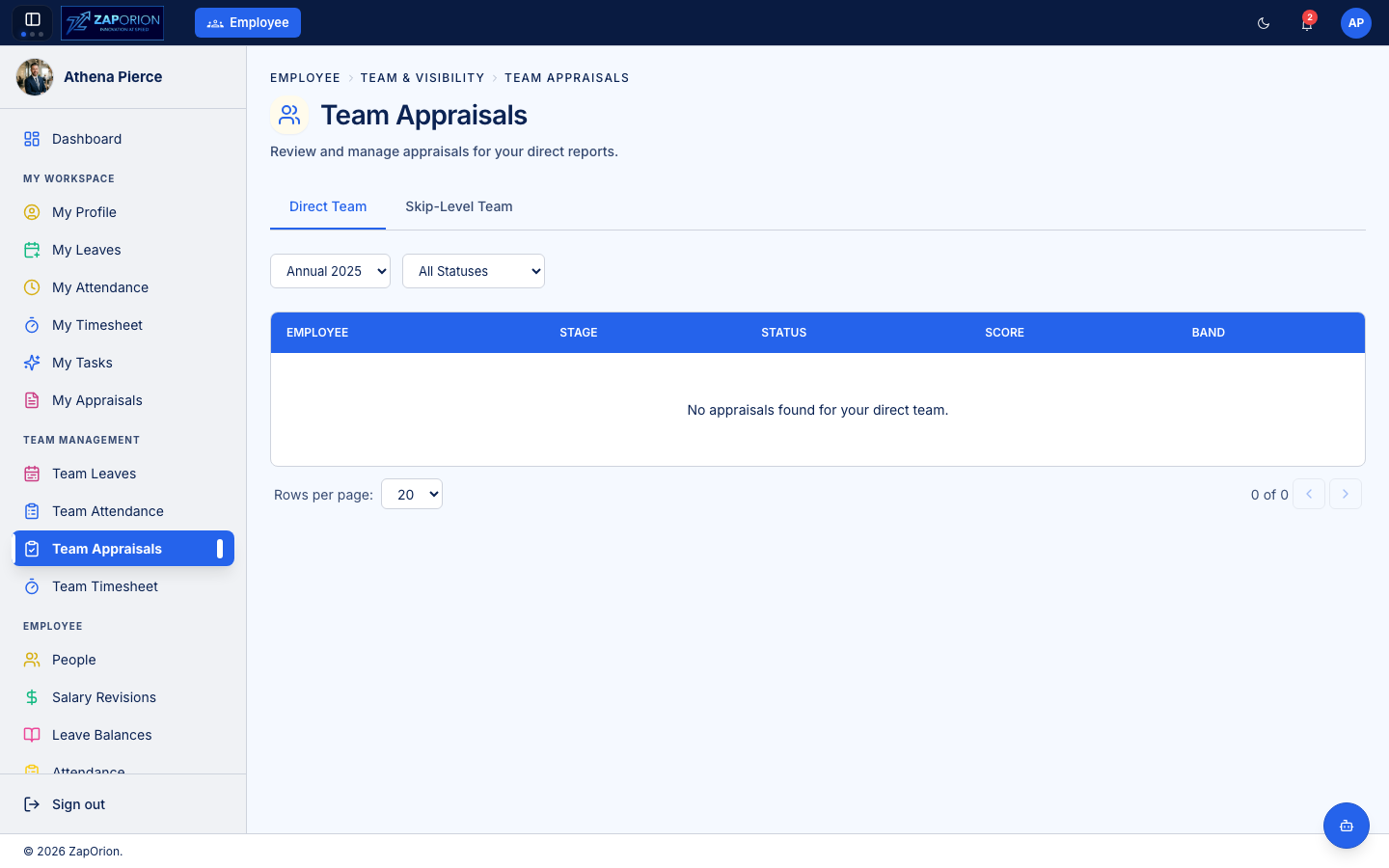
Manage Team → Team Appraisals — review your reportees in each
appraisal cycle. Visible when you have reportees (or hold employee:admin).
What lands in your queue
Each reportee's appraisal form appears here with its status. The status tells you what action (if any) is needed from you:
| Reportee status | What you do |
|---|---|
| Goals Submitted | review and approve or reject their goals |
| Self Review Submitted | add your ratings and comments, then submit your manager review |
| Manager Reviewed | (if skip-level enabled) your work is done; skip-level reviews next |
| Finalized | the cycle is closed; results visible to the reportee |
A form in Goals Draft is still being edited by the employee — there is nothing for you to do yet.
Approving goals
In the Goal Setting stage, the employee drafts their own goals and submits them for your approval. Open the form to see what they proposed:
- each goal's title, description, measurement criteria and success metrics,
- the weight assigned to each goal (must total 100%),
- whether a goal is marked stretch or mandatory.
You have two actions:
- Approve — the goals are locked and the form advances to the employee's Self Review stage.
- Reject — add a reason and the goals go back to the employee to revise. The reason is shown to the employee.
Approving goals is the gate to self review. Rejecting with a clear reason saves a round-trip — the employee sees exactly what to change.
Manager review
Once the employee submits their self review, the form opens to you. For each component configured for manager rating:
- KRAs — see the employee's self-rating, add your own rating and a comment.
- Goals — see the employee's self-rating, add your own rating and a comment.
- Questionnaire — see the employee's answers, add your own ratings and comments.
You see the employee's self-assessment as you rate; your ratings and comments are hidden from the employee until the cycle is finalized. When complete, click Submit to lock your review.
Score preview
The detail page shows a live preview score as you rate — the weighted average of your ratings. This is not the final score (the cycle may run normalization, and the skip-level review may adjust it) but it shows where the employee would land on your ratings alone.
Skip-level review (if enabled)
If the cycle enables a skip-level reviewer, the form reaches them after you submit your manager review. They see your ratings (and the employee's self-assessment) and add their own. After the skip-level submits, the form moves to normalization / finalization by HR.
Additional reviewers
An employee can request an additional reviewer — a peer or collaborator. HR approves the request; an approved reviewer gains read access and contributes a peer-style rating. As a manager you do not approve additional reviewers (that's HR), but you can see who has been added to a reportee's form.
Tips for a good review
- Rate against the KRA definitions and weights, not gut feel — the overall score is computed from the weighted ratings.
- Use comments generously; the employee sees your feedback once the cycle is finalized.
- Submit before the cycle deadline — HR closes cycles centrally, and a late manager review blocks the employee's finalization.