Manager Overview
If employees report to you, ZapHRMS unlocks the Manage Team section in the sidebar and adds a Manager Overview card to your dashboard.
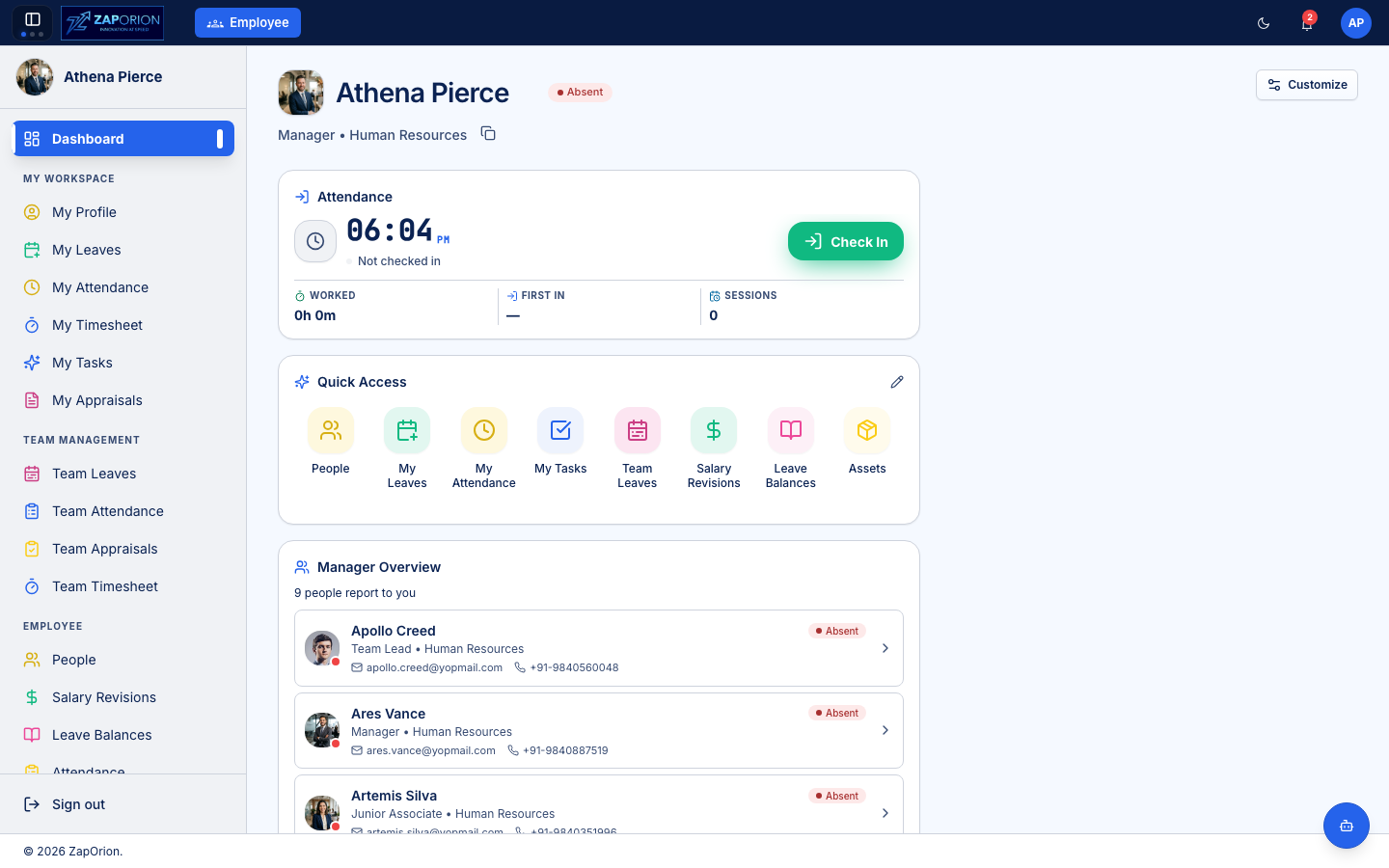
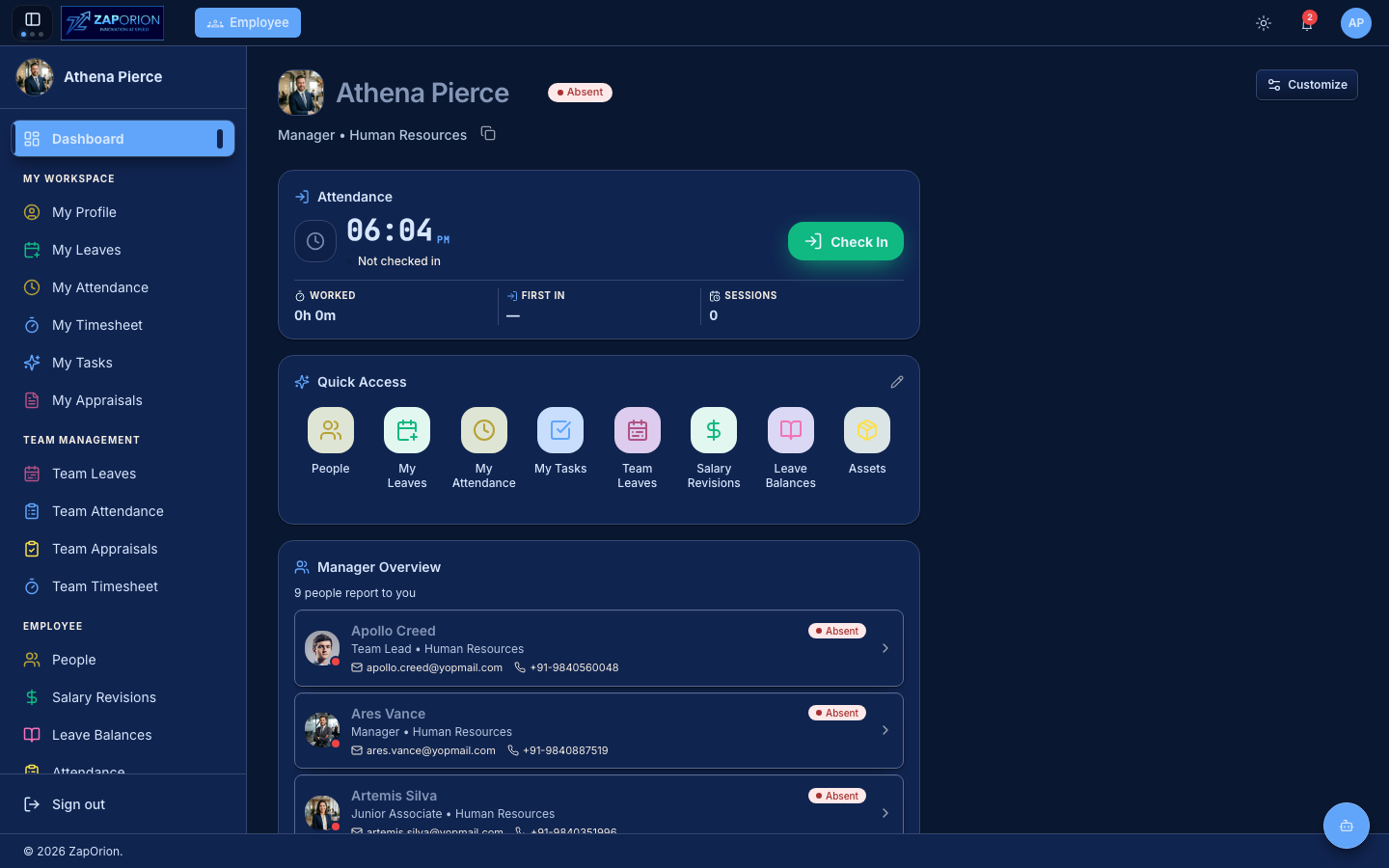
Manager Overview card
The dashboard card lists everyone who reports to you with their photo, role, department, contact details and live presence status (Present, Absent, on leave). Click any person to open their profile.
What you can do as a manager
| Page | Purpose |
|---|---|
| Team Leaves | See who is off when; approve leave requests |
| Team Attendance | Monitor your team's attendance; approve corrections |
| Team Appraisals | Review and rate your reportees in appraisal cycles |
| Team Timesheet | Approve weekly timesheets |
Approvals for your team (leave, attendance corrections, timesheets, resignations) arrive in Approvals & Requests → My Approvals — the bell icon in the top bar shows when something is waiting.
:::tip Covering leaves When a team member names you as their covering employee on a leave request, it appears under Covering Leaves so you know what you are covering for. :::