Personalizing the App
Light and dark mode
Click the moon/sun icon in the top bar to switch between light and dark mode. Your choice is remembered on this browser.
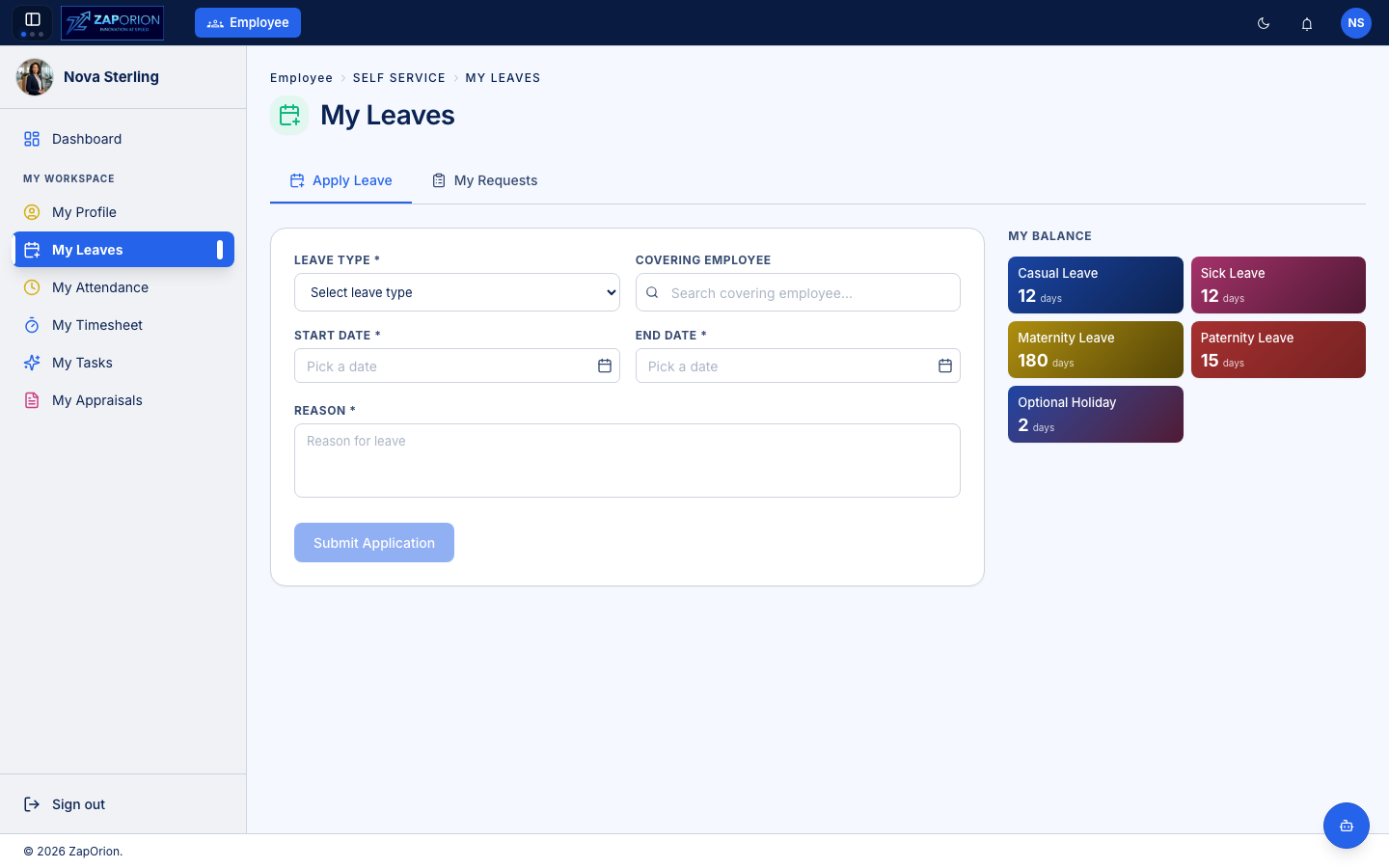
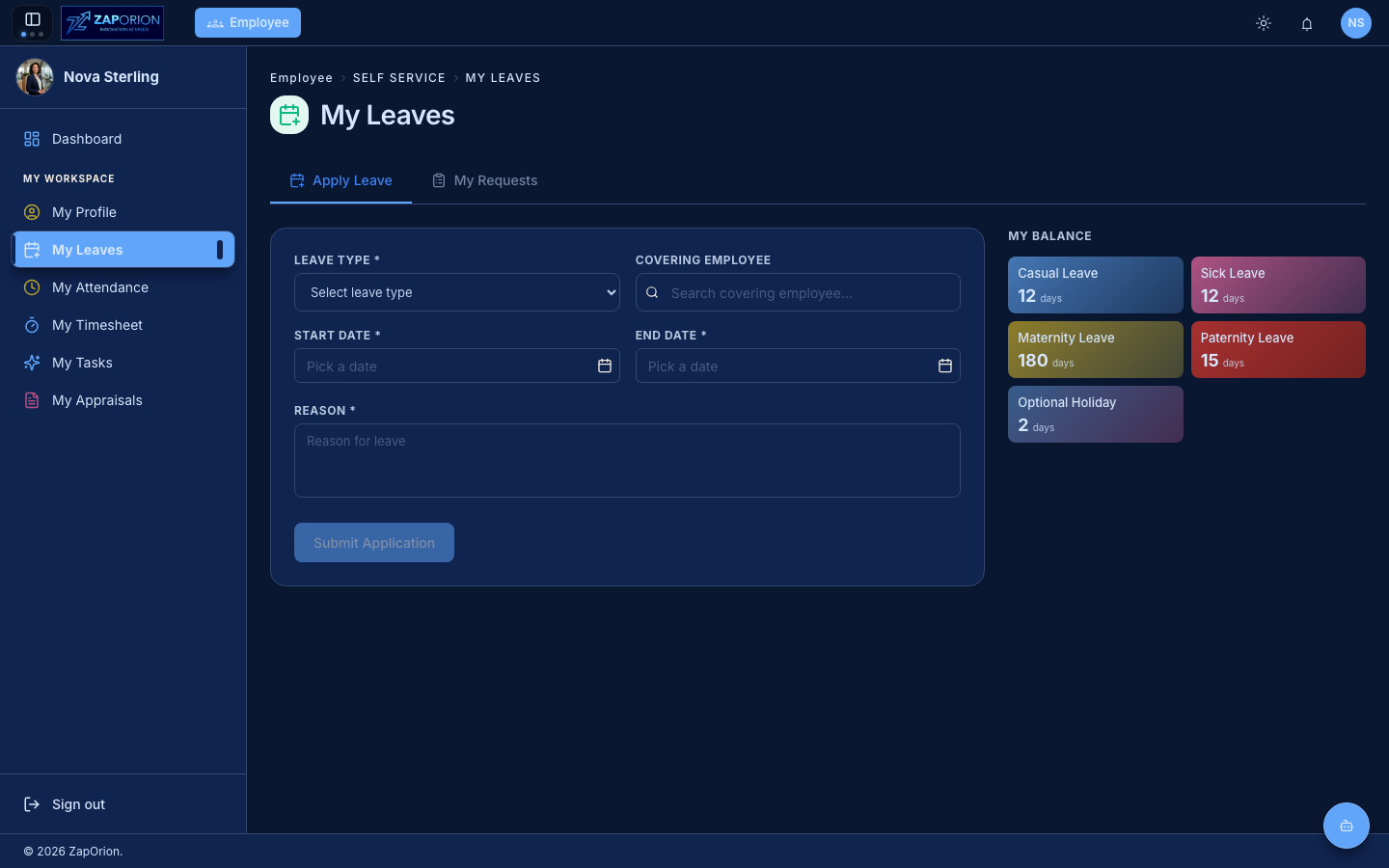
Color palettes, glass surfaces and wallpaper
Depending on your deployment, the theme menu also offers:
- Accent palettes — over a dozen color schemes (Sapphire Sky, Electric Indigo, Emerald Pulse, …) that recolor buttons, highlights and accents.
- Surface style — Solid (default) or Glass, a translucent glassmorphic look.
- Wallpaper — pick a background image (provided via Pexels) that shows through glass surfaces.
All personalization is per-browser and never affects other users.
Customizing your dashboard
Click Customize in the top-right of the Dashboard to choose which cards are shown and in what order. Click the pencil on the Quick Access card to pick your own shortcuts.