Logging In
ZapHRMS uses your organization's single sign-on (SSO). You never type your
password into ZapHRMS itself — you are redirected to the secure central login page, and back into the app once you are verified.
Steps
- Open the ZapHRMS URL in your browser (for example
https://demohrms.zaporion.com). - You are redirected to the sign-in page:
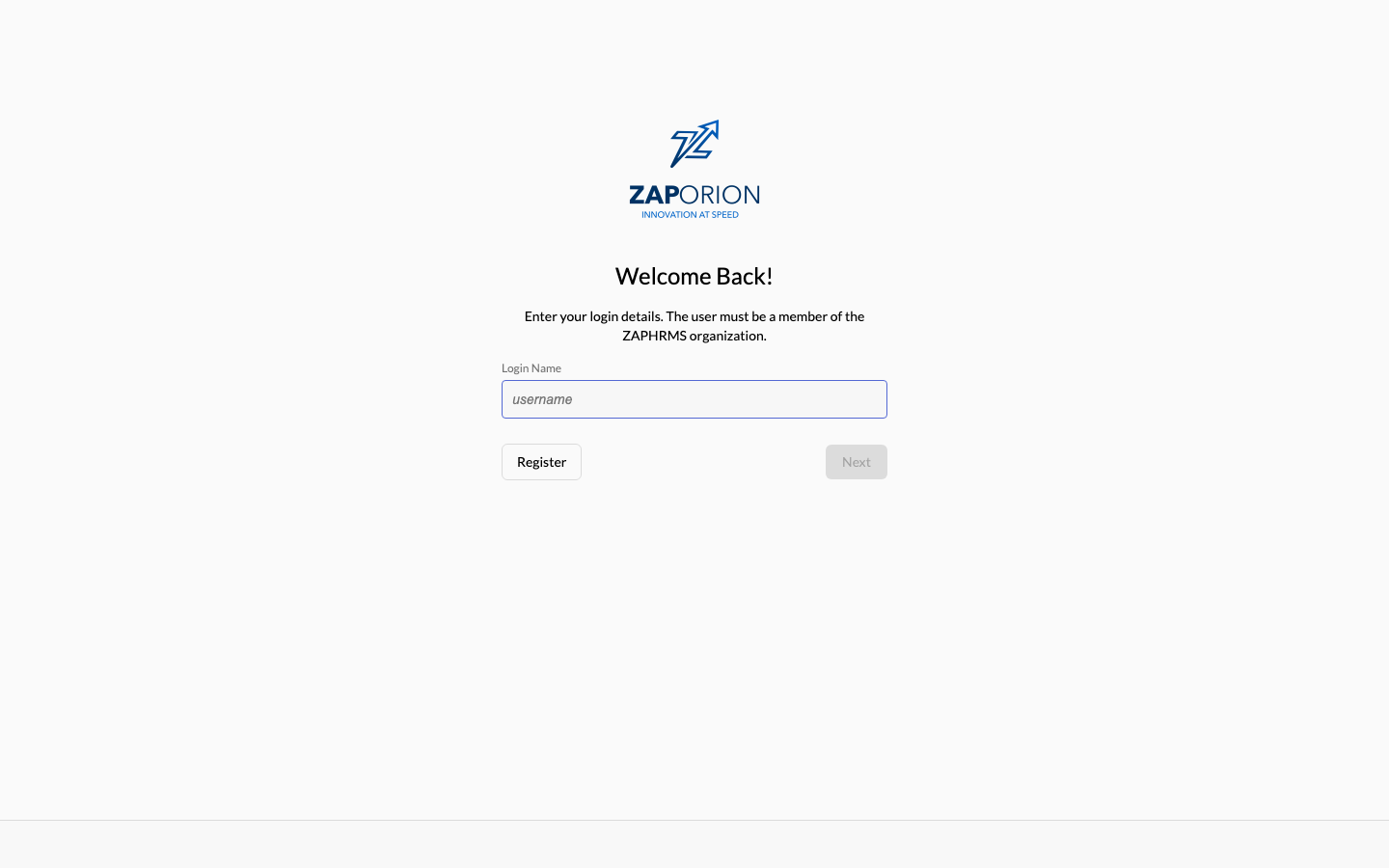
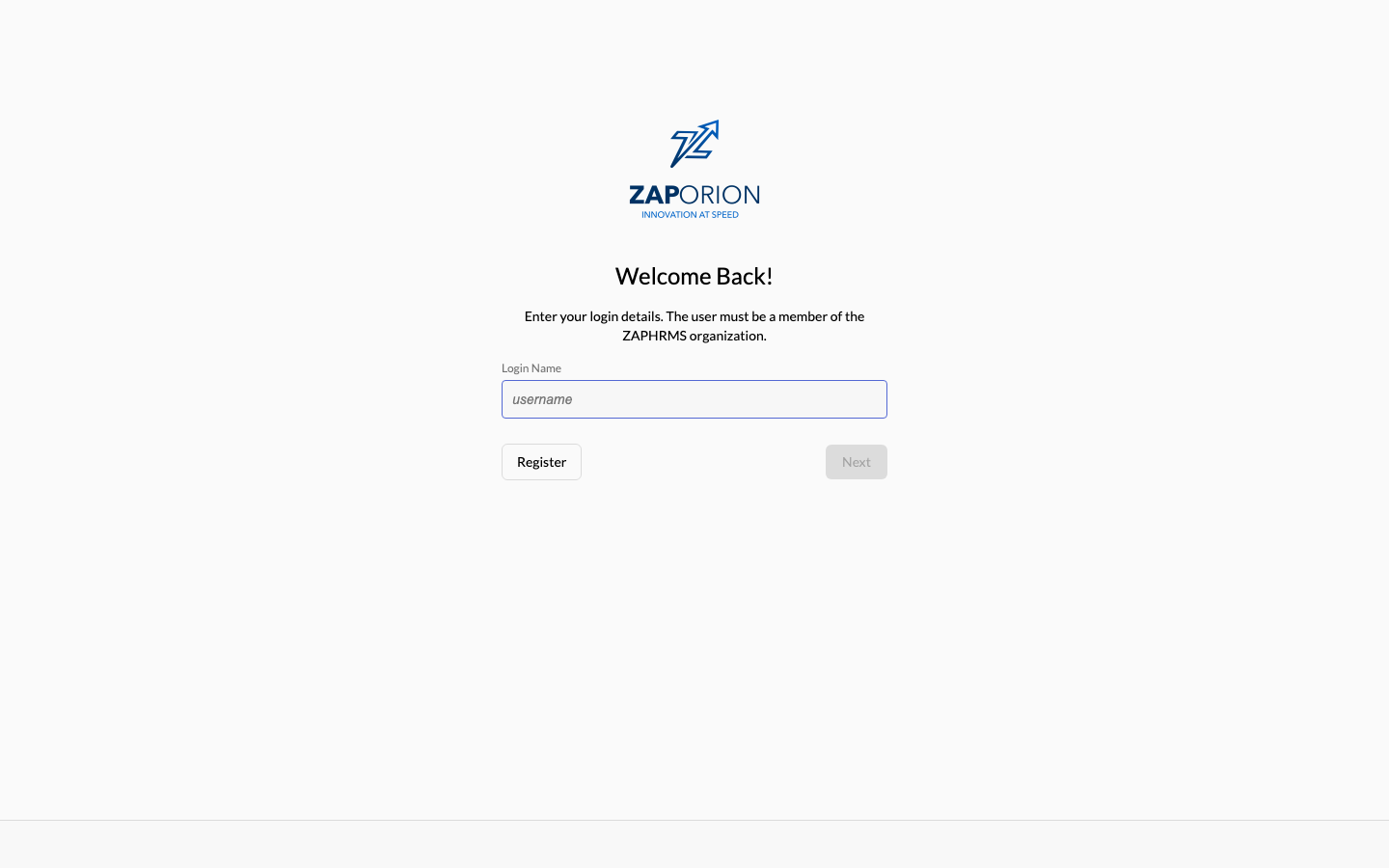
- Enter your work email address (login name) and click Next.
- Enter your password and click Next.
- You land on your personal Dashboard.
:::tip Session behaviour Your session is kept alive automatically while you work. Tokens are held in memory only — nothing sensitive is stored in your browser — so after closing the browser you may be redirected through the sign-in page again. If your SSO session is still valid this happens silently, without re-entering the password. :::
Signing out
Click Sign out at the bottom of the left sidebar. This ends both your ZapHRMS
session and your SSO session.
Trouble signing in?
- Wrong password — use the Forgot password link on the sign-in page (if enabled) or contact your administrator.
- "You don't have access to the Employee module" — your account exists but no ZapHRMS role has been assigned. Ask your HR administrator to grant you a role (see Roles & Permissions).