Pulse
Pulse — the company feed. Celebrations, announcements, shout-outs and polls from across the organization, in one scrolling feed.
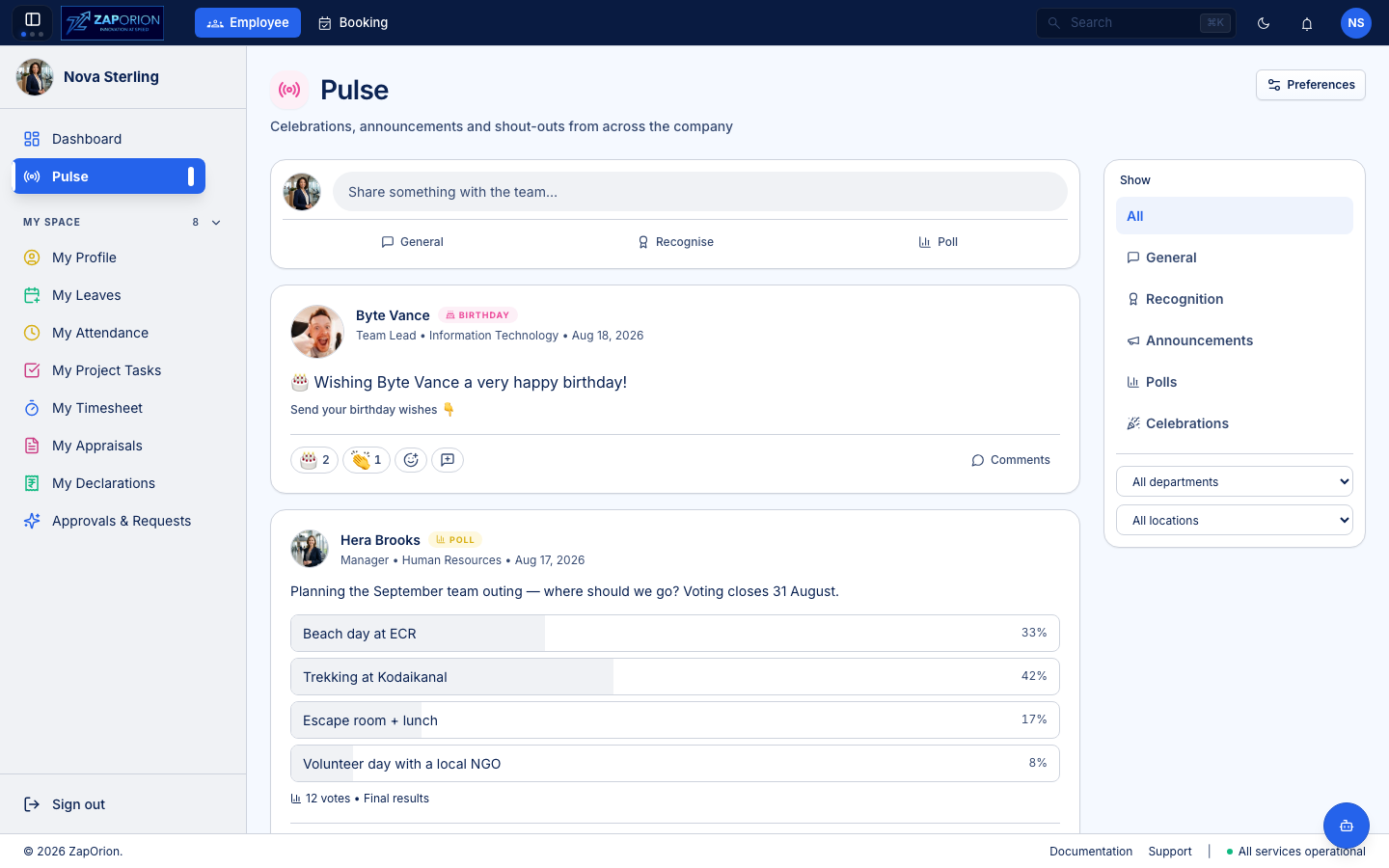
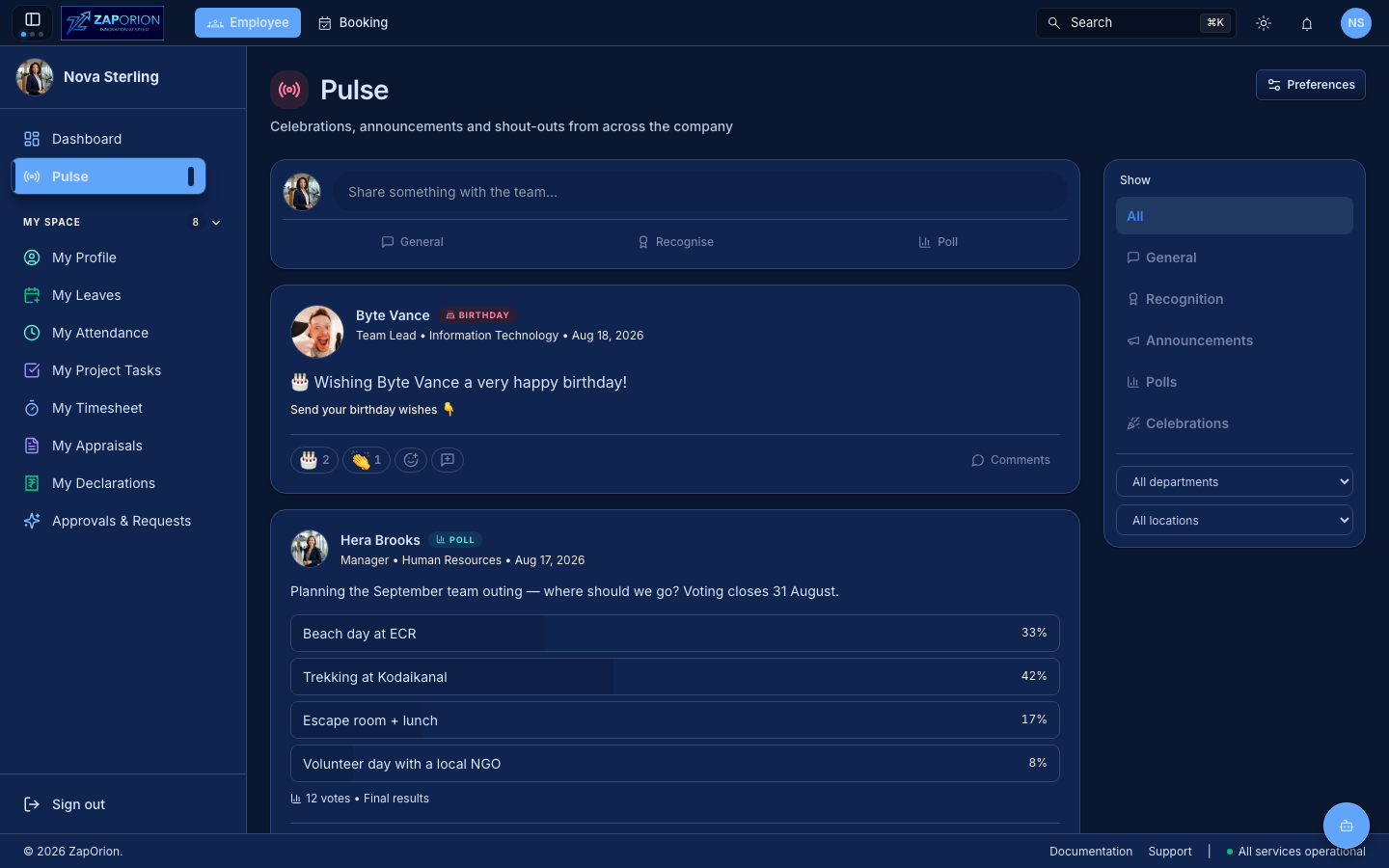
Pulse is an all-employee space: no permission is needed to read or post, only an employee profile. It sits at the top of the sidebar, above My Space.
What appears in the feed
The feed is a single stream made up of several kinds of posts. Use the filter rail on the right (or the strip at the top on narrow screens) to show only one kind.
| Tab | Post type | Who writes it |
|---|---|---|
| All | everything | — |
| General | GENERAL | any employee |
| Recognition | RECOGNITION | any employee — tag one or more colleagues |
| Announcements | ANNOUNCEMENT | HR / admins with the announcement:manage permission |
| Polls | POLL | any employee |
| Celebrations | SYSTEM_EVENT | posted automatically by the system |
Celebrations
Birthdays, work anniversaries, new joiners and promotions are posted automatically by the system, not by a person. Each employee's celebration is evaluated in their own work-location timezone, so a greeting lands on the right day for them. An hourly job sweeps for celebrants; a missed hour is backfilled on the next run, so nothing is lost.
You can opt out of your own birthday or work-anniversary post in Preferences — everyone else's still appear in your feed.
Announcements
HR can pin an announcement to the top of the feed, schedule it for a future date/time, and target it to a specific department or location. A pinned post stays at the top until its pin expires; a scheduled post waits until the moment it should appear. The same sweep that posts celebrations publishes due announcements and retires lapsed pins.
Posting
Use the composer at the top of the feed to write a post.
- Text formatting — bold, italic, underline, strikethrough, links and lists. Anything beyond that is stripped on render to keep the feed safe.
- Mentions — type
@followed by a name to tag a colleague. The mention sends them an in-app notification. Mentioning yourself sends nothing. - Images — up to 3 images per post, 2 MB each. Images are uploaded as you pick them and attached when you publish.
- Polls — switch the composer to Poll to add a question and options. One vote per person; picking a different option moves your vote, and you can retract it.
Post-type rules:
- General posts are always org-wide — there is no creation-time scoping. Readers filter on the way out.
- Recognition posts tag one or more colleagues (never yourself). Each person tagged gets a notification and appears as a recipient on the post.
- Announcement posts require the
announcement:managepermission. Only this type may pin, schedule or target a department/location. - Celebration posts are never accepted from the API — the system is the only author.
Post bodies are capped at 500 KB. The composer mirrors the cap, so an oversized post is refused before it is uploaded.
Reactions
React to any post with an emoji. One reaction per person per post — picking a different emoji replaces your previous one rather than adding to it. The full emoji set is available from the picker; "frequently used" is remembered on your device.
Comments
Comments are one-level threaded: a top-level comment, and replies nested under it. Replies are not separately paged — they arrive with their parent. Open the comment thread on a post to read or reply. Comments are soft-deleted: a deleted comment keeps its row so the thread keeps its shape, but shows no content or author.
Mentions & notifications
@mentions are parsed once, when the post is written, and stored — reads never
re-parse the body. A chip on screen always marks someone who was actually
notified. Pulse reuses the standard notification pipeline; the in-app
notification links to the post (or the comment) it is about.
| Event | Recipient |
|---|---|
pulse_mention | the mentioned employee |
pulse_recognition | each employee tagged as a recipient |
pulse_comment | the post author, or the parent comment's author |
pulse_announcement | all employees (scoped by the post's targeting) |
Self-notification is suppressed at the source — mentioning or replying to yourself raises nothing. Pulse defaults to in-app notifications only.
Preferences
Click Preferences (top right) to opt out of your own celebratory posts.
- Post my birthday — a greeting on your birthday, in your own timezone.
- Post my work anniversary — a note each year on the day you joined.
Opting out skips only yours — everyone else's still appear in your feed.
Admin maintenance (HR admins only)
If you have the employee:admin permission, a Run jobs button appears at
the top of Pulse. Both jobs normally run on an hourly schedule driven by an
external scheduler; this dialog is for backfilling a missed run or checking a
new tenant.
Celebratory events
Posts birthdays, anniversaries, new joiners and promotions. Each employee is judged in their own work-location timezone. Pick a date to backfill a specific day (zone checks are bypassed for a backfill), or leave it blank to run for "today". Repeat runs fill gaps rather than duplicate.
Feed sweep
Publishes scheduled announcements whose time has arrived and retires lapsed pins. Safe to run as often as you like.