Approvals & Requests
My Space → Approvals & Requests (/requests) — your approval inbox and request tracker in one
place. Requires employee:read. (Don't confuse this with My Project Tasks — that page is project work assigned to you; this one is approvals and HR requests.)
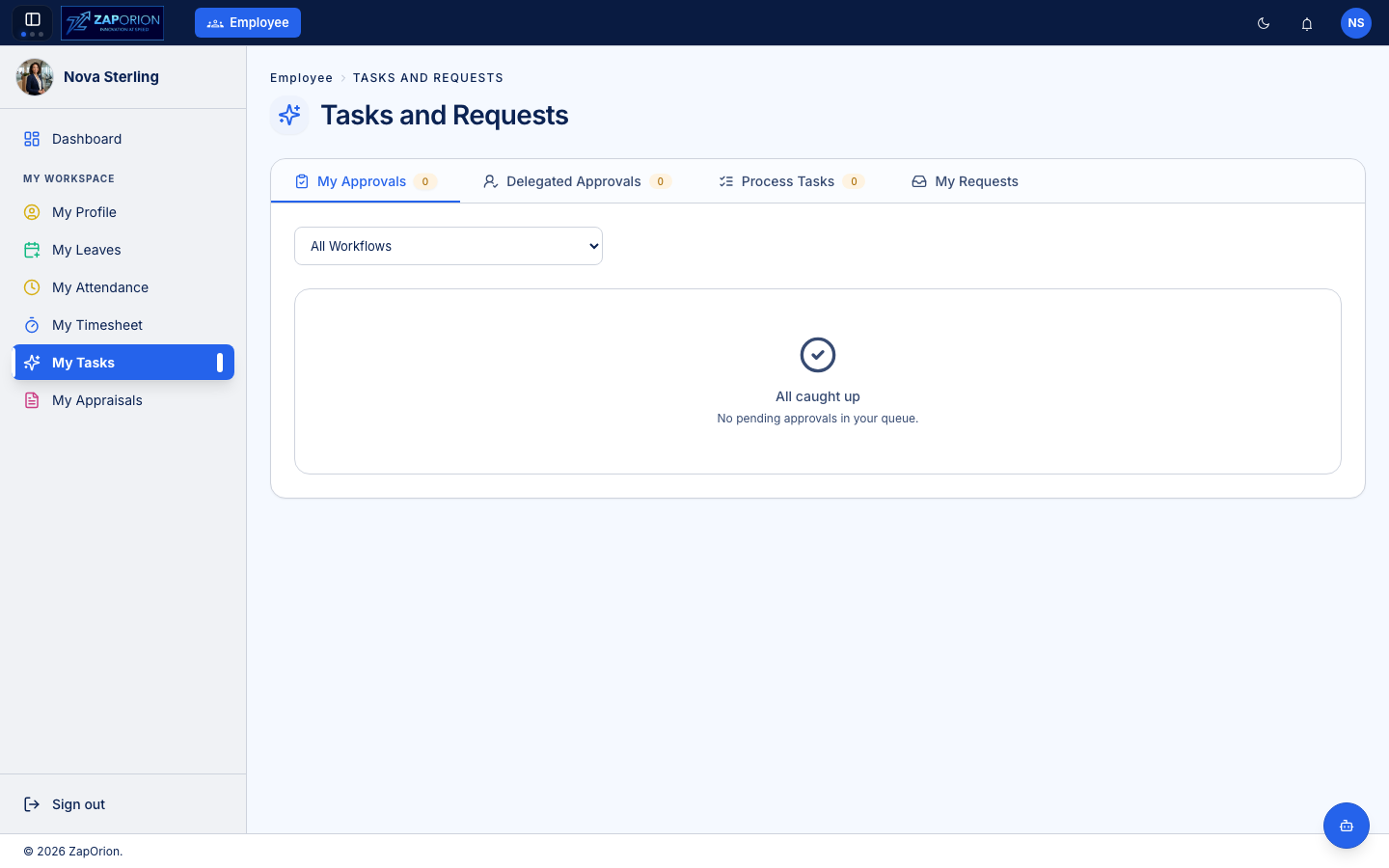
Tabs
| Tab | What it shows |
|---|---|
| My Approvals | Requests waiting for your decision (leave, attendance corrections, timesheets, resignations, …). The badge shows the pending count. |
| Delegated Approvals | Approvals delegated to you by a colleague (see Manage Delegations on My Profile) |
| Process Tasks | Tasks assigned to you from onboarding/offboarding checklists — e.g. "Return laptop", "Complete induction" |
| My Requests | Everything you have submitted, with live status |
Acting on an approval
- Open My Approvals. Use the workflow filter (e.g. Leave Approval only) to narrow the list.
- Click a request to see its details — who raised it, dates, reason, history.
- Approve or Reject (a comment is required to reject).
The requester is notified automatically, and every decision is recorded in the Activity Logs.
:::tip Going on holiday? Delegate your approvals to a colleague first — My Profile → Quick Actions → Manage Delegations. Their Delegated Approvals tab picks up your queue for the period you set. :::