My Profile
My Space → My Profile — your complete employee record: personal details, job information, documents, skills and more.
Header
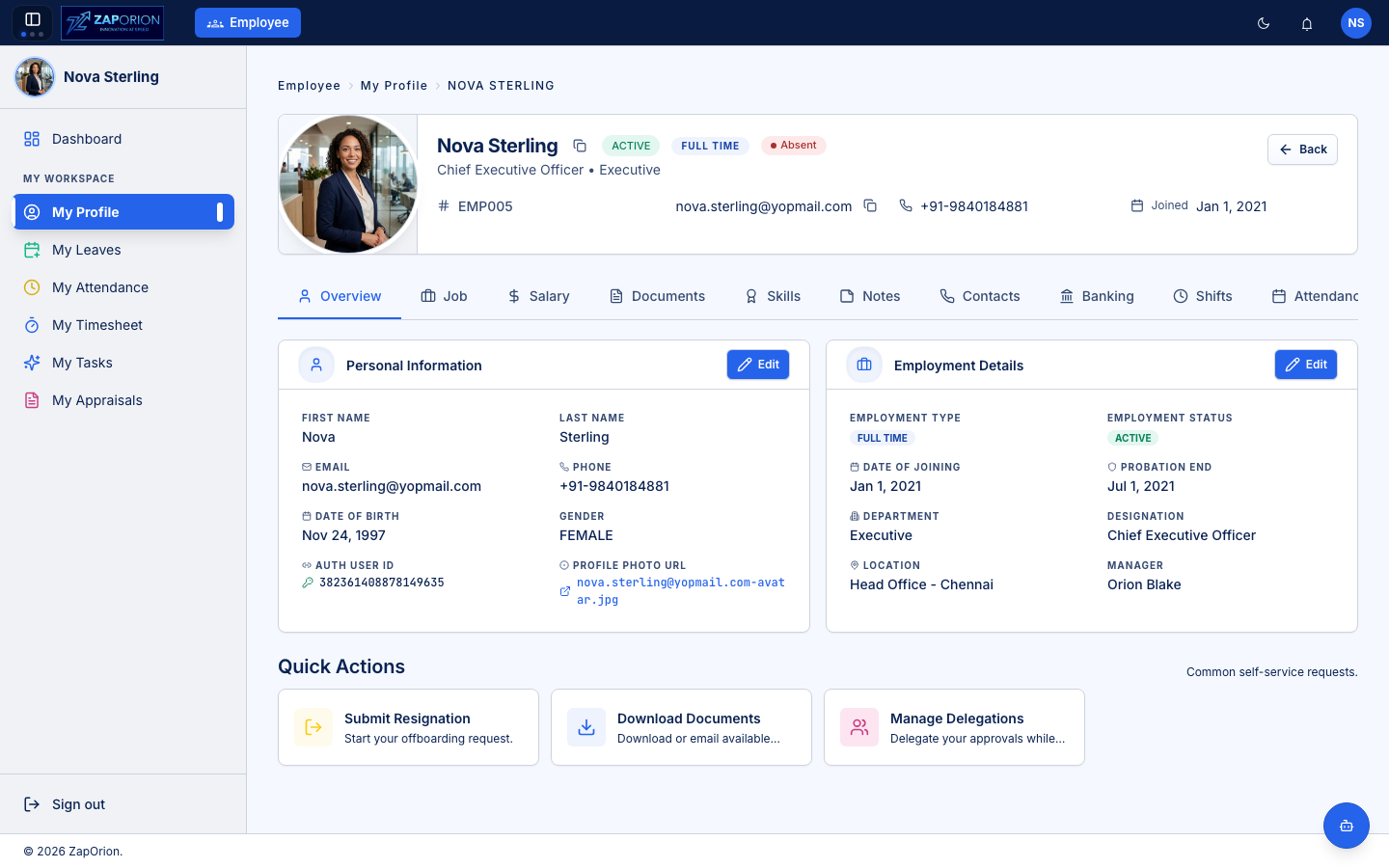
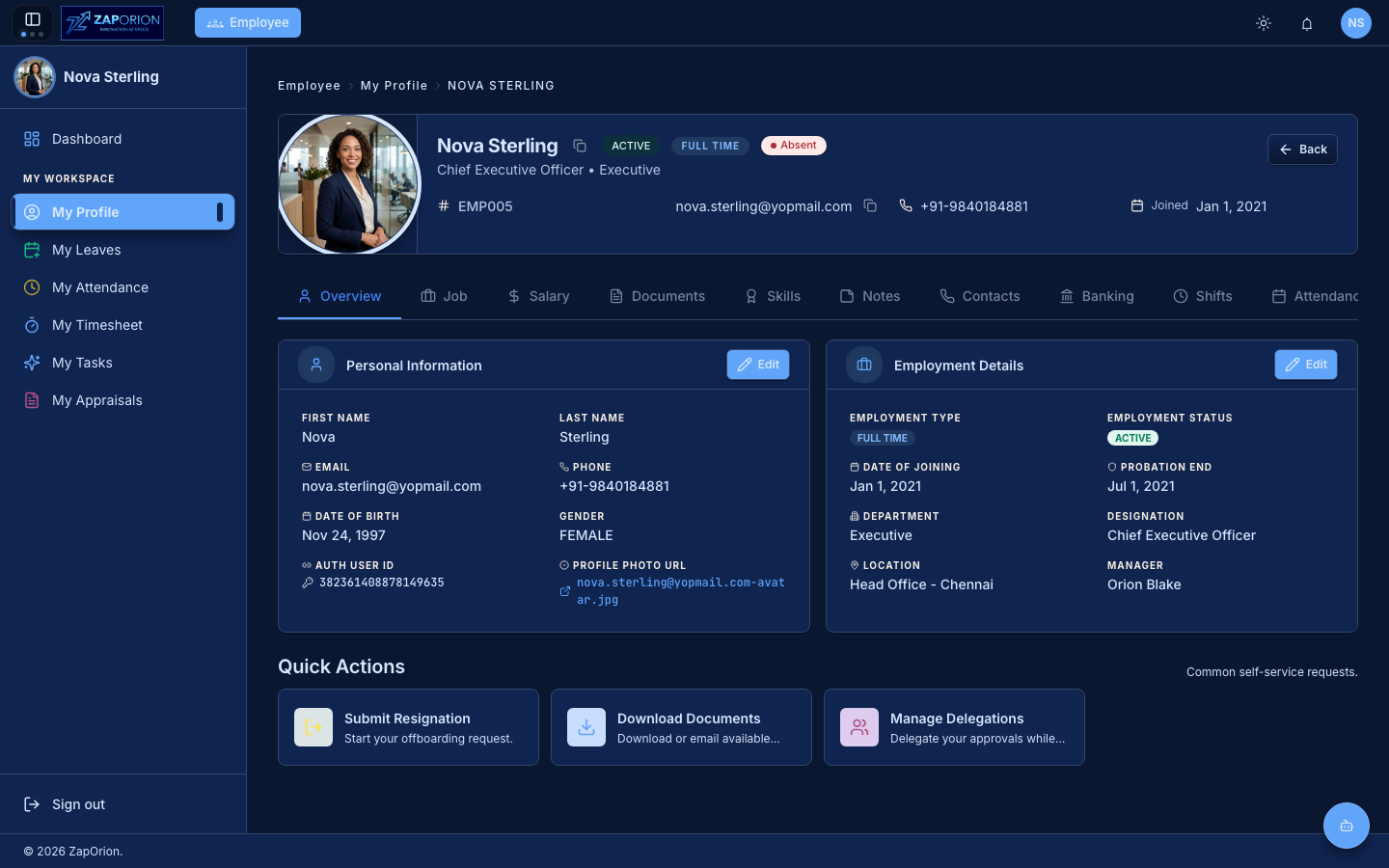
The header shows your photo, name, status badges (e.g. Active, Full Time), employee ID, contact details and joining date. Icons next to your name and email copy them to the clipboard.
To change your profile photo, click your photo and upload a new image — you can crop it before saving.
Tabs
| Tab | What's in it |
|---|---|
| Overview | Personal Information and Employment Details at a glance |
| Additional Info | Addresses, family and education details |
| Job | Designation, department, location, manager and employment history |
| Documents | Your uploaded documents — ID proofs, certificates, contracts (requires PII permission) |
| Skills | Skills recorded against your profile |
| Notes | Notes shared with you |
| Contacts & Family | Emergency/personal contacts and family members |
| Banking | Bank account details used for payroll (requires PII permission) |
| Assets | Company assets currently assigned to you |
| Shifts | Your shift assignments |
| Attendance | Your attendance summary |
| Reportees | Direct reports (visible if you manage others) |
Sections with an Edit button can be updated directly. Depending on configuration, some edits (for example banking details) may require HR approval before they take effect.
:::note Compensation moved to Payroll Salary structures, revisions and payslips are now managed in the Payroll module. The ZapHRMS profile no longer has a separate Salary tab — compensation history lives in Payroll → Salary Assignment. :::
Quick Actions
At the bottom of the Overview tab:
- Submit Resignation — starts your offboarding request (goes through the approval workflow).
- Download Documents — download or email documents that HR has made available to you.
- Manage Delegations — delegate your approvals to a colleague while you are away.