My Attendance
My Space → My Attendance — a month-at-a-glance calendar of your attendance with summary statistics.
Summary cards
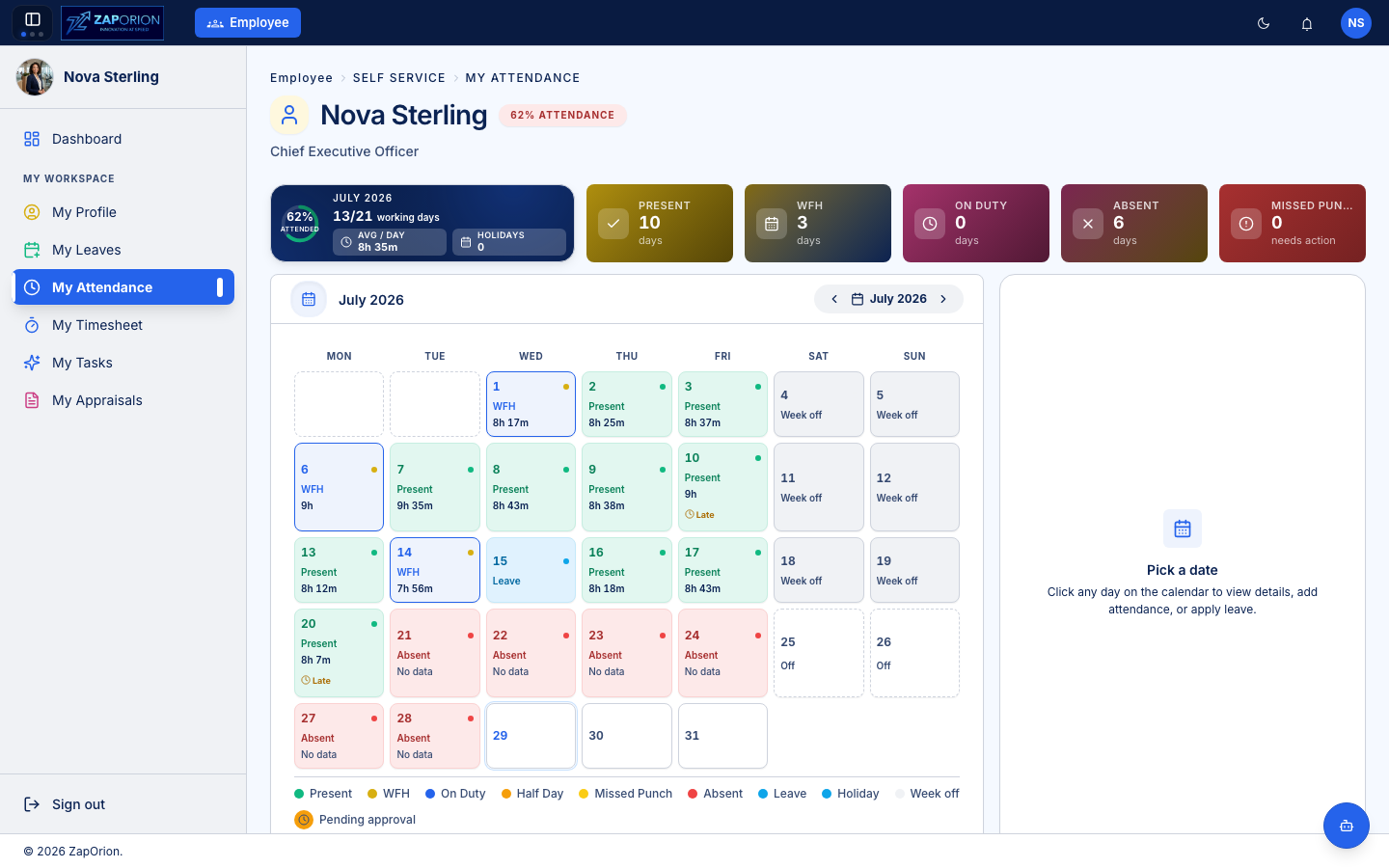
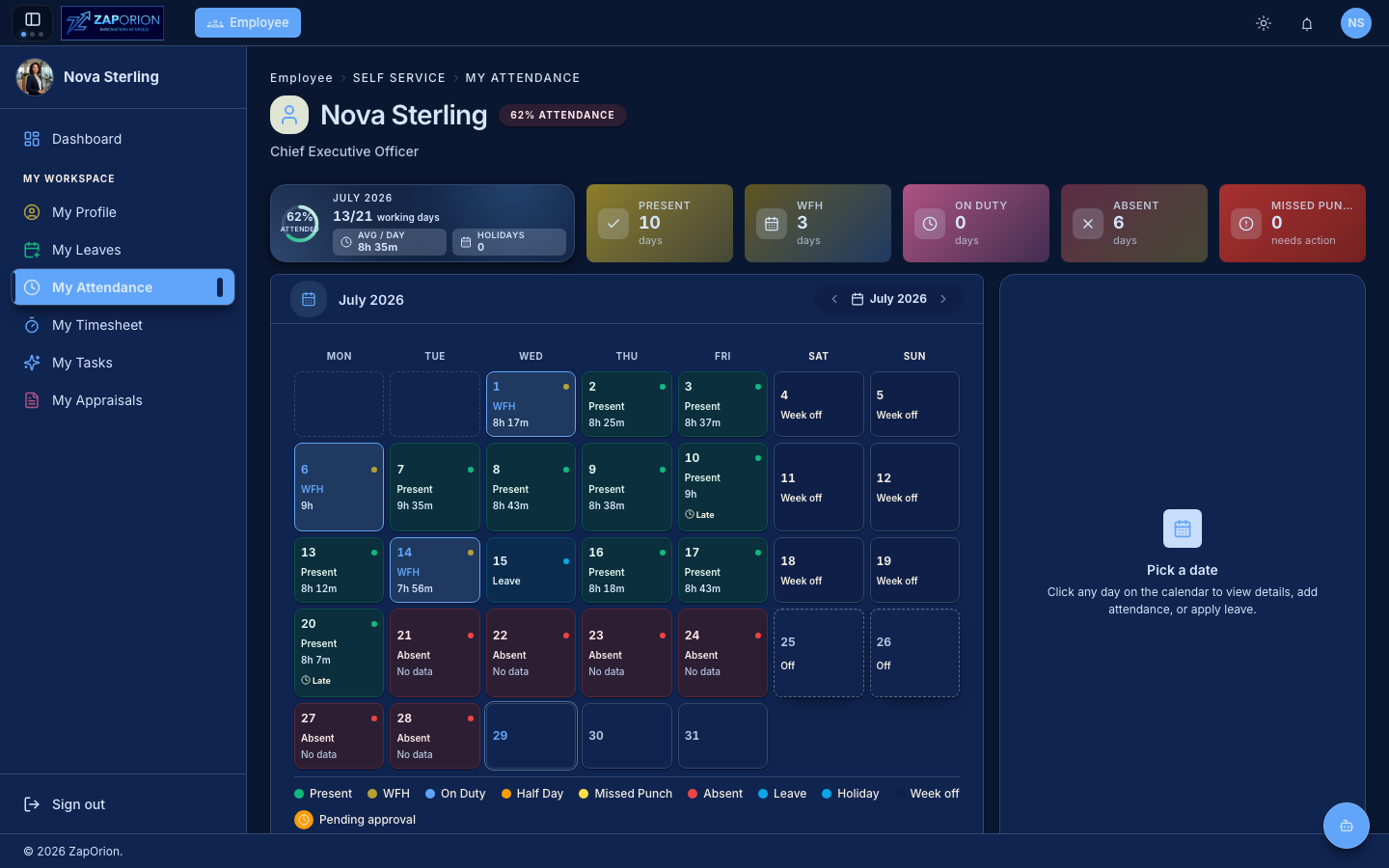
The header cards summarize the selected month: attendance percentage, days attended out of working days, average hours per day, plus counts of Present, WFH, On Duty, Absent days and Missed Punches that need action.
The calendar
Each day is color coded (legend at the bottom):
- Present (green) — with total worked hours; a Late marker appears if you checked in after your shift start.
- WFH — work-from-home days.
- On Duty — approved out-of-office work.
- Leave / Holiday / Week off — non-working days.
- Absent (red) — working days with no attendance data.
- Missed Punch — a check-in without a check-out (or vice versa); fix these promptly.
- An orange ring means a correction is pending approval.
Fixing a day
Click any day to open its detail panel. From there you can:
- View the day timeline — every check-in/out session with timestamps.
- Add attendance — request a manual entry for a missed day (goes through attendance approval).
- Apply leave — jump straight into a leave application for that date.
- Apply work arrangement — request WFH or On Duty for the day.
Corrections are routed to your manager (or the configured approver) and show as Pending approval until actioned.