My Appraisals
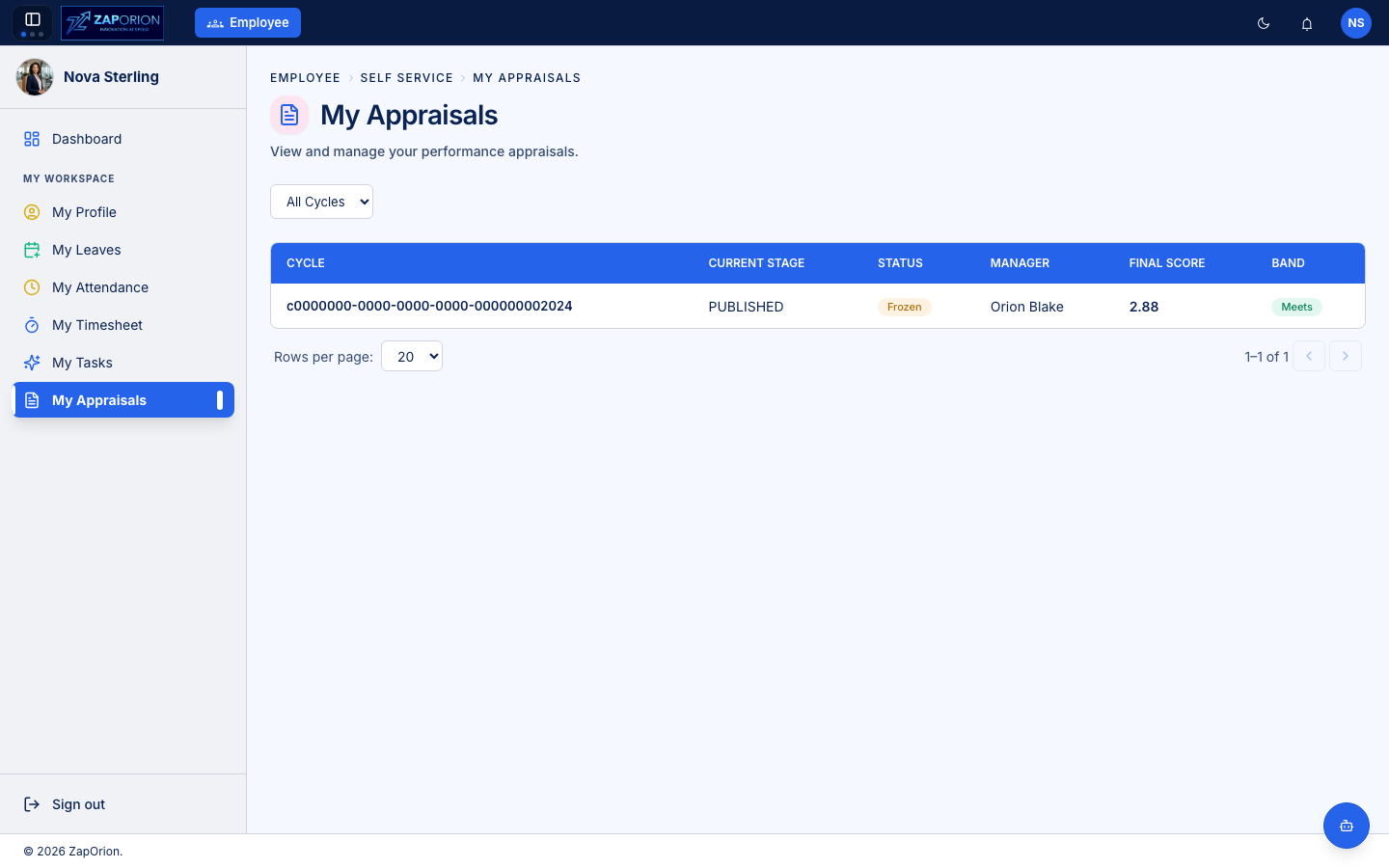
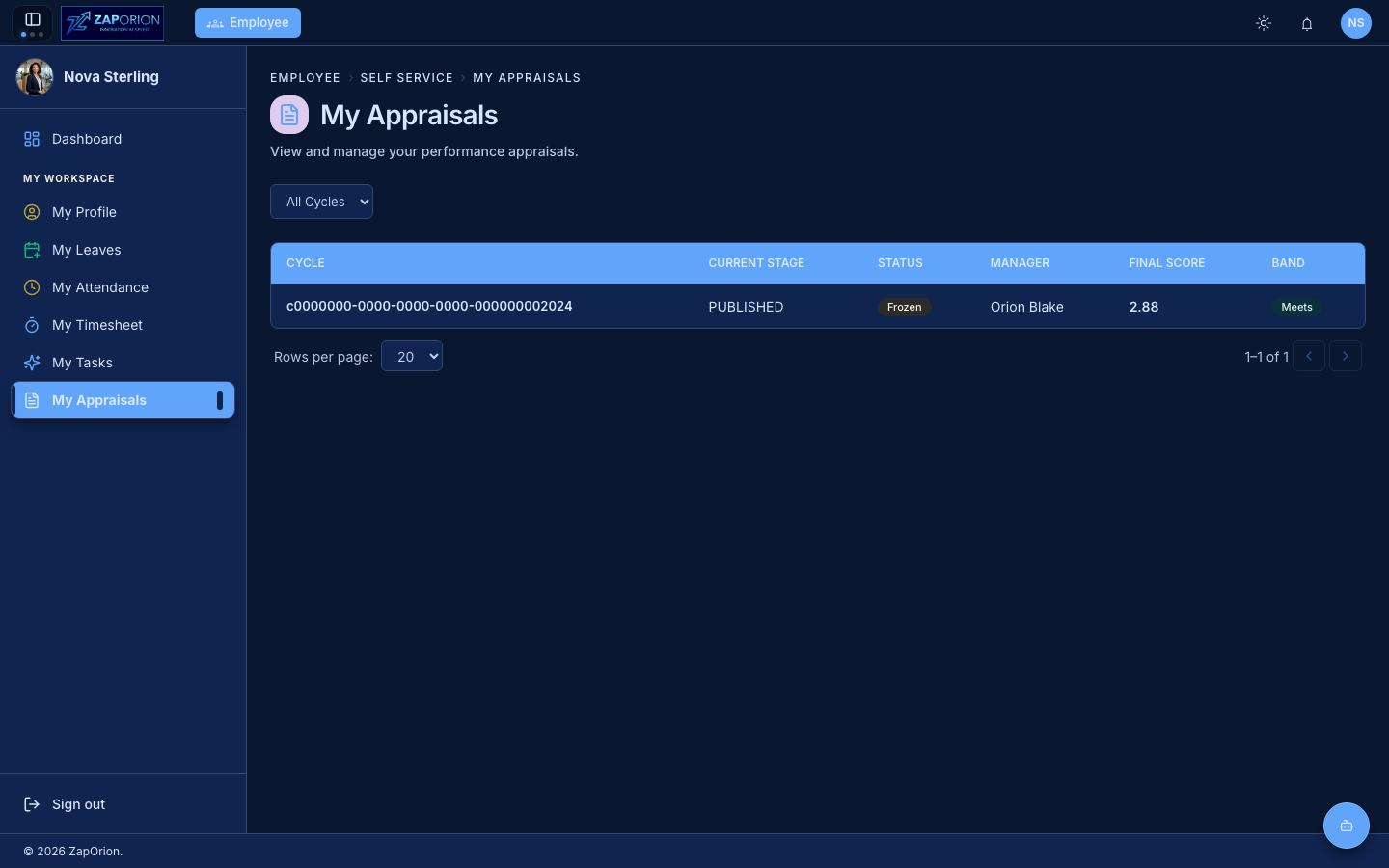
My Space → My Appraisals — your performance reviews, past and present.
How appraisals work
HR runs appraisal cycles (for example Annual 2025). Each cycle is built from up to three components, configured per cycle:
| Component | What it is |
|---|---|
| Goals | your own goals — you draft them, your manager approves them |
| KRAs | Key Result Areas mapped to you from the library |
| Questionnaire | self-assessment and feedback questions mapped to you |
Each component can ask for a rating (against the cycle's rating bands) and a comment. Your manager and (if enabled) a skip-level reviewer then rate the same form from their side — see Team Appraisals.
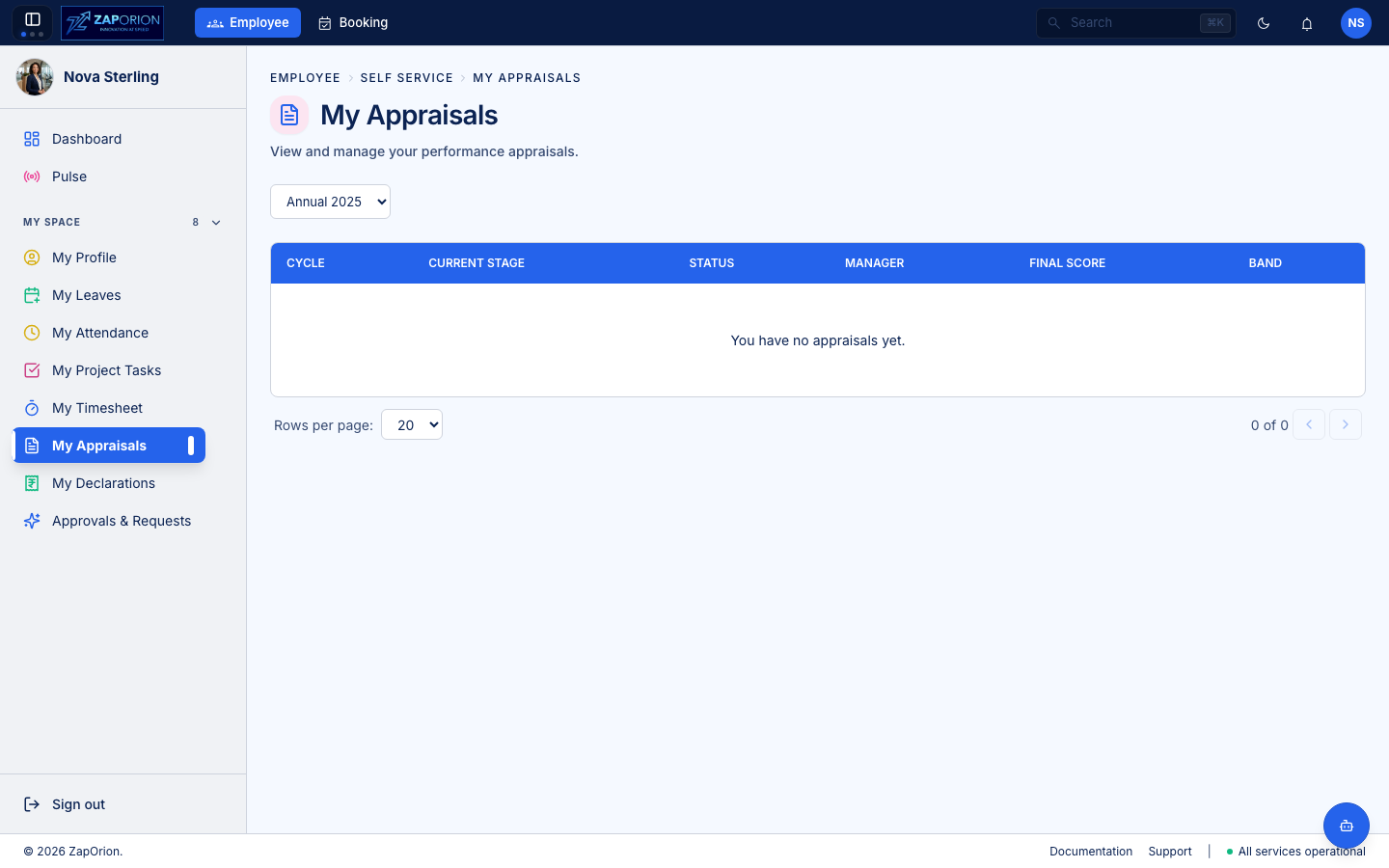
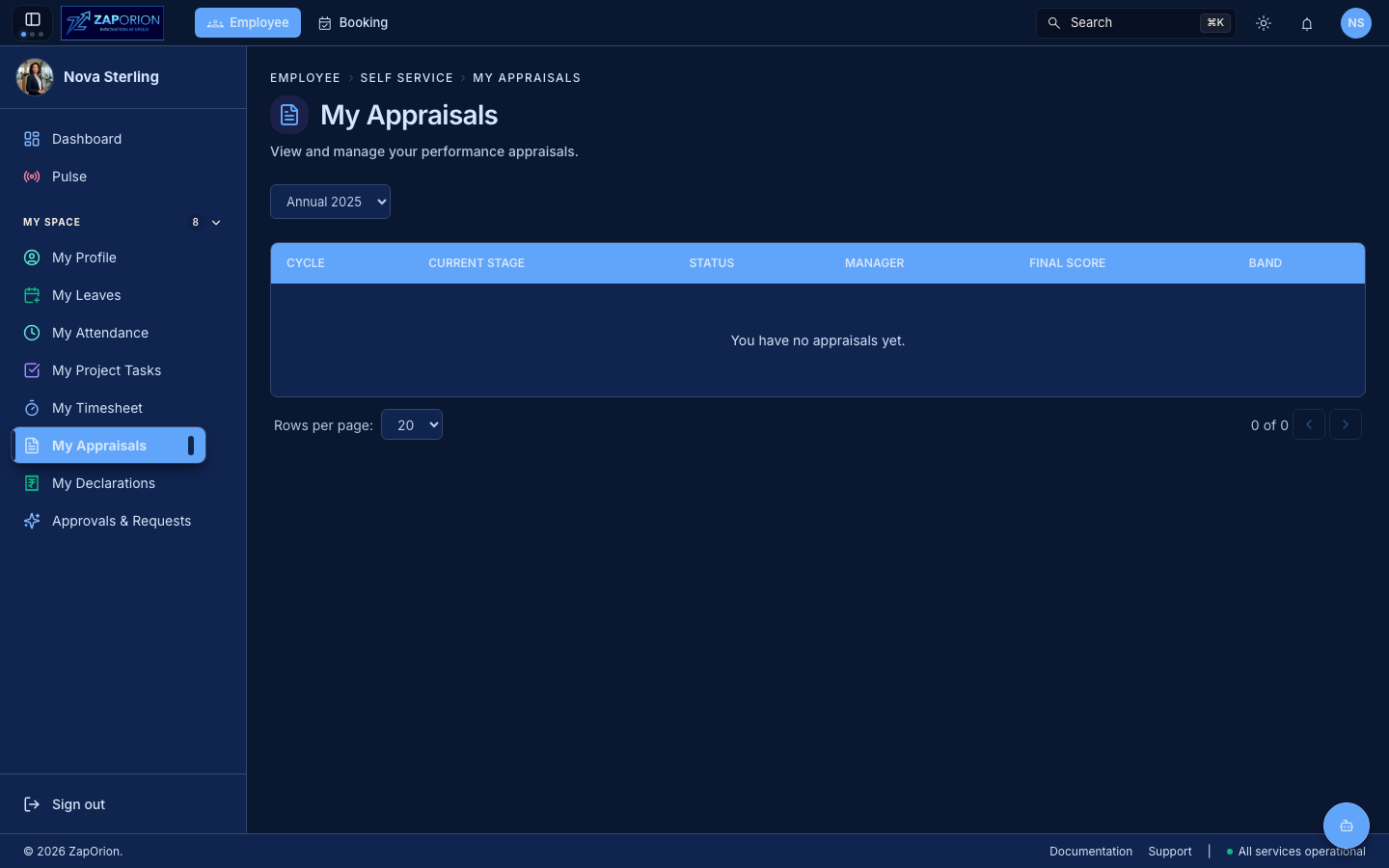
Forms only appear here once HR has launched a cycle that includes you. If the list is empty, no cycle is currently active for you.
The appraisal lifecycle
Each form moves through stages. The status badge on the form shows where you are.
| Status | Stage | What you do |
|---|---|---|
| Not Started / Goals Draft | Goal Setting | draft your goals |
| Goals Submitted | Goal Setting | waiting on your manager to approve your goals |
| Goals Rejected | Goal Setting | your manager asked you to revise — edit and resubmit |
| Self Review | Self Review | your goals are approved; rate your KRAs, goals and questionnaire |
| Self Review Submitted | Manager Review | you've submitted; waiting on your manager |
| Manager Reviewed / Skip-Level Reviewed | Review | higher-level reviews in progress |
| Finalized | Published | the cycle is closed; you can see your scores and feedback |
Goal Setting
In the Goal Setting stage you add and manage your own goals. Goals are the one part of the form you author — KRAs and questions arrive mapped from the library.
- Add Goal — create a goal with a title, description, measurement criteria and success metrics.
- Weight — each goal carries a weight. Weights must total exactly 100% before you can submit. Use Distribute evenly to spread weights equally.
- Stretch goal — mark a goal as a stretch goal (aspirational, above the baseline expectation).
- Import Goals — import goals from a previous cycle or template instead of retyping them.
- Mandatory — some goals may be marked mandatory by the cycle's mapping; you can add your own (employee-added) goals on top.
When your goals are ready, click Submit for Approval. Your manager approves or rejects them (see Team Appraisals).
Until your goals are approved, you cannot rate yourself on KRAs or the questionnaire. Goal approval is the gate to the Self Review stage.
Self Review
Once your goals are approved, the form opens for Self Review. You can now rate every component configured for self rating:
- For each KRA, record your self-rating against the rating bands and add a comment.
- For each Goal, record your self-rating and a comment.
- For each Questionnaire question, answer with a rating, a yes/no, or open text (depending on the question type).
Mandatory items (set per cycle by HR) must be completed before you can submit. The submit button flags any missing items and takes you to them.
When finished, click Submit Review. You won't be able to edit after submission. Your manager then completes their review in Team Appraisals.
Reviewers
The right-hand panel shows your assigned reviewers — your reporting manager and (if enabled) a skip-level reviewer. These seats are a reporting-line fact that only HR can change.
Requesting an additional reviewer
You can ask for an additional reviewer (e.g. a peer or a colleague you collaborated with) from the same panel. The request goes to HR for approval. An approved reviewer gains read access to your form and contributes a rating. This is over and above your fixed seats.
After the cycle closes
Once HR finalizes the cycle, your form shows Finalized and you can see:
- your final composite score, computed from the weighted component sub-scores,
- the rating band you fell into,
- a per-component score breakdown (KRA, Goal, Questionnaire), and
- all ratings and comments from your manager and skip-level reviewer.
This is the only stage at which other reviewers' ratings and comments become visible to you.