Dashboard
The Dashboard is your landing page after signing in. It brings together everything that needs your attention today.
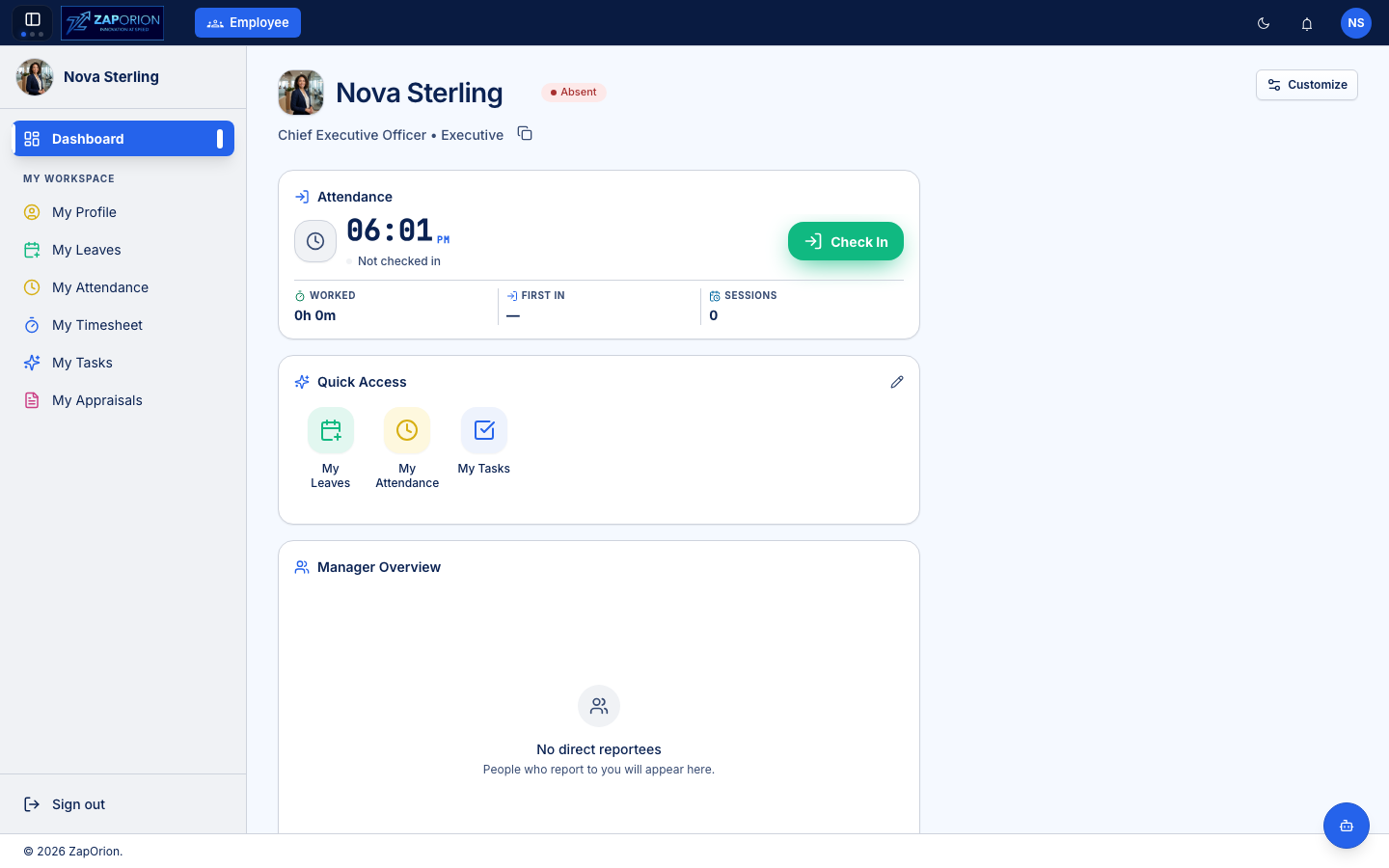
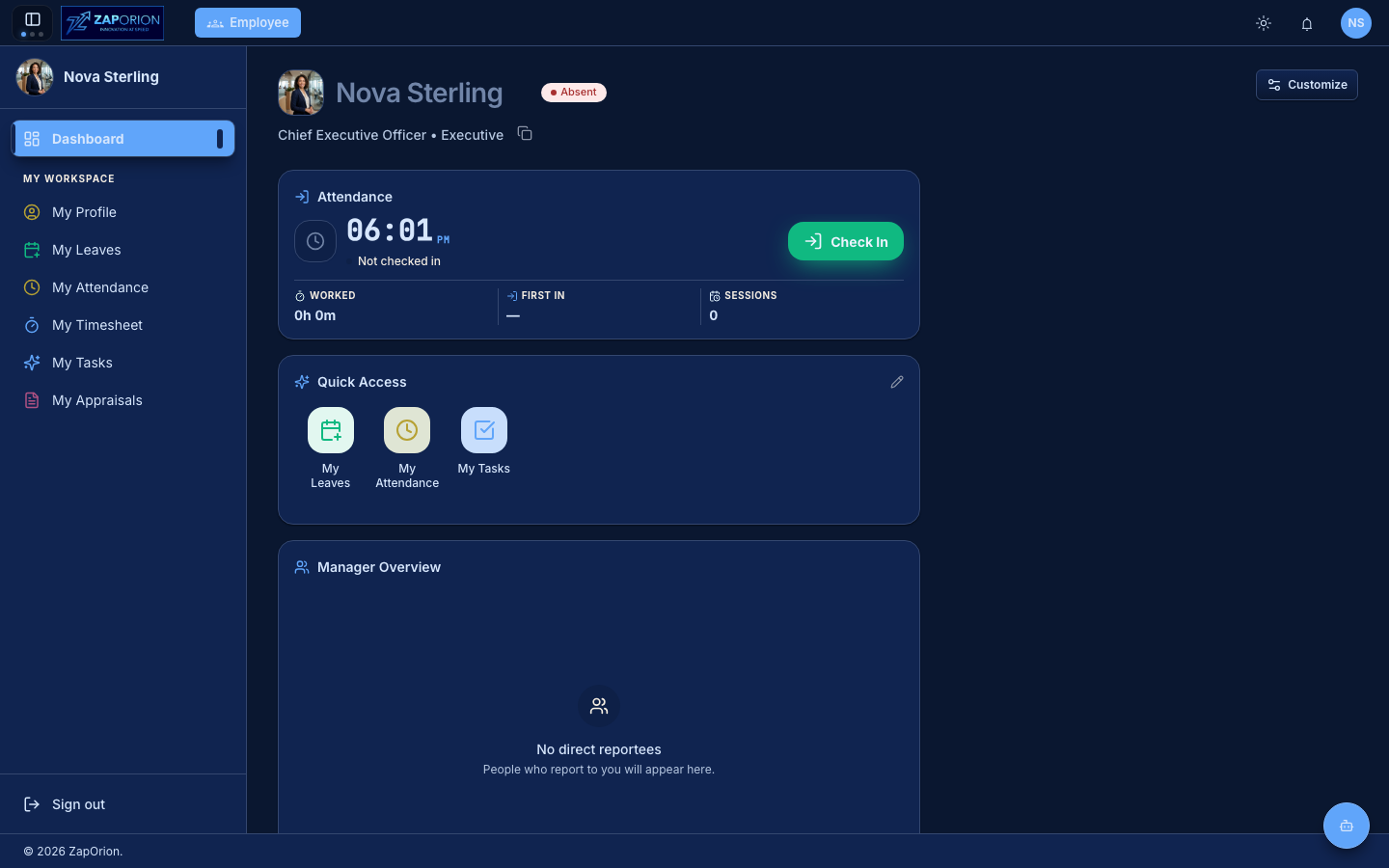
Attendance card — check in and out
The attendance card shows a live clock and your current status.
- Click Check In when you start your working day. The button changes to Check Out.
- The card tracks Worked hours, your First In time and the number of check-in Sessions today.
- Multiple sessions per day are supported — check out for a long break and check back in later.
Quick Access
One-click shortcuts to your most used pages. Click the pencil icon to choose which shortcuts appear.
Announcements
Company announcements published by HR appear on the dashboard. Click one to read the full announcement. The dashboard also surfaces the Pulse feed in a right-hand column — see Pulse for the full feed.
Customize
Click Customize (top right) to choose which dashboard cards are visible and arrange them to your liking.
:::info Managers see more If people report to you, the dashboard also includes a Manager Overview card. See the Manager Guide. :::