Approvals
My Space → Approvals (/requests) — your approval inbox and request tracker
in one place. Requires employee:read. (Don't confuse this with My Project
Tasks — that page is project work assigned to you; this one is approvals and
HR requests.)
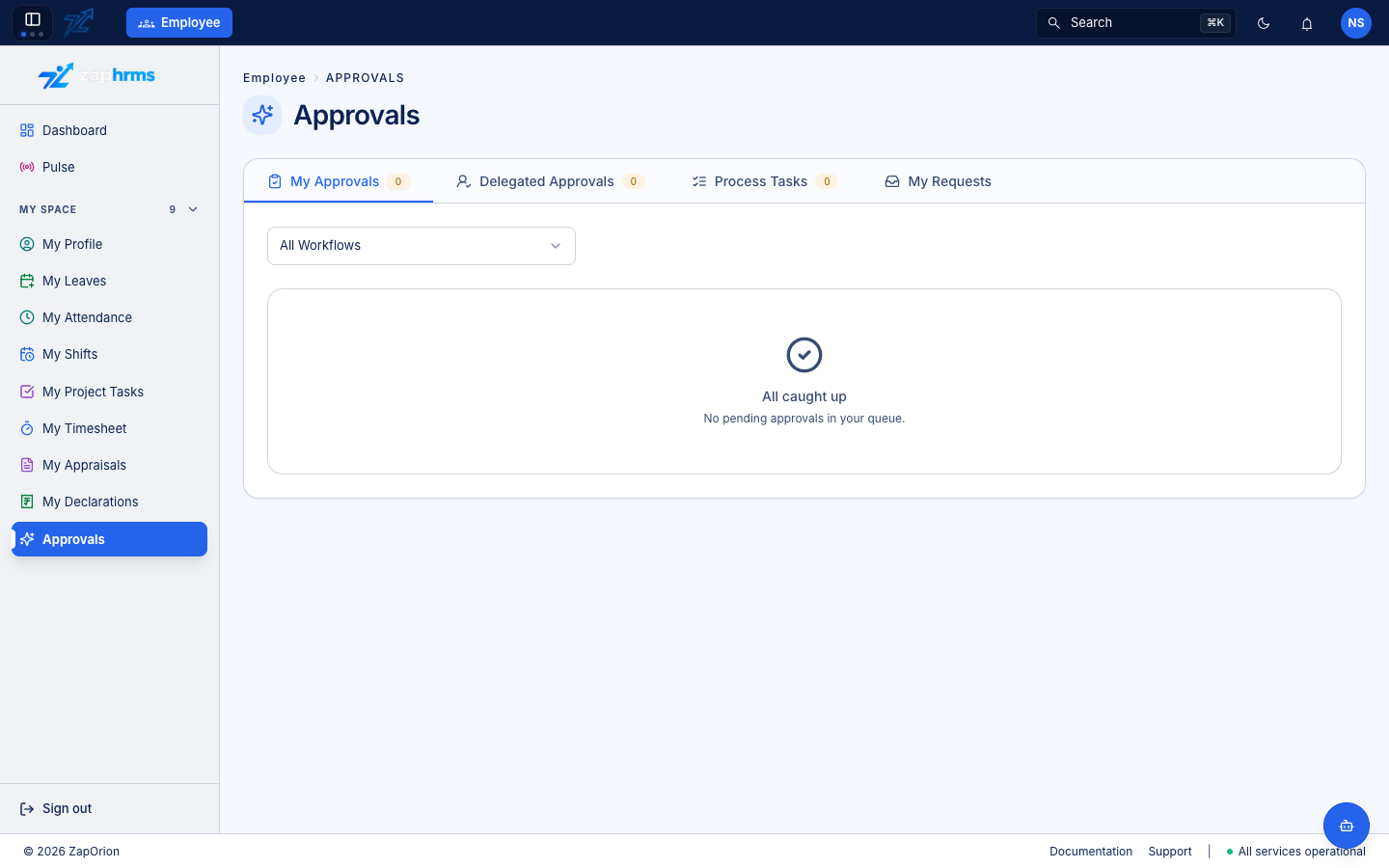
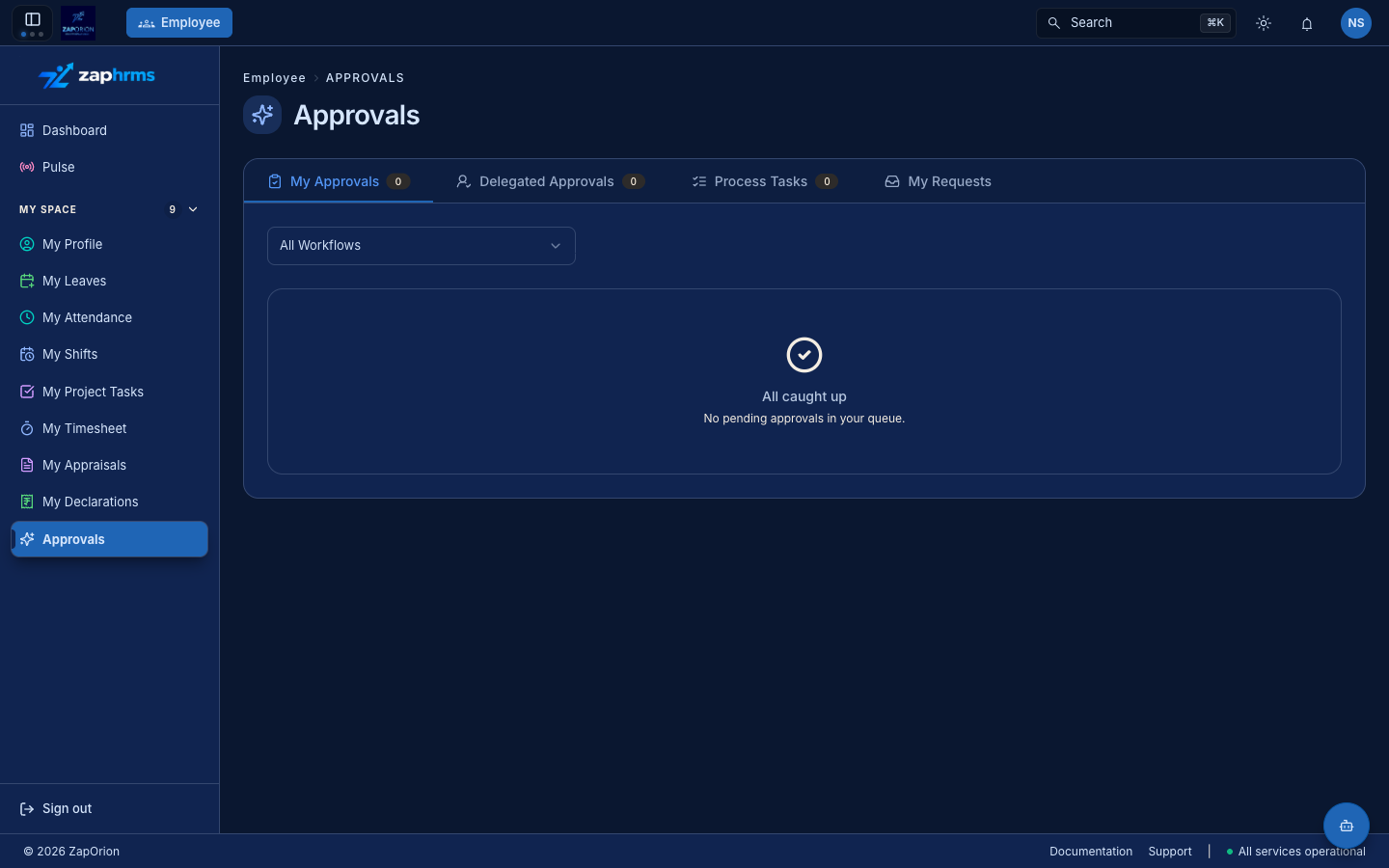
Tabs
| Tab | What it shows |
|---|---|
| My Approvals | Requests waiting for your decision (leave, attendance corrections, timesheets, resignations, shift changes and swaps, …). The badge shows the pending count. |
| Delegated Approvals | Approvals delegated to you by a colleague (see Manage Delegations on My Profile) |
| Process Tasks | Tasks assigned to you from onboarding/offboarding checklists — e.g. "Return laptop", "Complete induction" |
| My Requests | Everything you have submitted, with live status. The All Workflows filter narrows it to one kind of request. |
When there is nothing waiting, the page says All caught up.
Acting on an approval
- Open My Approvals. Use the workflow filter (e.g. Leave Approval only) to narrow the list.
- Click a request to see its details — who raised it, dates, reason, history.
- Approve or Reject (a comment is required to reject).
The requester is notified automatically, and every decision is recorded in the Activity Logs.
You can also approve or reject straight from the Action Items card on your Dashboard without opening this page.
Shift swaps and changes
A colleague who proposes a shift swap with you needs your answer first: the request appears in My Approvals and approving it accepts the swap, while rejecting it declines it. After you accept, the requester's manager makes the final decision. Shift change requests go straight to the approver set in the Shift Change Approval workflow.
:::tip Going on holiday? Delegate your approvals to a colleague first — My Profile → Quick Actions → Manage Delegations. Their Delegated Approvals tab picks up your queue for the period you set. :::