Roles & Permissions
Administration → Roles & Permissions — decide exactly what each role can
do in the Employee module. Requires employee:admin.
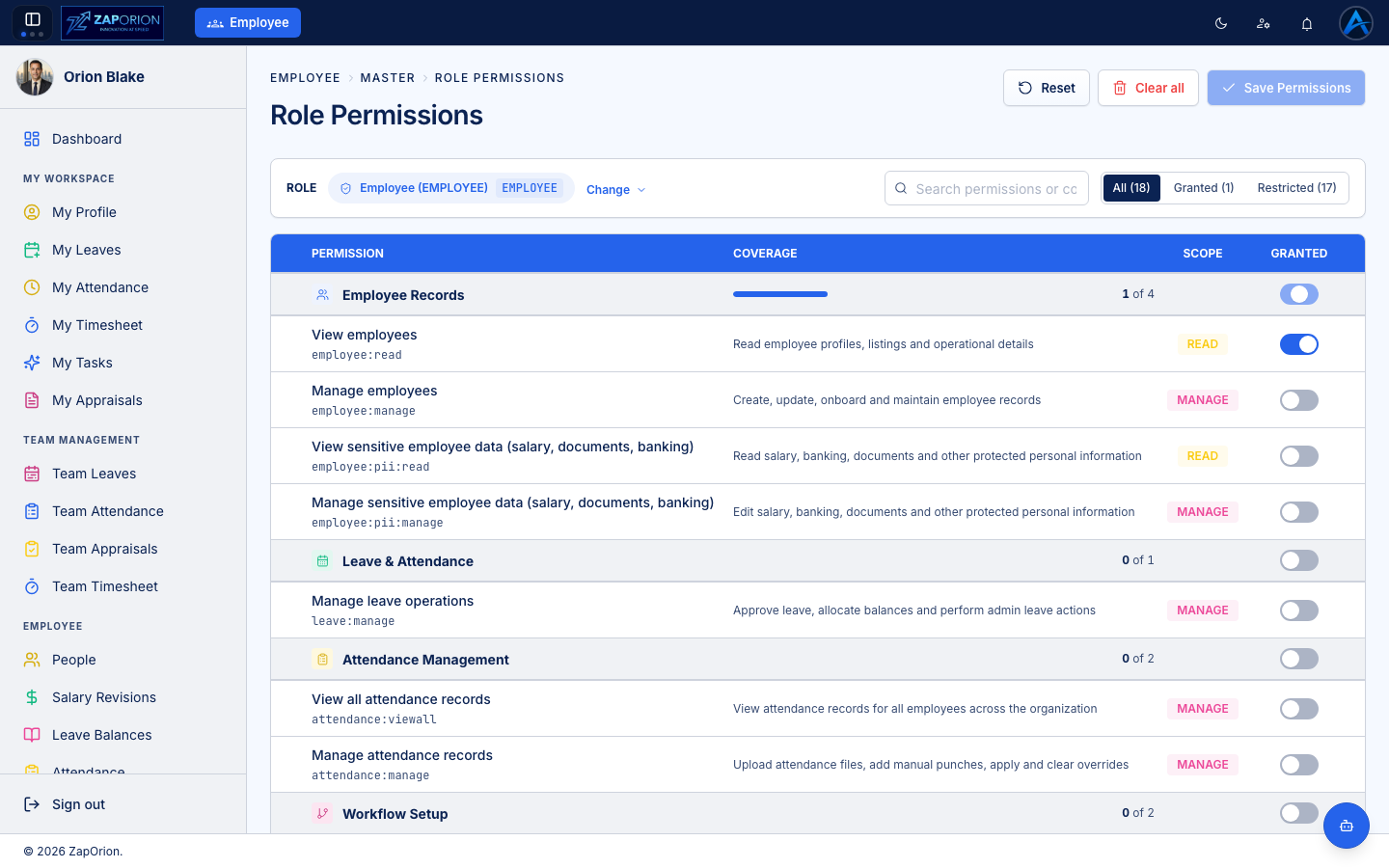
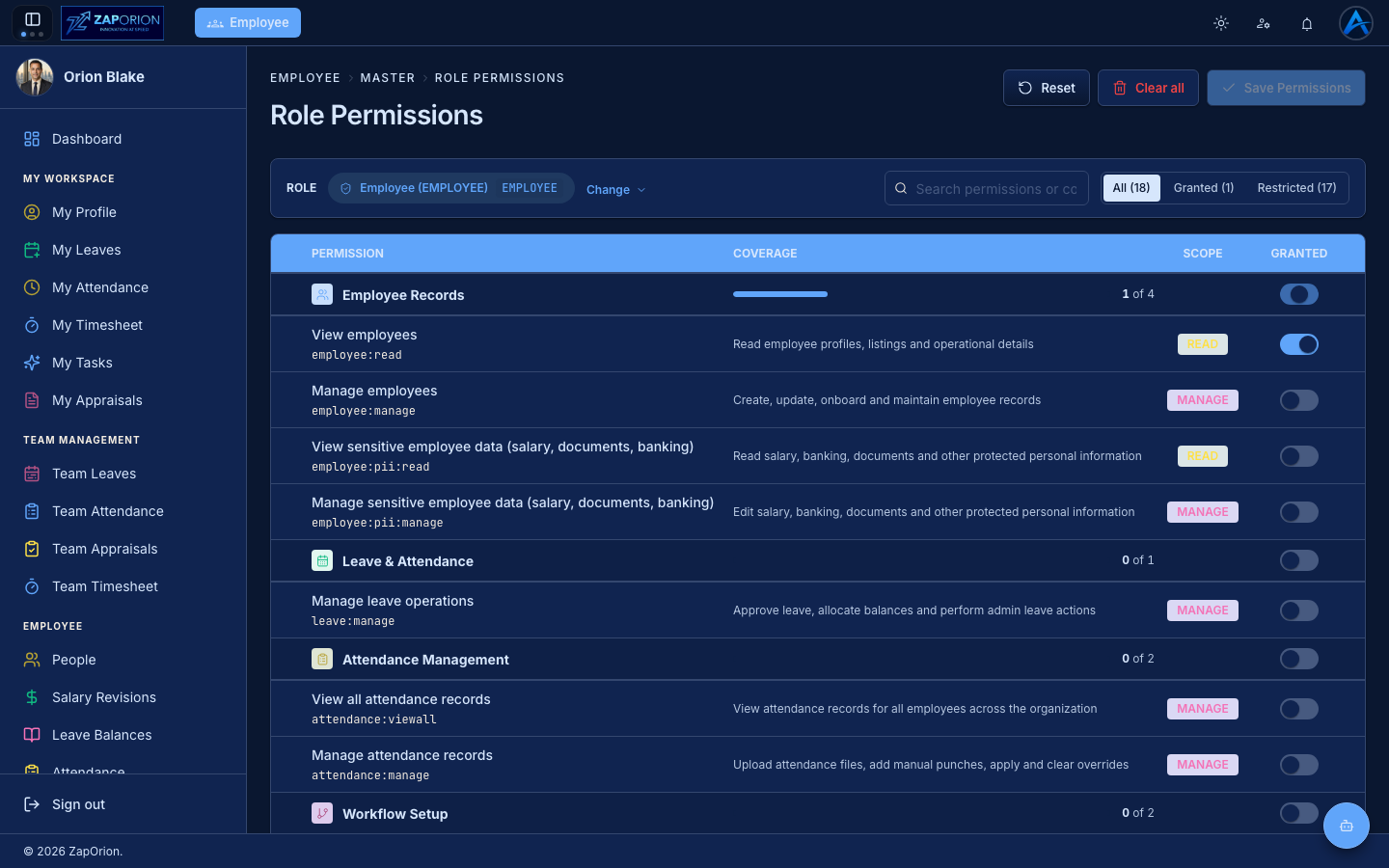
The permission matrix
- Pick a role with the Change selector (e.g. EMPLOYEE, MANAGER, HR, ADMIN — roles come from your identity provider).
- Toggle individual permissions on or off. Permissions are grouped (Employee Records, Leave & Attendance, Attendance Management, Workflow Setup, …) with a coverage bar per group; each carries a READ or MANAGE scope badge.
- Use the All / Granted / Restricted filter or search to find a permission.
- Click Save Permissions. Changes apply on the users' next page load.
Reset discards unsaved edits; Clear all removes every grant from the role (before saving).
Guidelines
- Follow least privilege: grant
*:readbefore*:manage, and treatemployee:pii:*andemployee:adminas sensitive. - The full permission list and what each unlocks is summarized in the Administrator Overview.
- Permission changes are recorded in the Activity Logs.