Projects
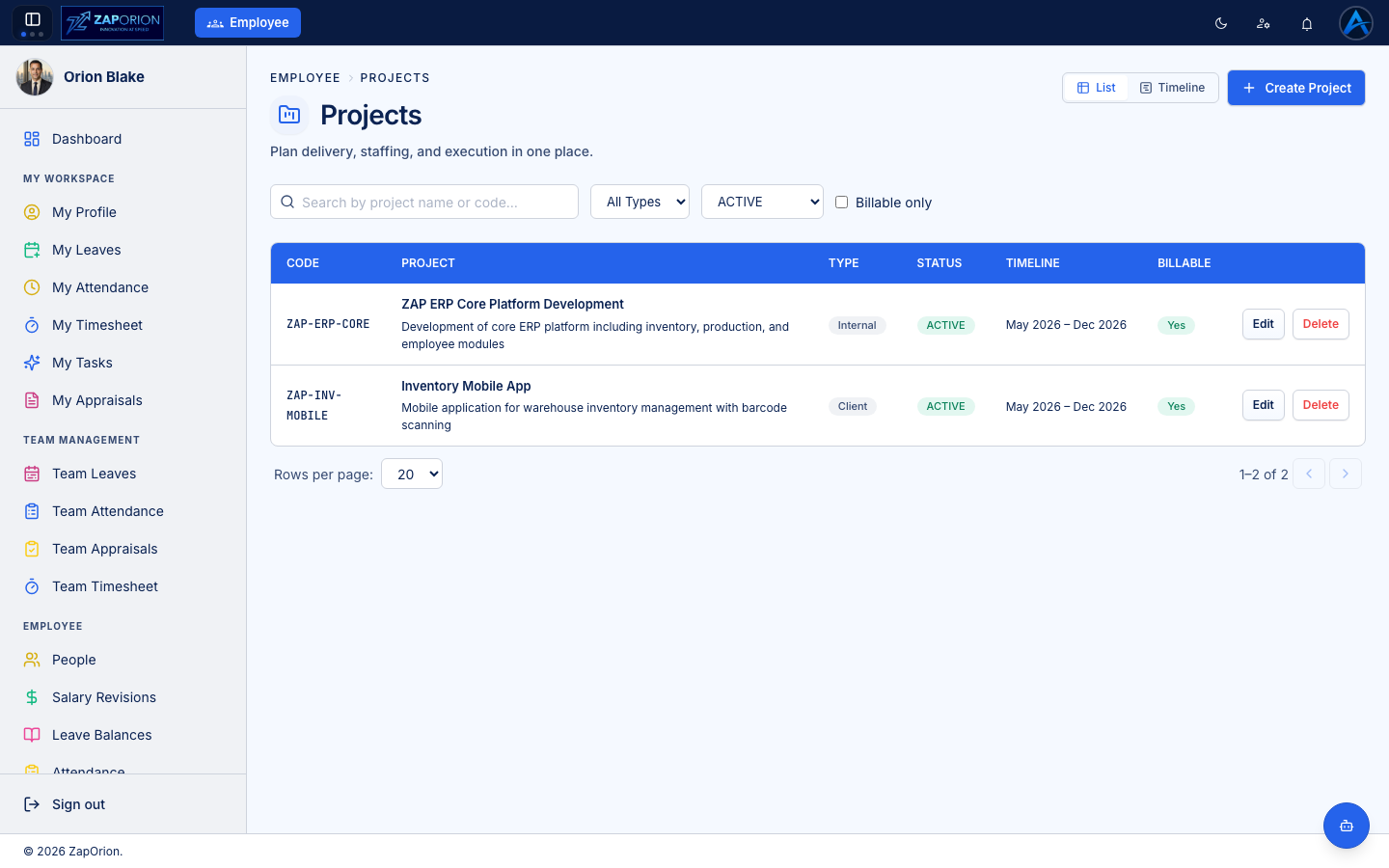
Manage Operations → Projects — projects, team allocations and tasks; the
foundation for timesheets. project:read to
view, project:manage to change.
Creating a project
Click New Project and set the name, code, client/description and dates. Each project then has three tabs:
- Overview — project details and status.
- Allocations — who works on the project, from when to when, and at what percentage. Employees can only log timesheet hours against projects they are allocated to.
- Tasks — the work breakdown; timesheet lines reference these tasks. Mark tasks billable or non-billable to drive the billable split in timesheets.
Managing allocations
Open Allocations → New Allocation, pick the employee, date range and allocation %. Overlapping allocations across projects are visible so you can spot over-allocation.
Activity types
The activity dropdown employees see in their timesheet (development, testing, meetings, …) is maintained in Masters → Activity Types.