People
Manage Operations → People — the workforce hub: analytics, the employee directory, and lifecycle operations.
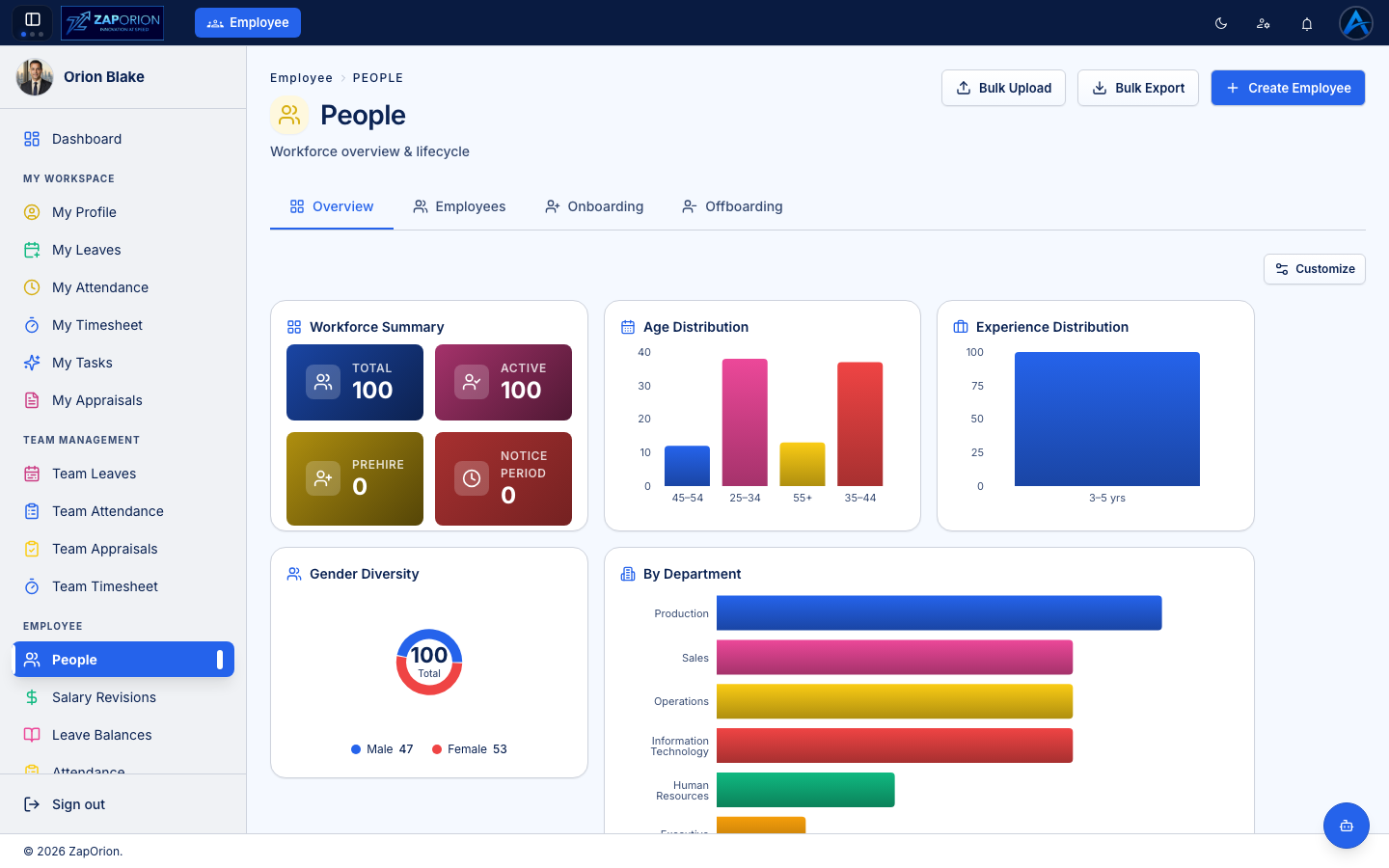
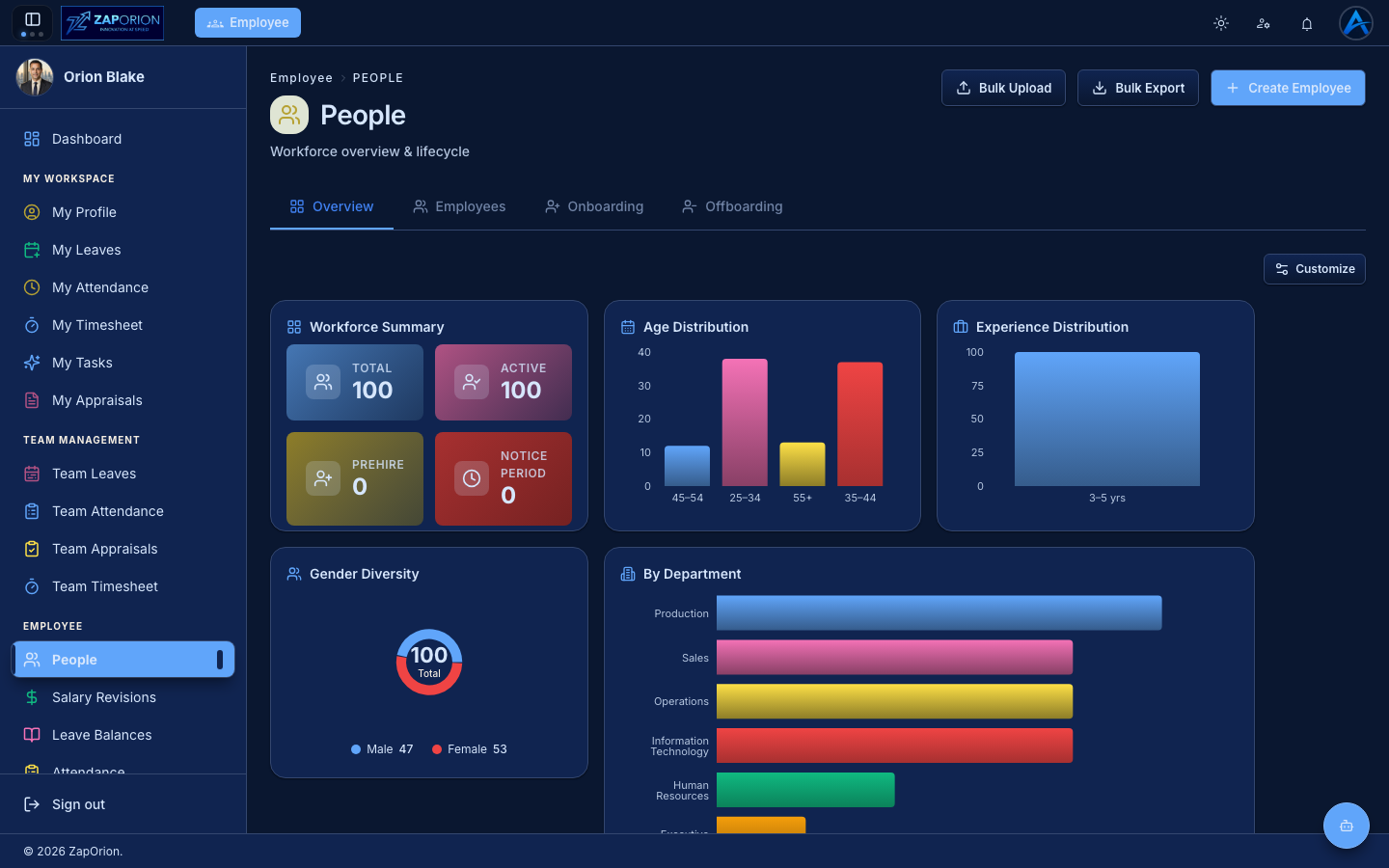
Overview tab
Workforce analytics at a glance: total/active headcount, pre-hires, employees in notice period, age and experience distributions, gender diversity and headcount by department. Click Customize to choose which cards appear.
Employees tab
The searchable employee directory. Click an employee to open their full profile — the same tabs as My Profile (Overview, Additional Info, Job, Documents, Skills, Notes, Contacts & Family, Banking, Assets, Shifts, Attendance, Reportees), but editable according to your permissions. Banking and documents require the PII permissions; compensation is managed in Payroll.
Creating an employee
- Click Create Employee (top right).
- Fill in personal details, job details (department, designation, location, manager, shift) and joining date.
- The employee ID is generated automatically from the format set in Configuration.
- Save. To give the person system access, also assign them a role in user management.
Bulk operations
- Bulk Upload — import many employees from a spreadsheet. Download the template, fill it, upload, review validation results per row, then commit.
- Bulk Export — export the directory to CSV/Excel.
Onboarding and Offboarding tabs
Run lifecycle processes from templates defined in Employee Lifecycle:
- Onboarding — start onboarding for a new joiner, pick a template, and track every task (documents, IT setup, induction) to completion.
- Offboarding — triggered by an approved resignation or started manually; tracks handover, asset return and exit tasks through the last working day.