Master Settings
Administration → Masters — the reference data everything else builds on.
Requires employee:admin.
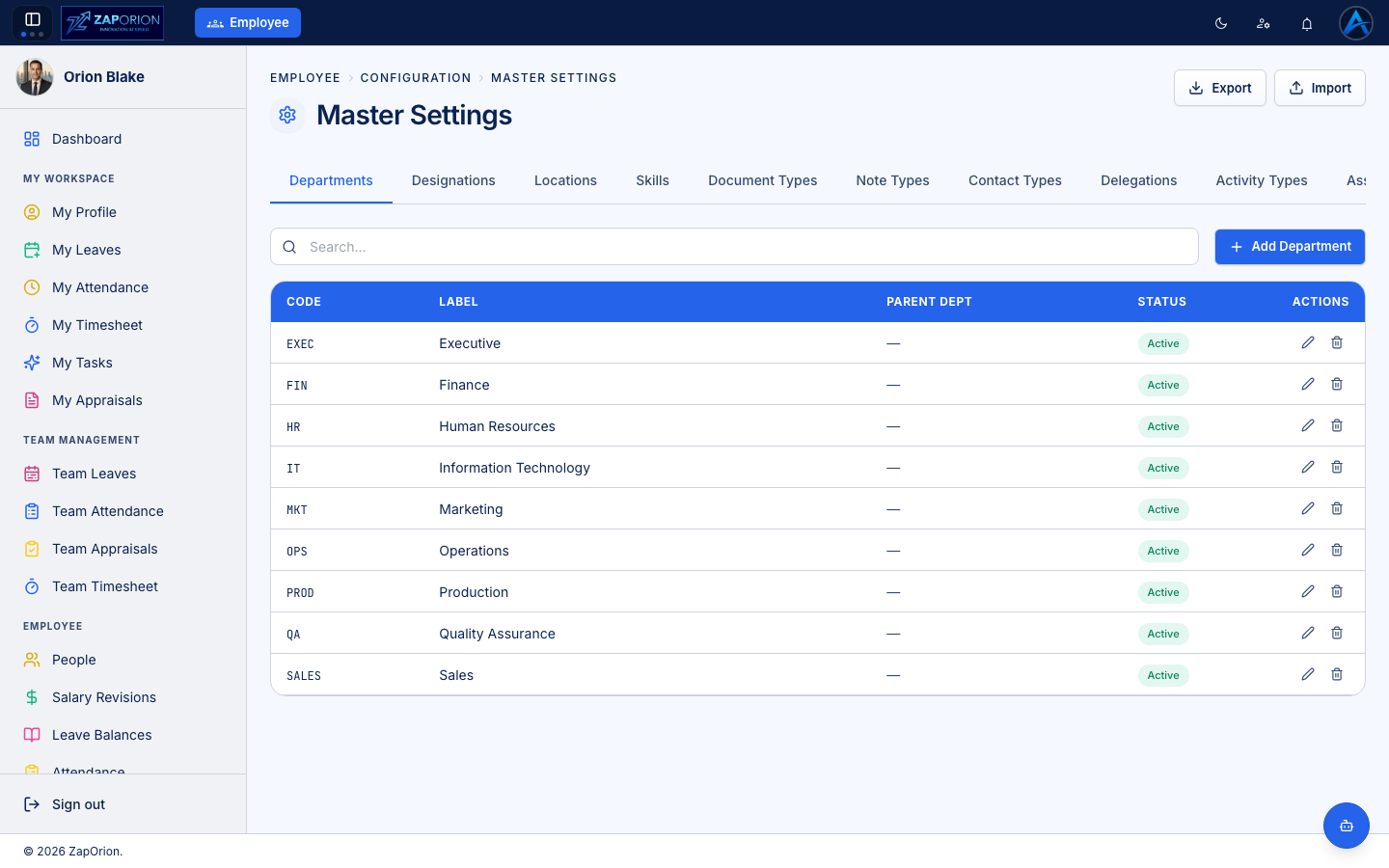
The tabs
| Tab | Used by |
|---|---|
| Departments | Employee job details, People analytics. Supports parent/child hierarchies. |
| Designations | Job titles |
| Locations | Offices/sites; also drive location-specific holiday calendars |
| Skills | Employee skill profiles |
| Document Types | Categories for employee documents (ID proof, contract, …) |
| Note Types | Categories for profile notes |
| Contact Types | Categories for emergency/personal contacts |
| Delegations | Approval delegation records |
| Activity Types | The activity dropdown in timesheets |
| Asset Categories | Asset register categories |
| Shifts | Working shifts (timings) assigned to employees |
| Advanced | Advanced/miscellaneous settings |
Working with a master
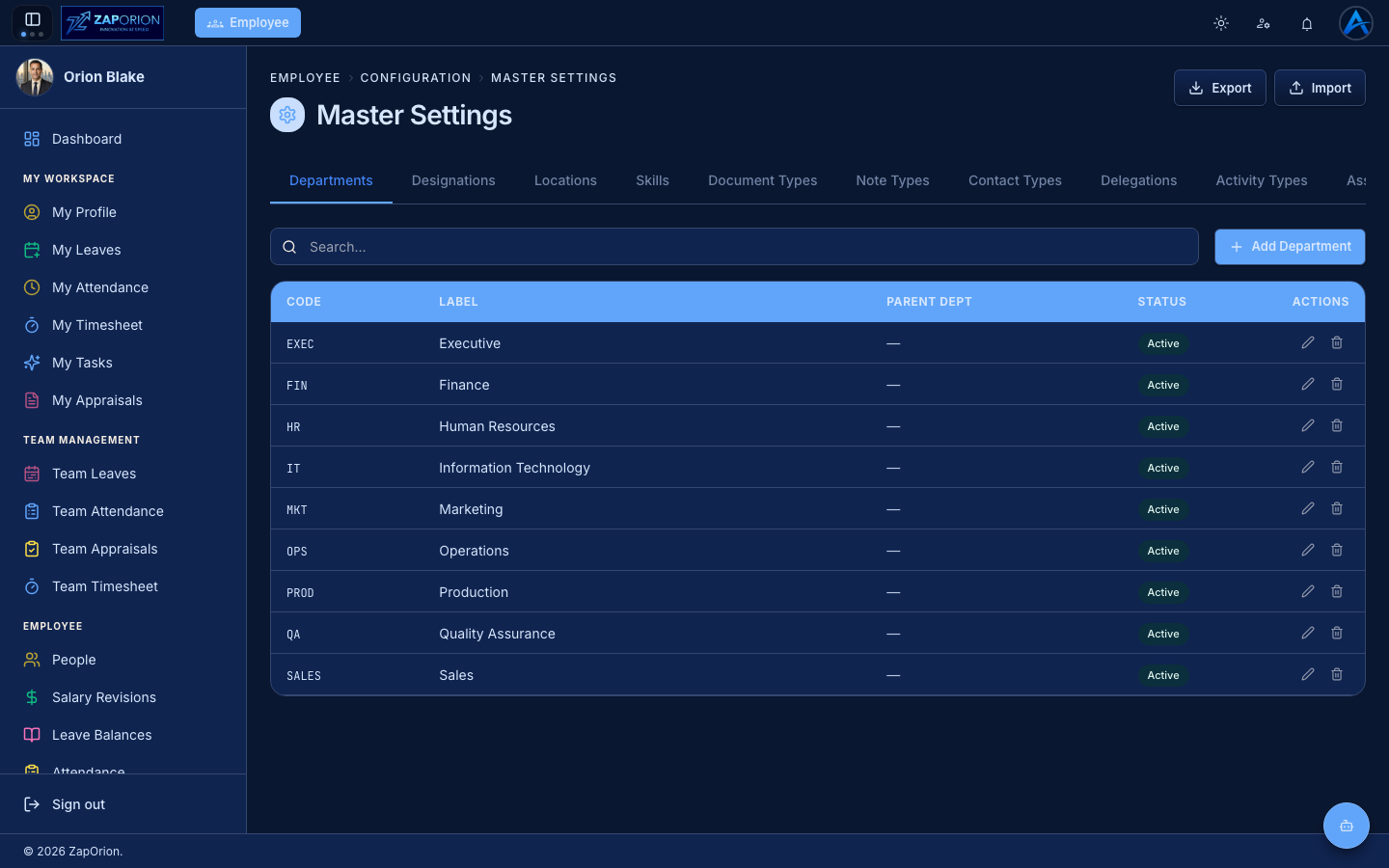
Every tab follows the same pattern: search, Add button, and a table with edit/delete actions per row. Entries have a code (stable identifier), label and status — deactivate instead of deleting when a value is already in use.
Export / Import (top right) moves entire master sets between environments as files — handy for seeding a new instance.