Goals & Assessments
Manage Operations → Goals & Assessments — design and run performance appraisal
cycles. Requires perf:manage.
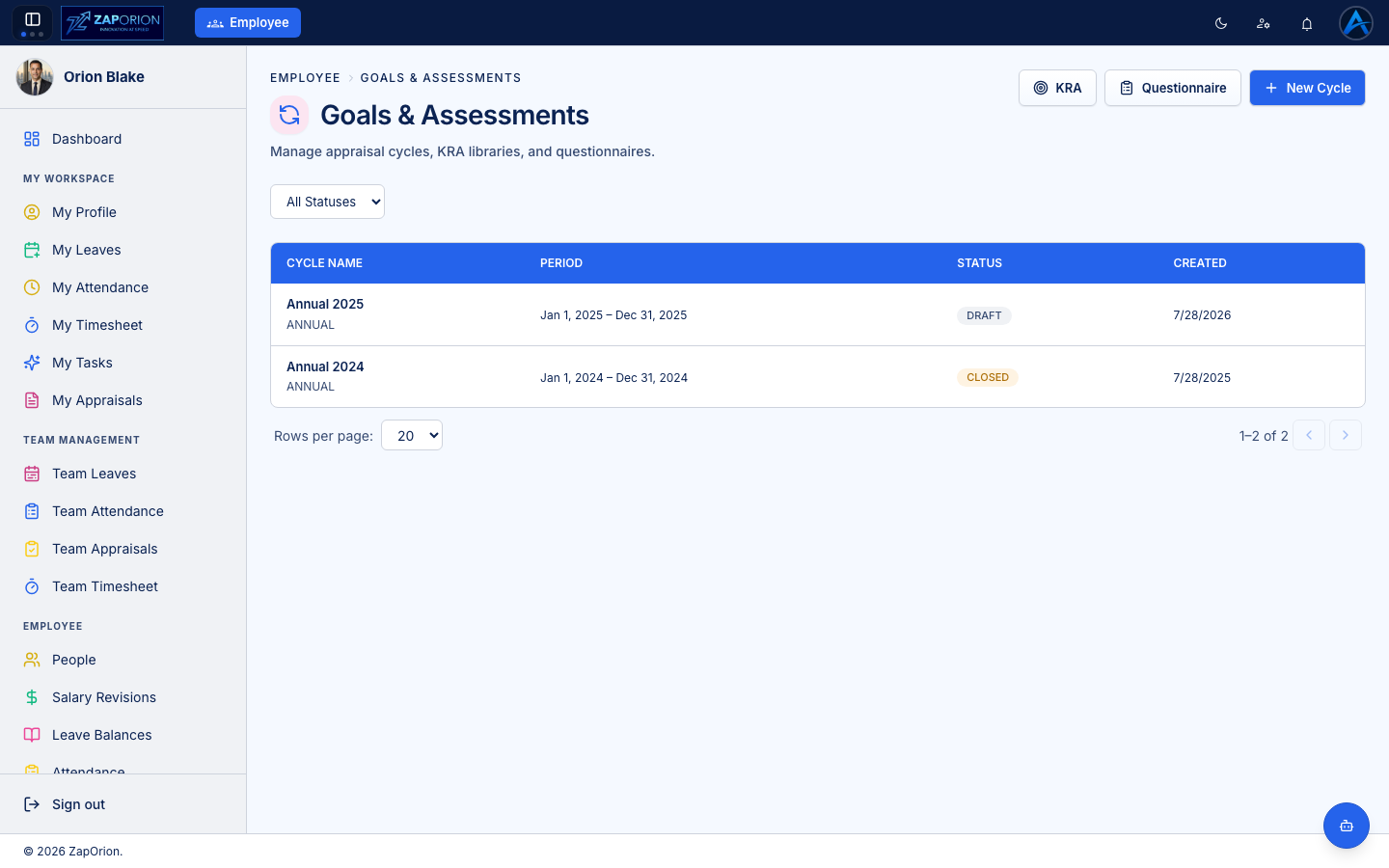
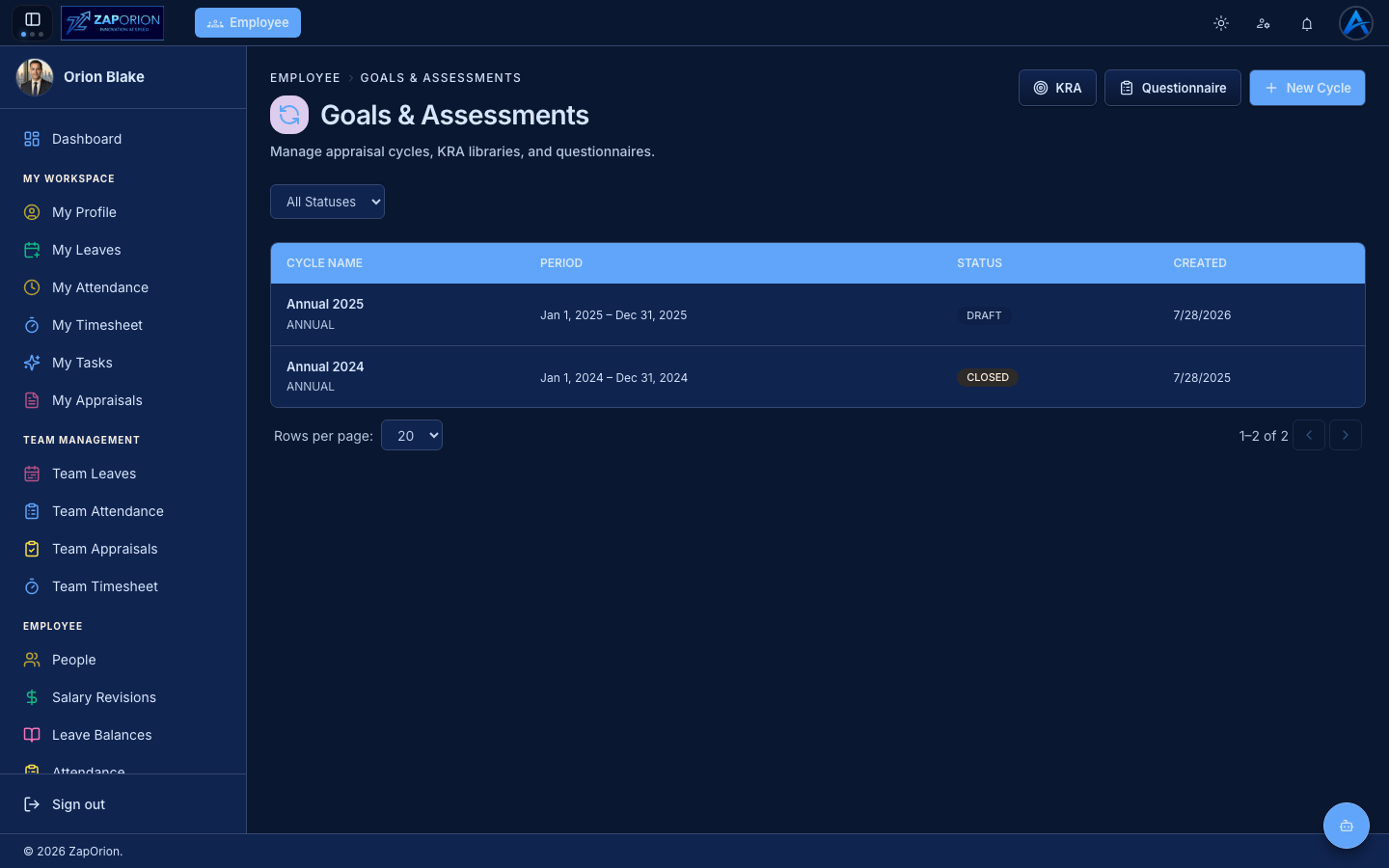
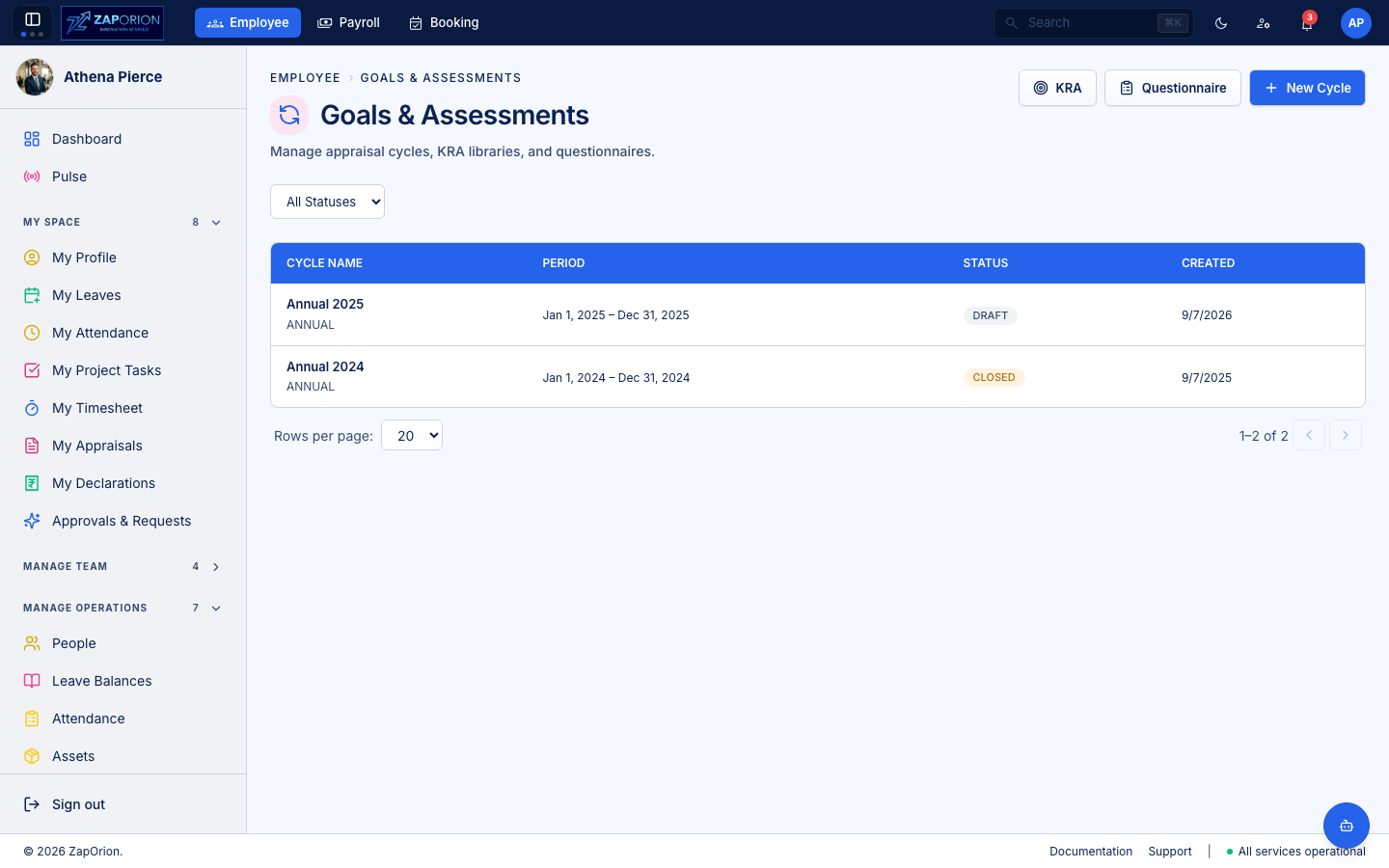
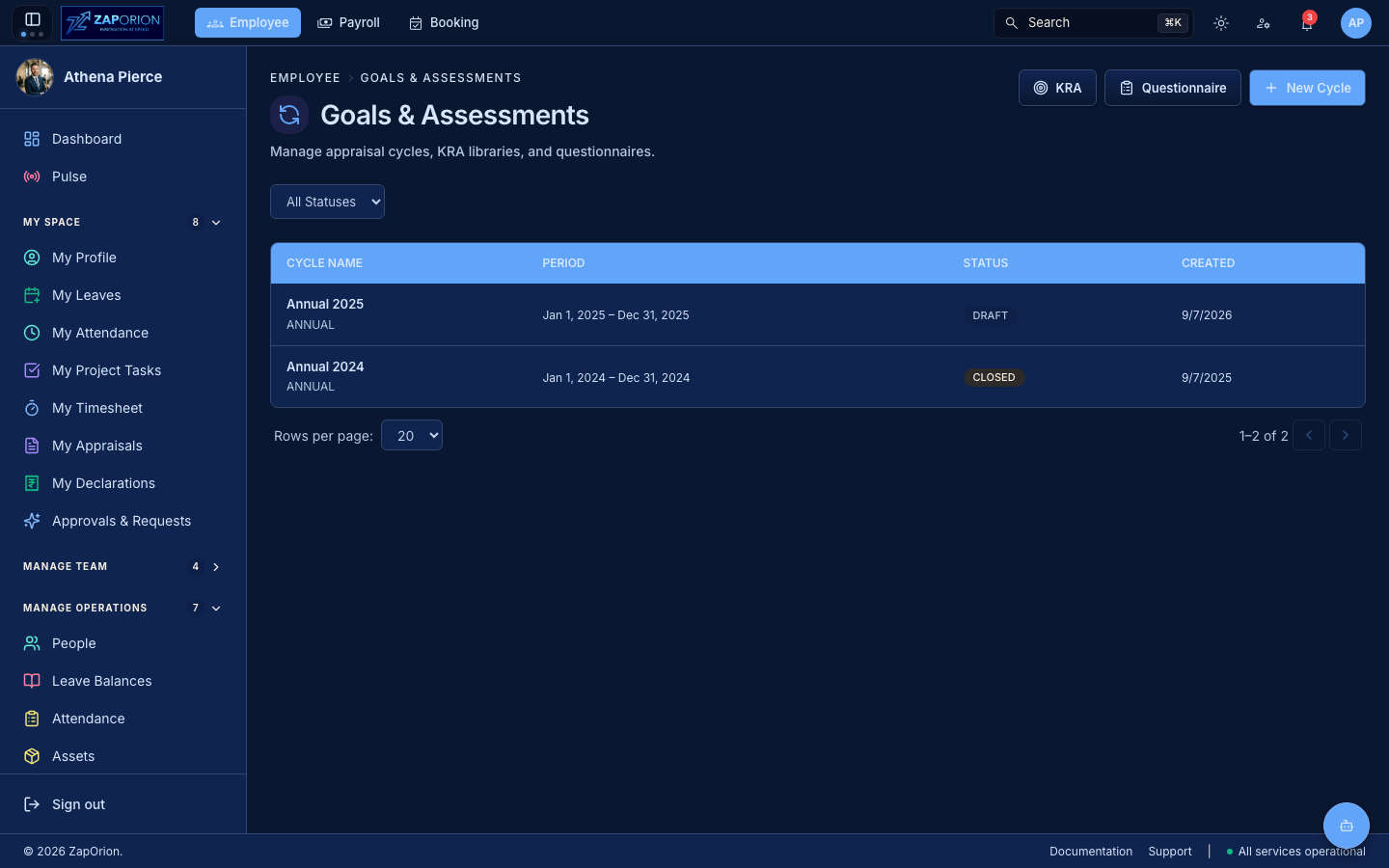
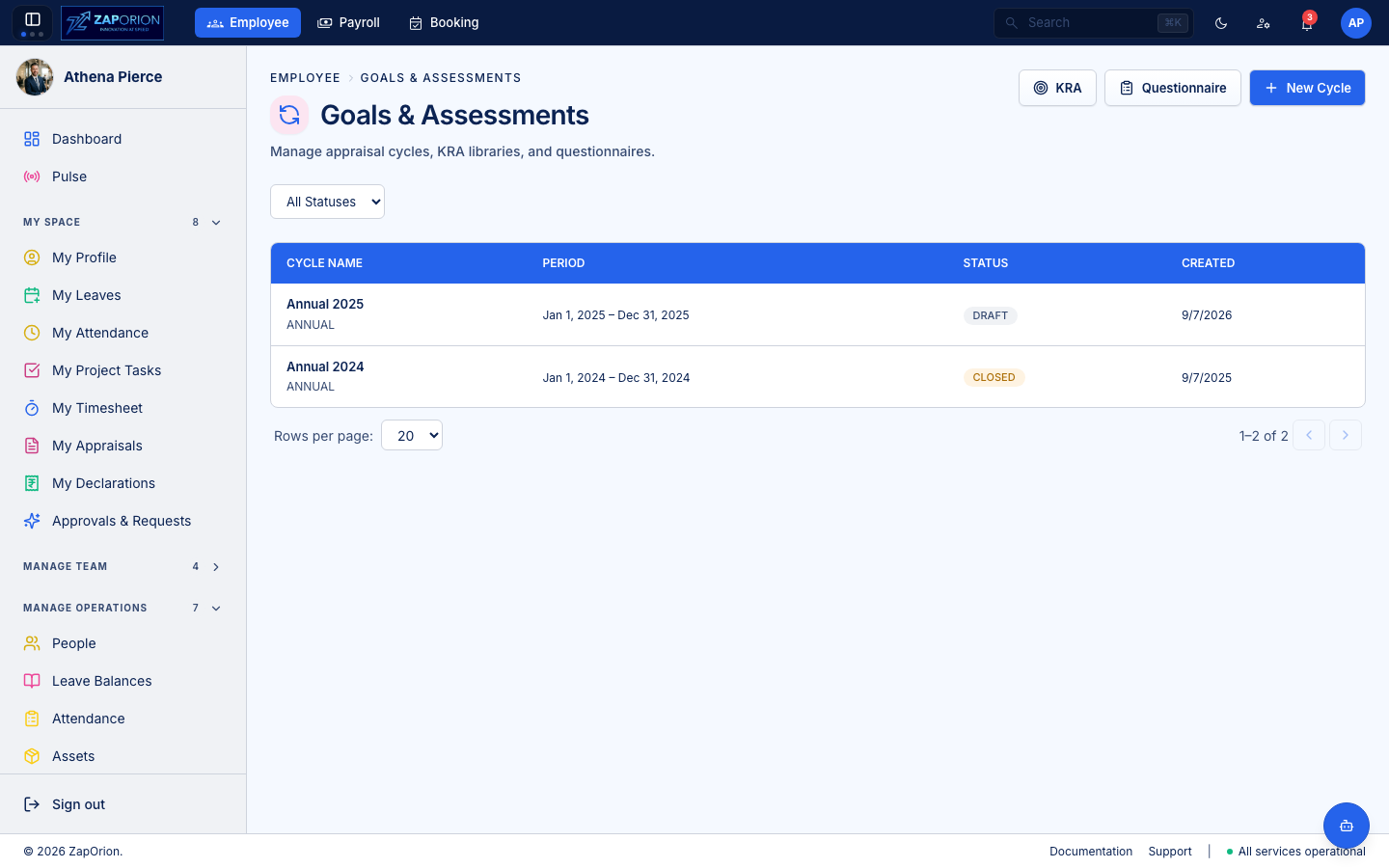
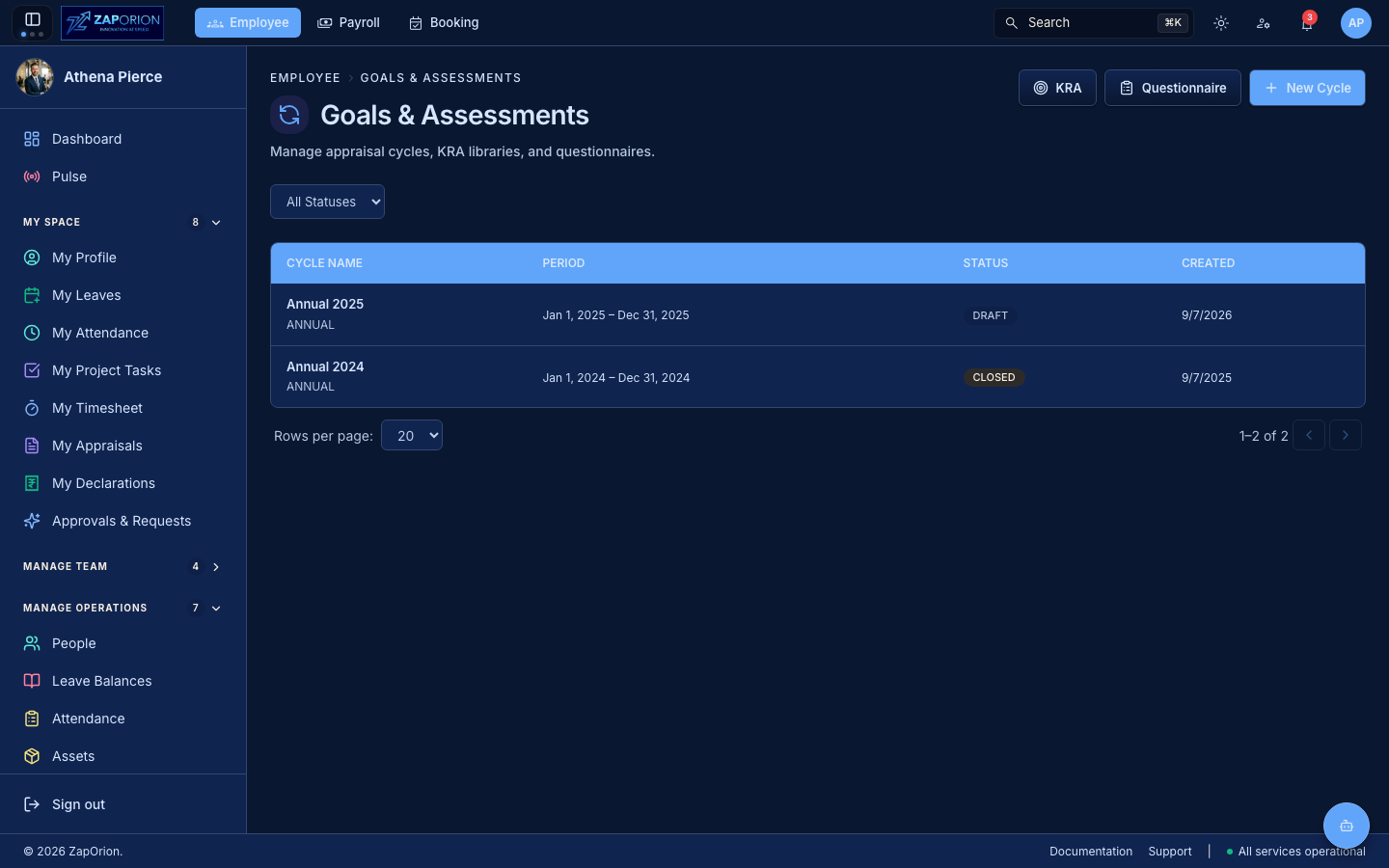
The page lists every appraisal cycle. Filter by status (Draft → Active → Closed → Archived) and click a row to open its detail page.
The two building blocks at the top right are defined once and composed into every cycle:
| Button | Library | What it holds |
|---|---|---|
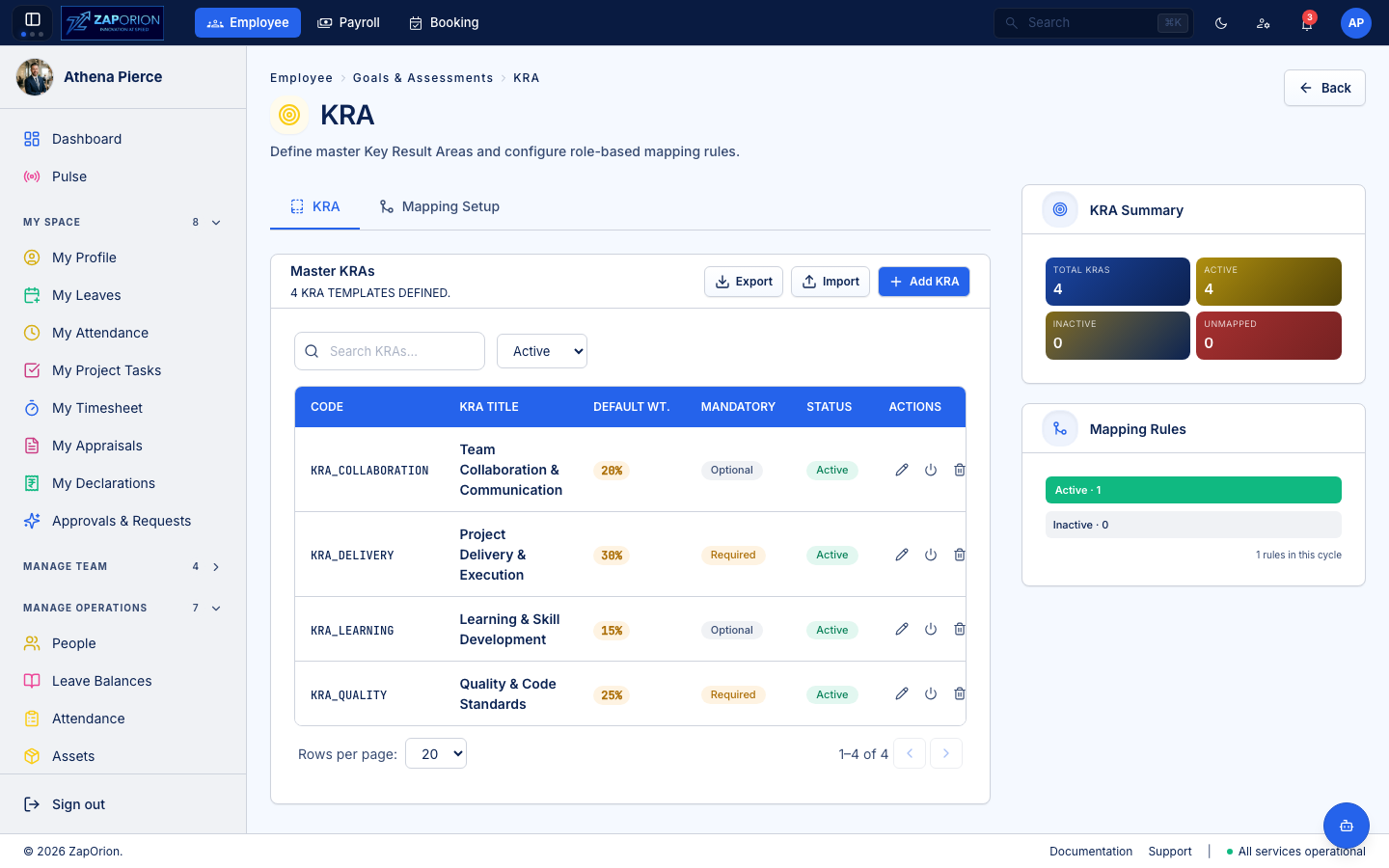
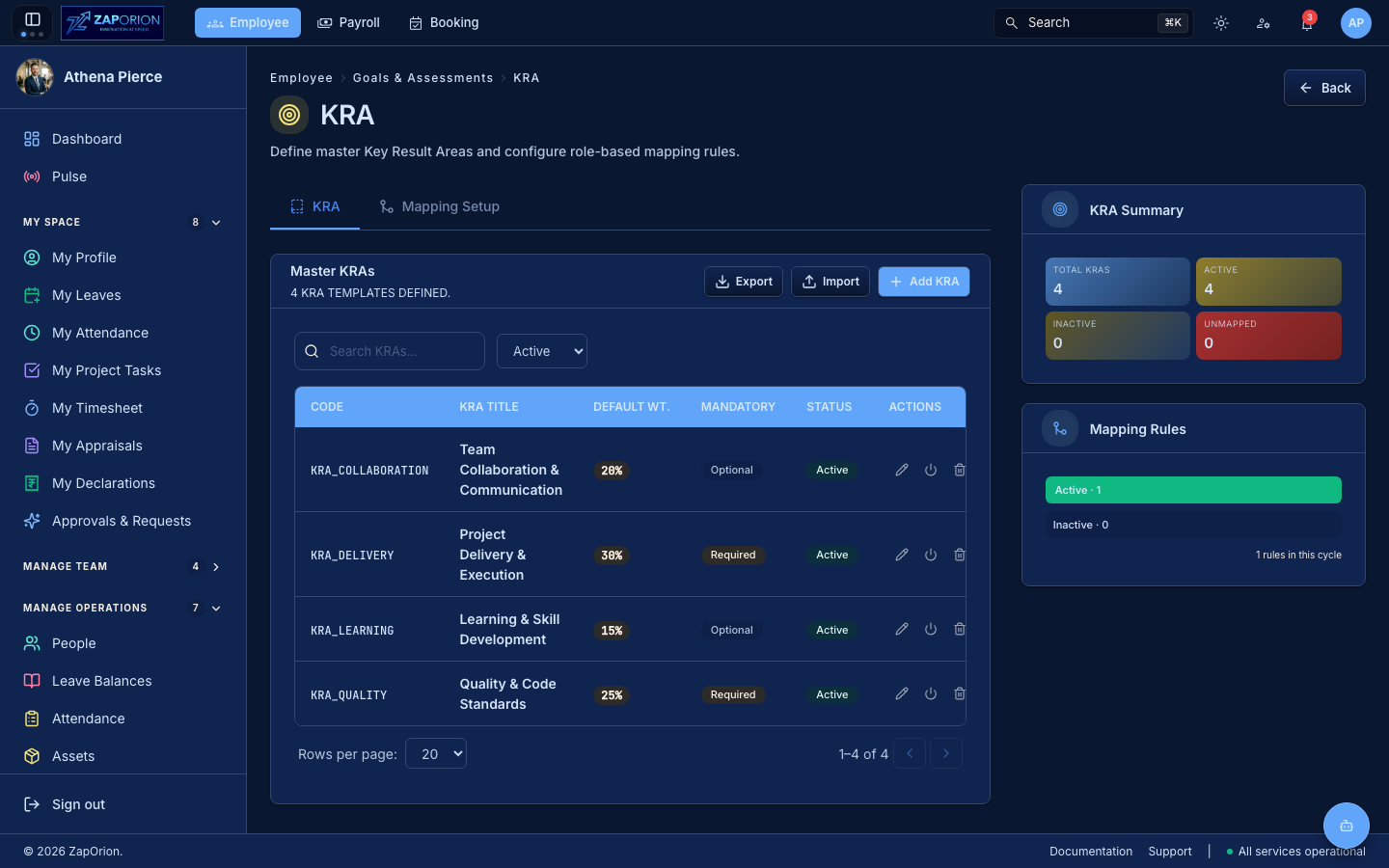
| KRA | Key Result Areas | reusable KRAs with descriptions, measurement criteria, rating guidance and default weights |
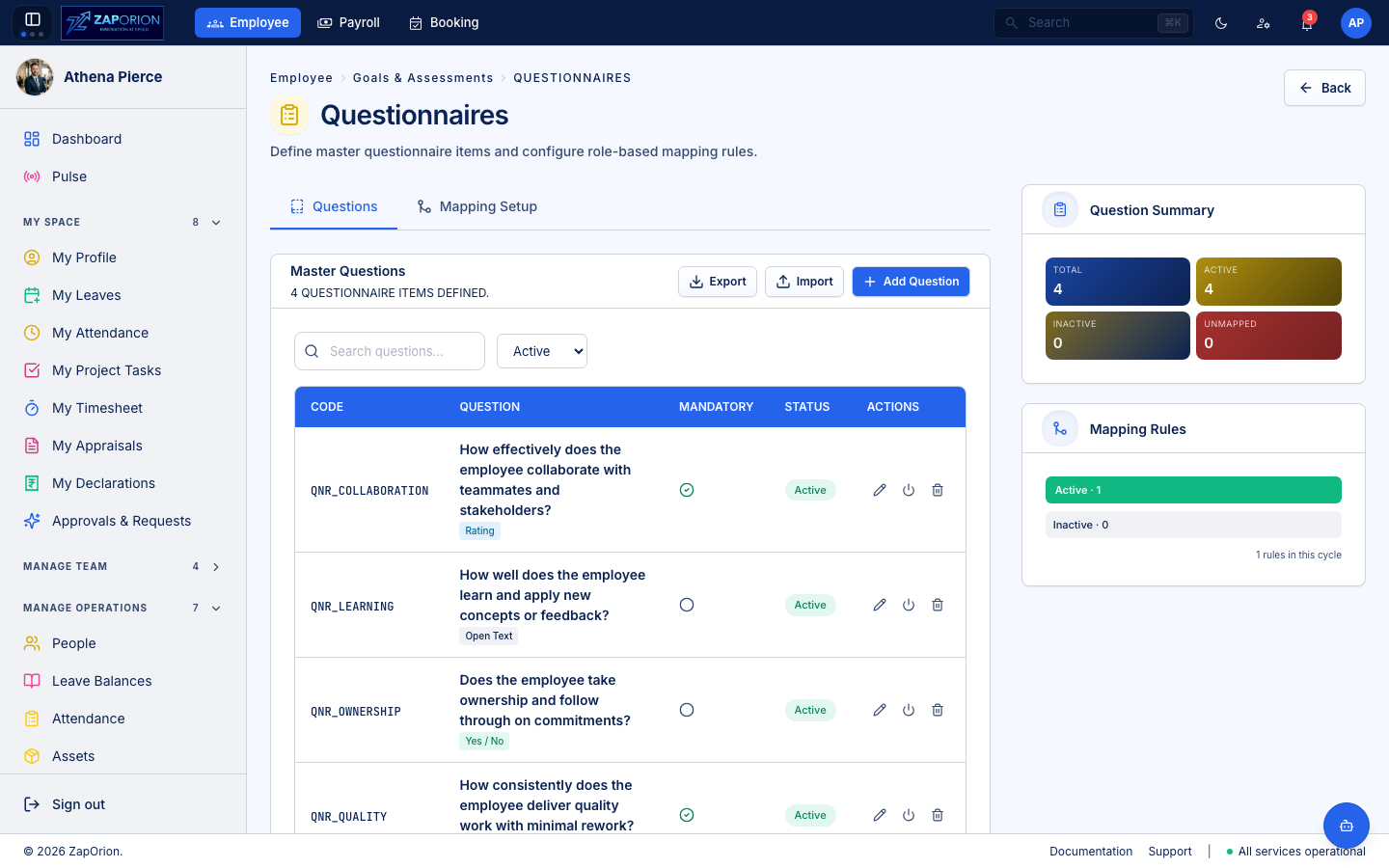
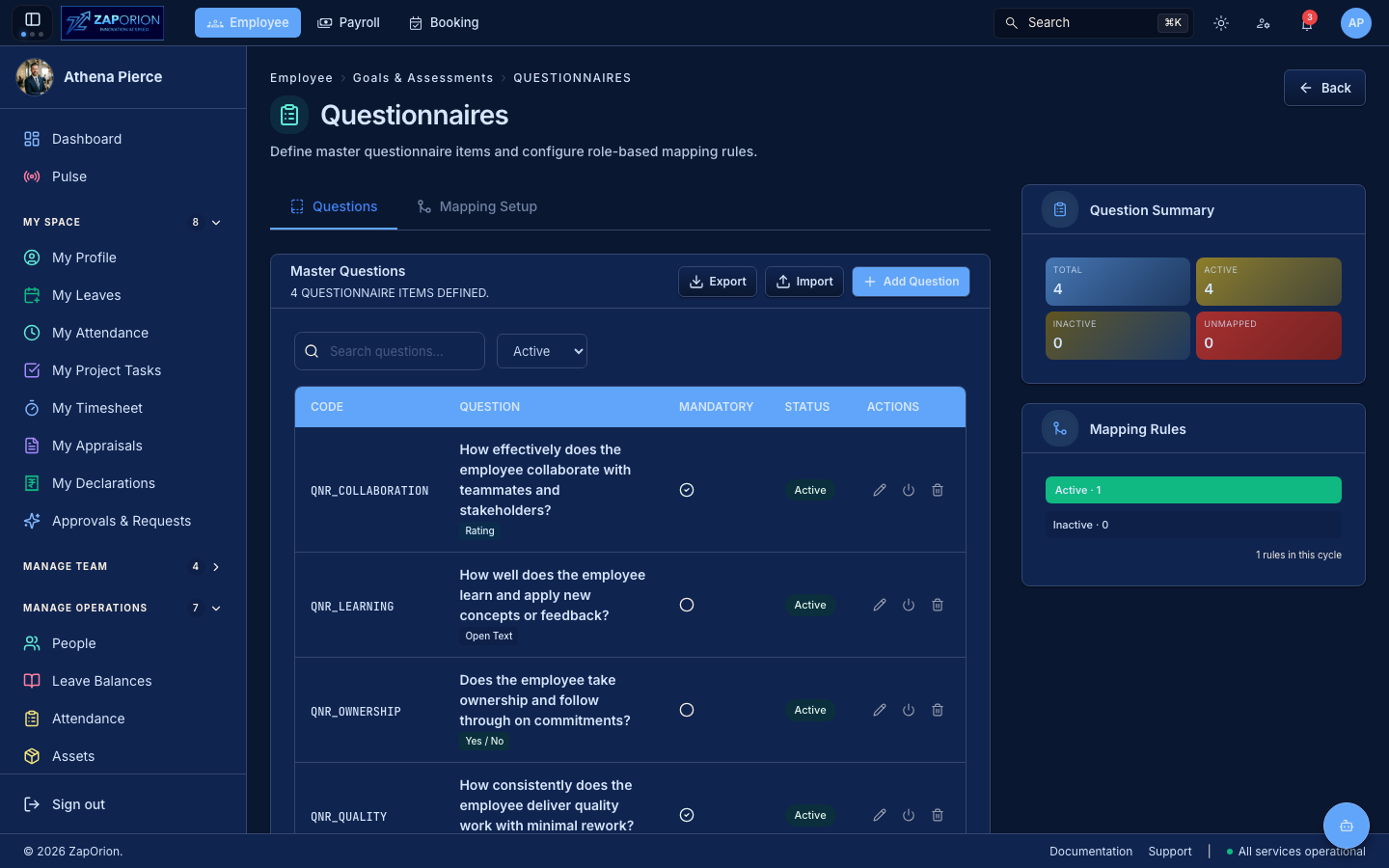
| Questionnaire | Question sets | reusable questions (rating, yes/no or open-text) for self-assessment and manager feedback |
How a cycle is built
An appraisal cycle is a multi-step configuration created with the New Cycle wizard. Each step configures one axis of the review.
1. Basic Info
The cycle's identity and review period.
- Name — e.g. Annual 2025.
- Cycle type — e.g. Annual, Half-Yearly, Quarterly (free label).
- Evaluation period — the date range the review covers.
- Appraisal methods / review types — which review stages and rater types to enable (see Stages below).
2. Stages
A cycle moves through one or more review stages, each with its own start/end dates. The stages, in order:
| Stage | Who rates |
|---|---|
| Goal Setting | employee drafts their goals; manager approves |
| Self Review | employee rates themselves |
| Peer Review | selected peers rate the employee |
| Manager Review | the reporting manager rates |
| Skip-Level Review | the skip-level manager rates |
| Normalization | HR normalizes scores across the org |
| Published | final scores released to employees |
A cycle does not need every stage. Enable only the ones your process uses; the wizard hides the ones you leave off.
3. Weight Config
Each enabled component gets a macro weight — the percentage it contributes to the final composite score. The three components:
| Component | What it is |
|---|---|
| KRA | Key Result Areas — rated against weighted KRAs from the library |
| Goal | Goals — drafted by the employee during goal setting, approved by the manager |
| Questionnaire | Question sets — self-assessment and feedback questions from the library |
Macro weights must total 100%. Within a component, each item also has its own weight (the micro weight); the component's sub-score is the weighted average of its items, and the final composite is the weighted average of the component sub-scores.
4. Rating Bands
Define the rating scale the raters pick from. Each band has a label, a minimum score and a color. Two presets are available:
- 5-point scale — e.g. Exceptional, Exceeds, Meets, Needs Improvement, Unsatisfactory.
- 10-point scale — finer granularity.
Bands are used by every rater for every component. A rater picks one band per item; the band's score is what the weight math uses.
5. Component Config
Per rater type (Self, Manager, Skip-Level, Peer), configure each component:
- Enabled — whether this rater rates this component at all.
- Mandatory — whether ratings/comments are required to submit.
- Ratings enabled / mandatory — whether a numeric rating is required.
- Comments enabled / mandatory — whether a written comment is required.
This is what makes a self-review, a manager review and a skip-level review ask for different things from the same form.
6. Applicability & Publish
Choose who the cycle applies to and how it publishes.
- Applicability rules — match employees by Department, Location, Designation, Employment Type, Grade, or named Employees (by employee code). Multiple rules combine; a rule resolves against the employee's attributes, so an unknown value quietly excludes.
- Publish mode:
- Manual — finalize and release results yourself.
- Auto on close — results publish automatically when the cycle is closed.
Running a cycle
From the cycle detail page:
| Tab | What it holds |
|---|---|
| Cycle | the configuration from the wizard; edit while Draft |
| Dashboard | live progress: who has self-assessed, which managers have reviewed |
| Employees | the participants; allocate forms, see each one's status |
| Mappings | KRA and Questionnaire mappings (see below) |
| Stages | the review stages and their dates |
| Job History | async jobs run for this cycle (allocations, score calculations) |
Allocating forms
Click Allocate Forms to create an appraisal form for every employee the applicability rules match. Allocation runs as an async job — a cycle with many participants returns immediately and the forms appear as the job progresses. Each form is addressed to one employee, their reporting manager and (if enabled) a skip-level reviewer.
Mappings (KRA & Questionnaire)
A cycle starts with no mappings. Mappings decide which library KRAs and questions land on which employees' forms. Map by department, designation, etc., or to everyone. Use Clone mappings to copy another cycle's mappings into this one — the escape hatch that stops HR re-creating every rule each quarter. Use Reapply to push the cycle's current mappings onto forms that were already allocated (e.g. after editing a mapping).
Goal Setting → Self → Manager → Skip → Finalized
Once forms are allocated, the appraisal moves through its stages. Each form's status reflects where it is:
| Appraisal status | Stage | What happens |
|---|---|---|
NOT_STARTED / GOALS_DRAFT | Goal Setting | employee drafts goals |
GOALS_SUBMITTED | Goal Setting | employee submitted goals for approval |
GOALS_APPROVED | Self Review | manager approved goals; self review opens |
GOALS_REJECTED | Goal Setting | manager rejected goals; employee revises |
SELF_SUBMITTED | Manager Review | employee submitted self review |
MANAGER_SUBMITTED | Skip-Level / Normalization | manager submitted review |
SKIP_LEVEL_SUBMITTED | Normalization | skip-level submitted review |
FROZEN | Published | HR finalized; scores released |
Goal weights must total exactly 100% before the employee can submit them. Employees see their ratings and feedback only once the cycle is finalized.
Closing a cycle
When reviews are complete, close the cycle to stop further edits. Under Auto on close, final scores publish automatically; under Manual, use Freeze on each form (or in bulk) to release results. Closing moves the status to Closed; archiving moves it to Archived for record-keeping without cluttering the active list.
Additional reviewers
An employee can request an additional reviewer from within their appraisal (see My Appraisals). The request routes to HR for approval. An approved additional reviewer gains read access to the form and contributes a peer-style rating. This is separate from the fixed reporting-line seats (manager, skip-level) which only HR can change.
Roles and permissions
| Permission | What it unlocks |
|---|---|
perf:manage | create/edit cycles, allocate forms, mappings, freeze/revert |
perf:read | read cycles and appraisals |
employee:read | self-service: see own appraisals, submit goals/self/manager reviews |
A cycle list is open to any authenticated user — they need it to reach their
own forms. Writing cycle configuration requires perf:manage.