Documents
Manage Operations → Documents (/documents) — generate, deliver and track employee letters
and certificates (offer letters, experience certificates, salary letters, …).
Requires documentgen:manage to manage templates; any employee can generate from shared templates.
Generating a document
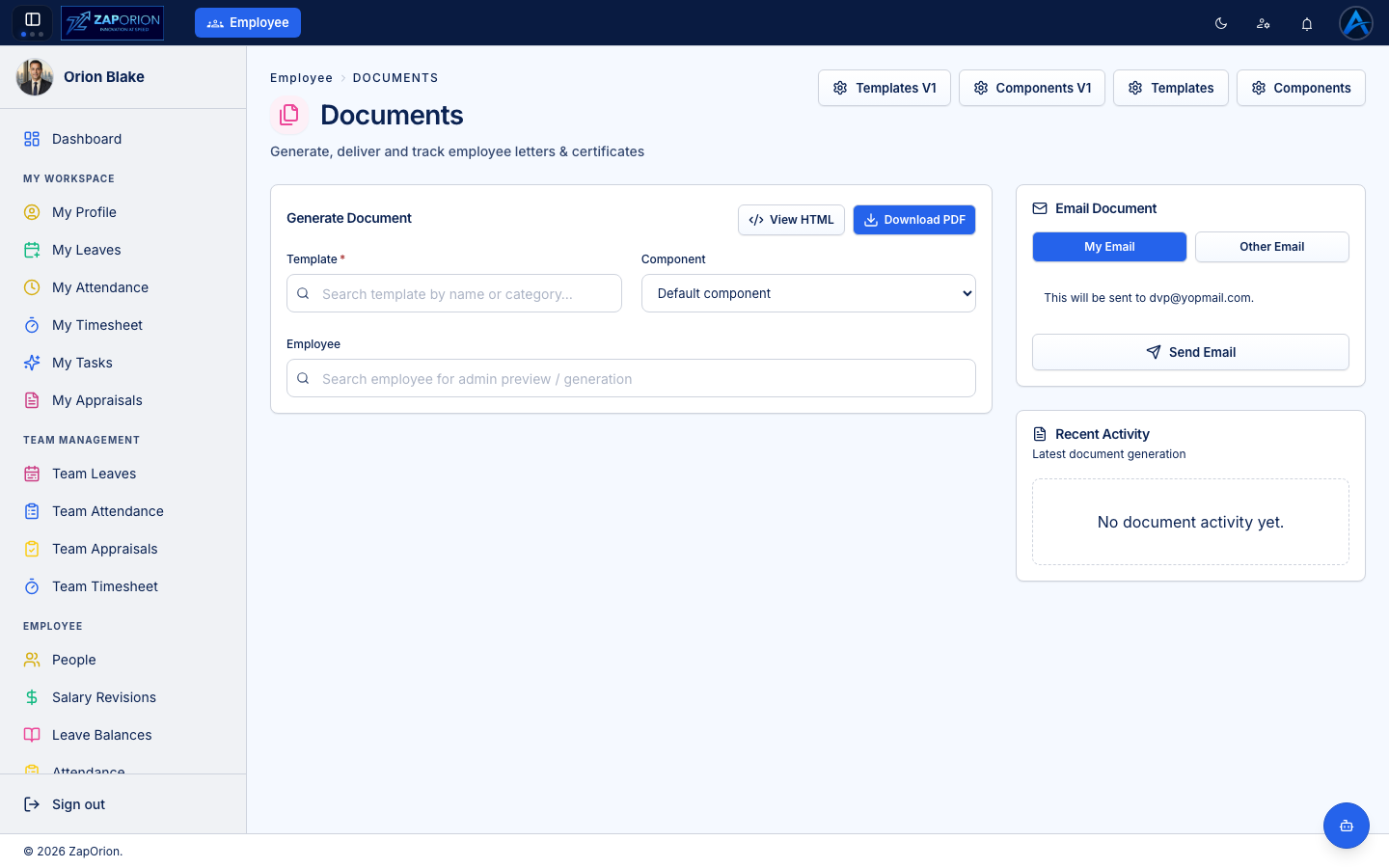
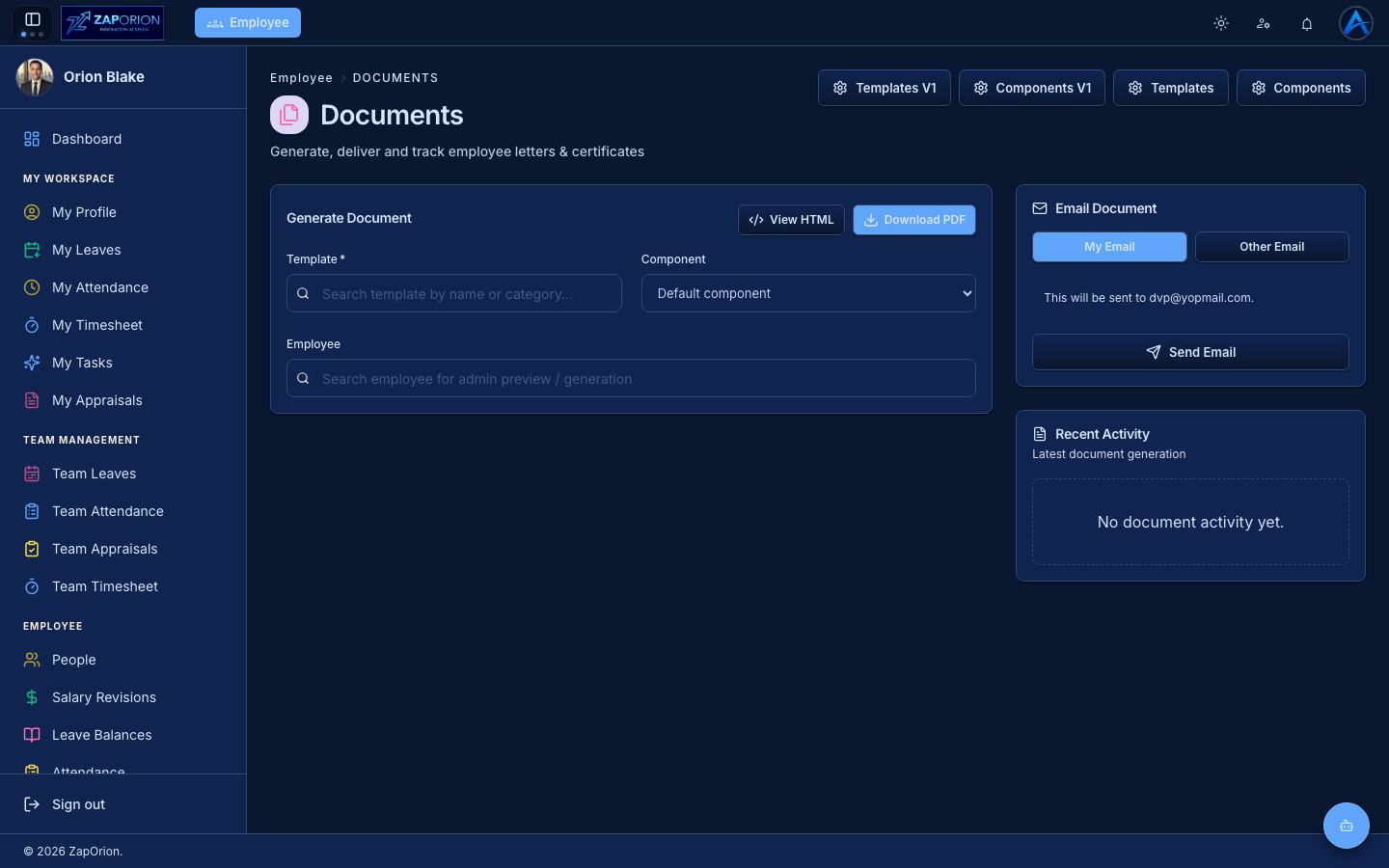
- Pick a Template (search by name or category).
- Pick the Component — the layout/branding variant of the template.
- Pick the Employee the document is about (admin preview/generation).
- Add the Purpose — the reason the document was requested. It prints on the letter and is recorded against the generation.
- View HTML to preview, then Download PDF, or use the Email Document panel to send it — to your own email or any other address.
Recent Activity shows the latest generations for traceability, with a link to the full log (/activity-logs?tab=documents for admins).
Templates and components
The buttons in the PageHeader action row open the template studio:
Templates (/documents/templates)
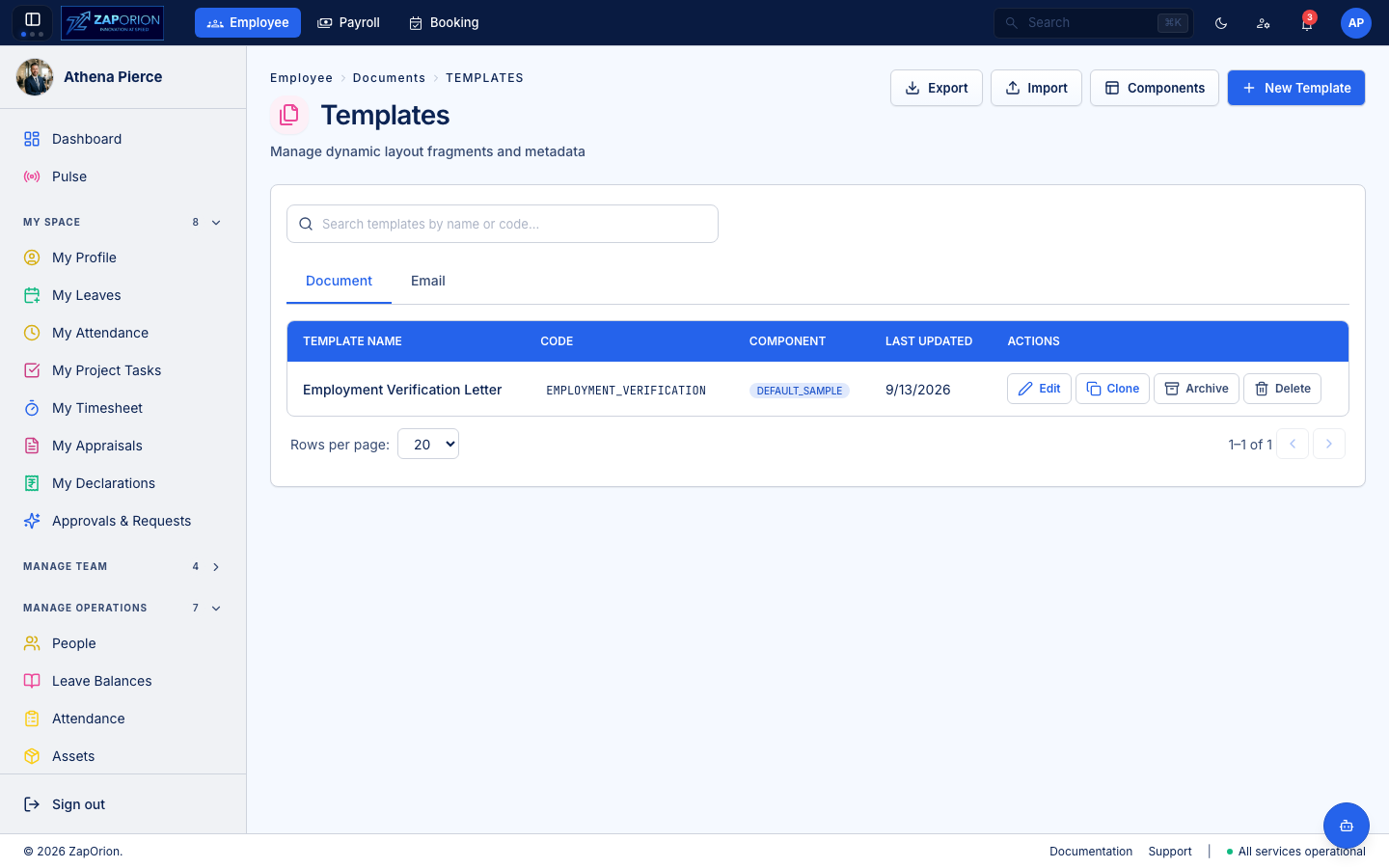
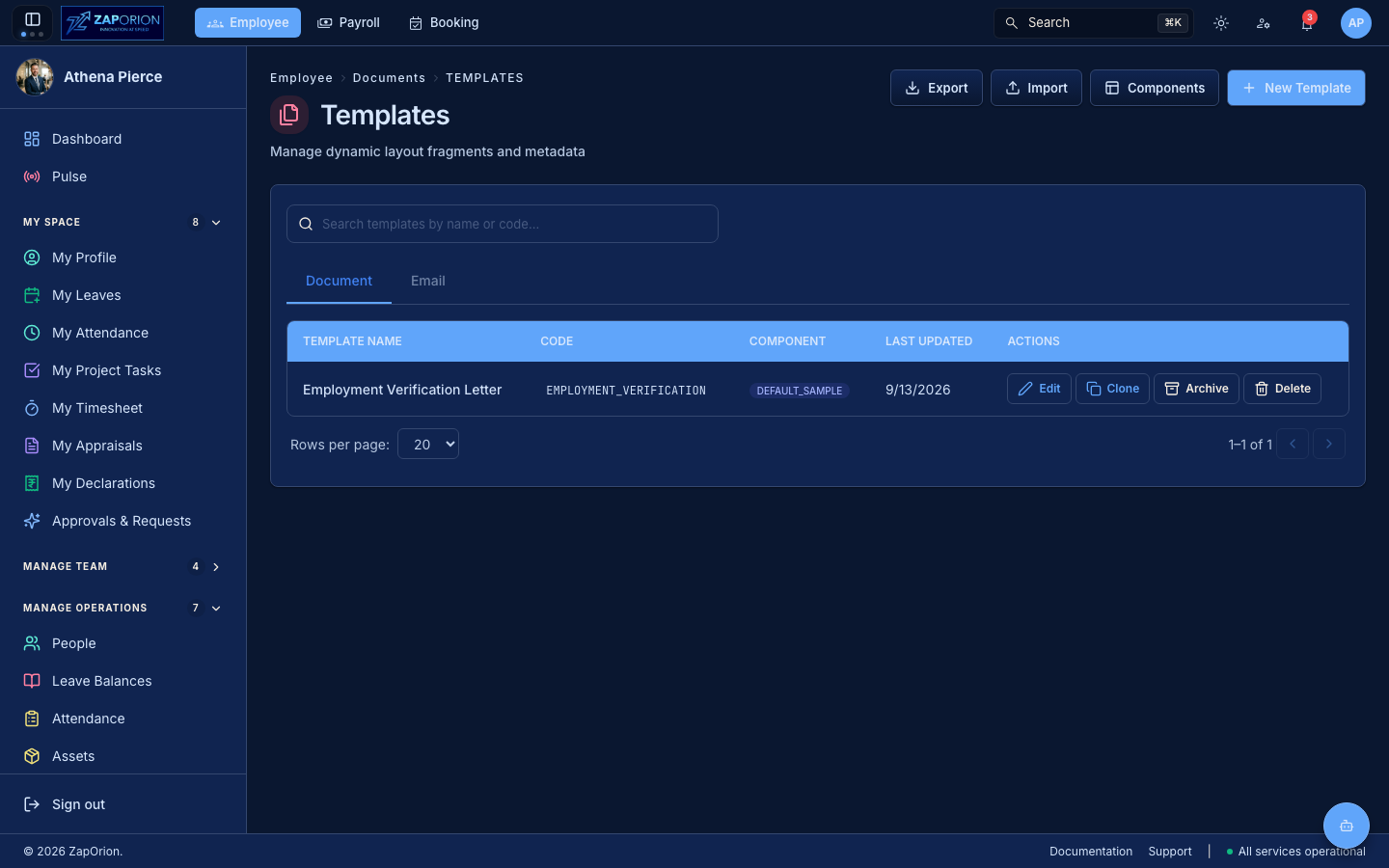
The documents themselves, written with merge fields (employee name, designation, salary, dates…) filled at generation time. Search by name or code; row actions offer Edit, Clone (opens New Template seeded from the source), Archive and Delete. Import / Export moves template sets between environments.
Email templates (/documents/templates?type=email)
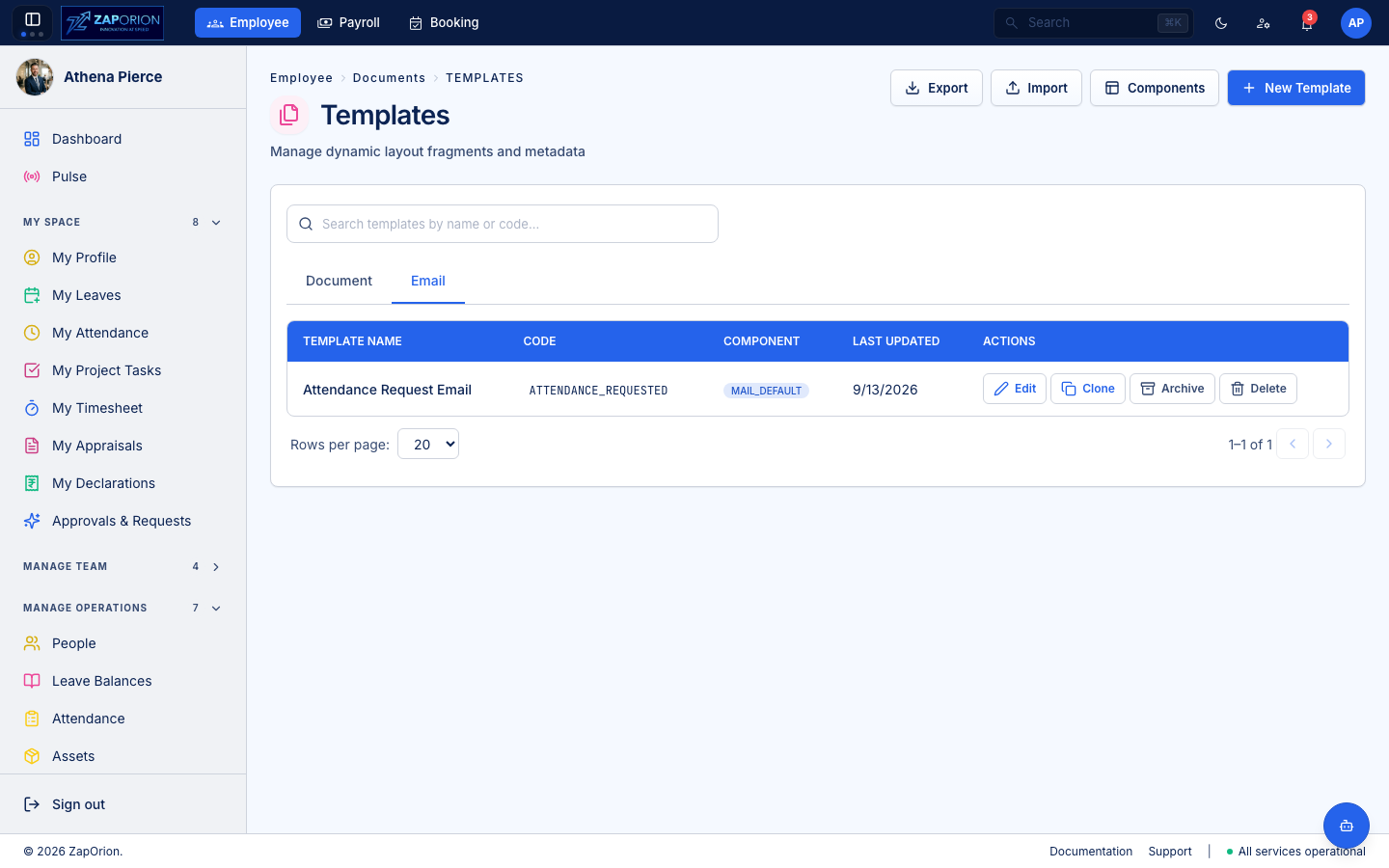
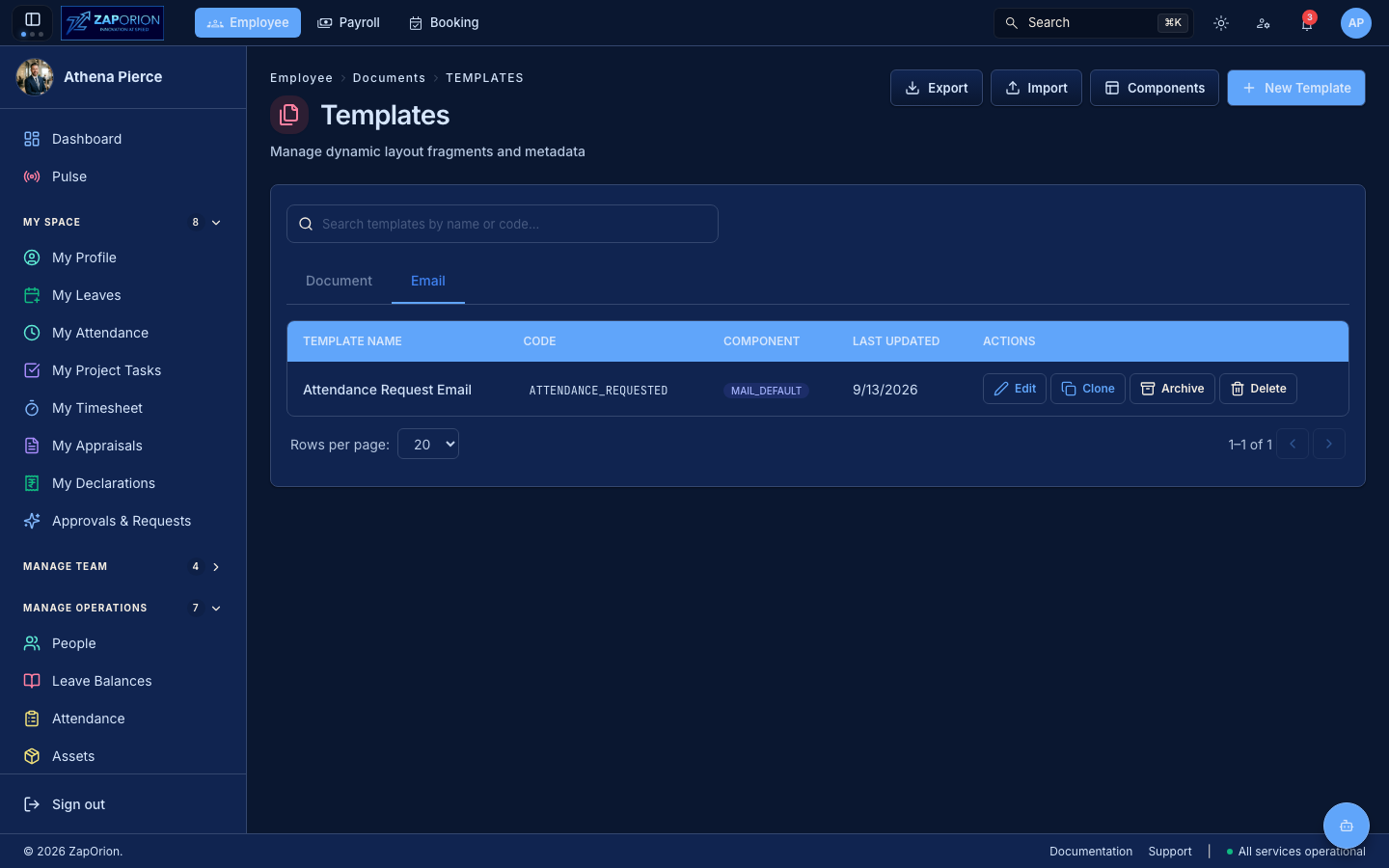
The same list filtered to type=email: templates carry a templateType (DOCUMENT vs EMAIL), switched via the Document / Email tabs (?type= deep link). Email templates render the body that gets sent, rather than a printable letter.
Components (/documents/components)
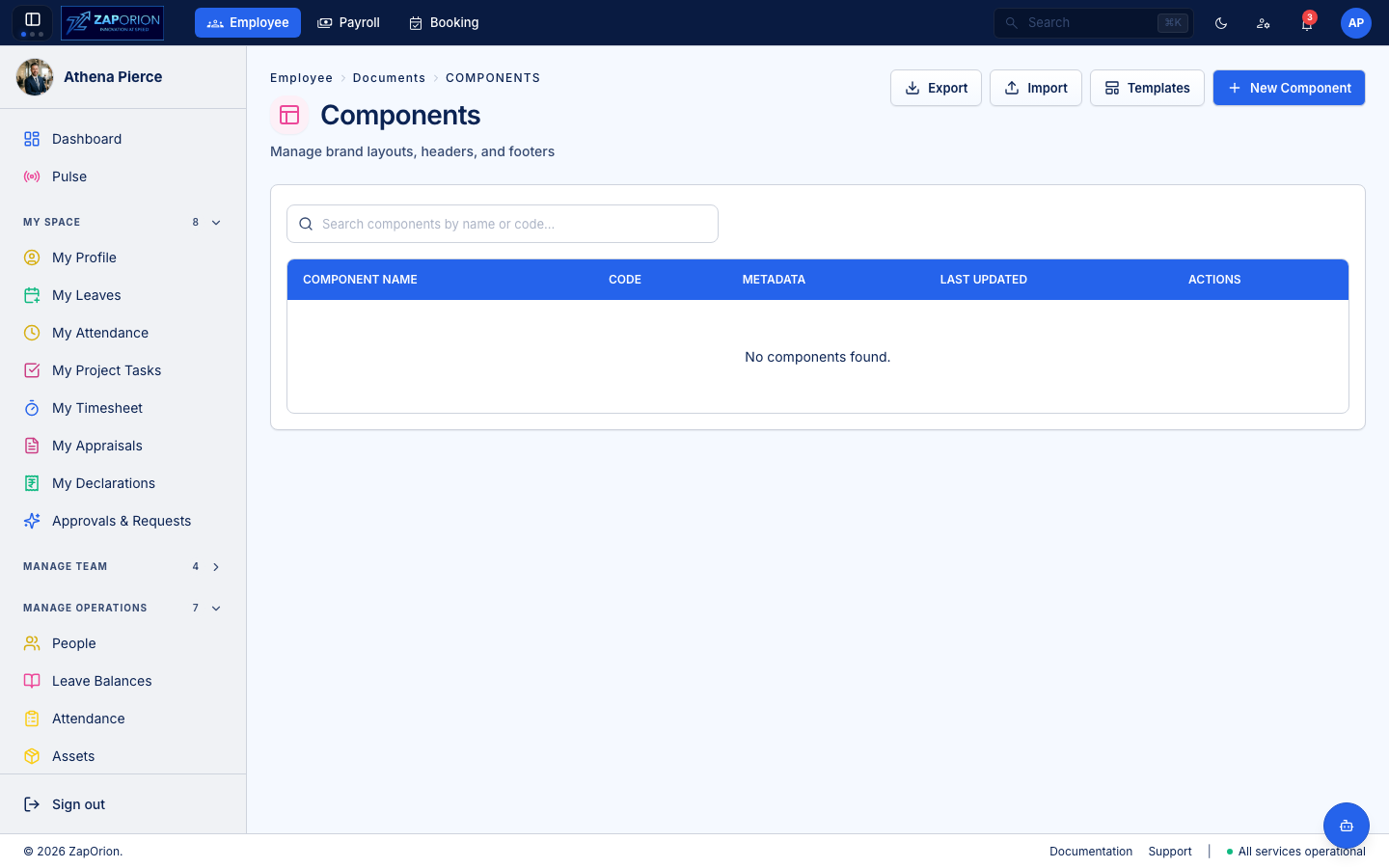
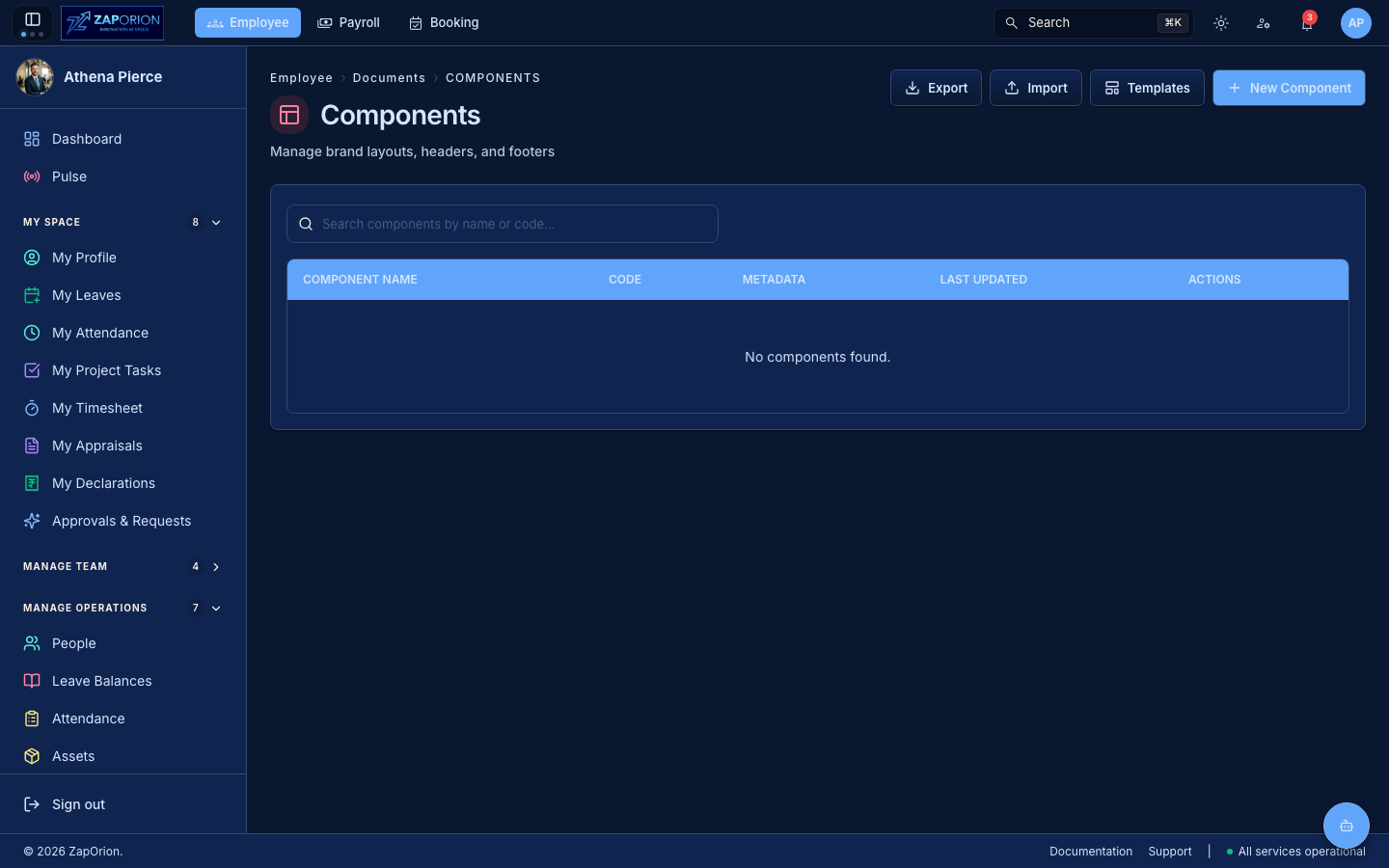
Reusable building blocks (headers, footers, letterheads) shared across templates. New Component opens the component editor; each row's Edit opens /documents/components/:id/edit.
Shared library (/documents/shared)
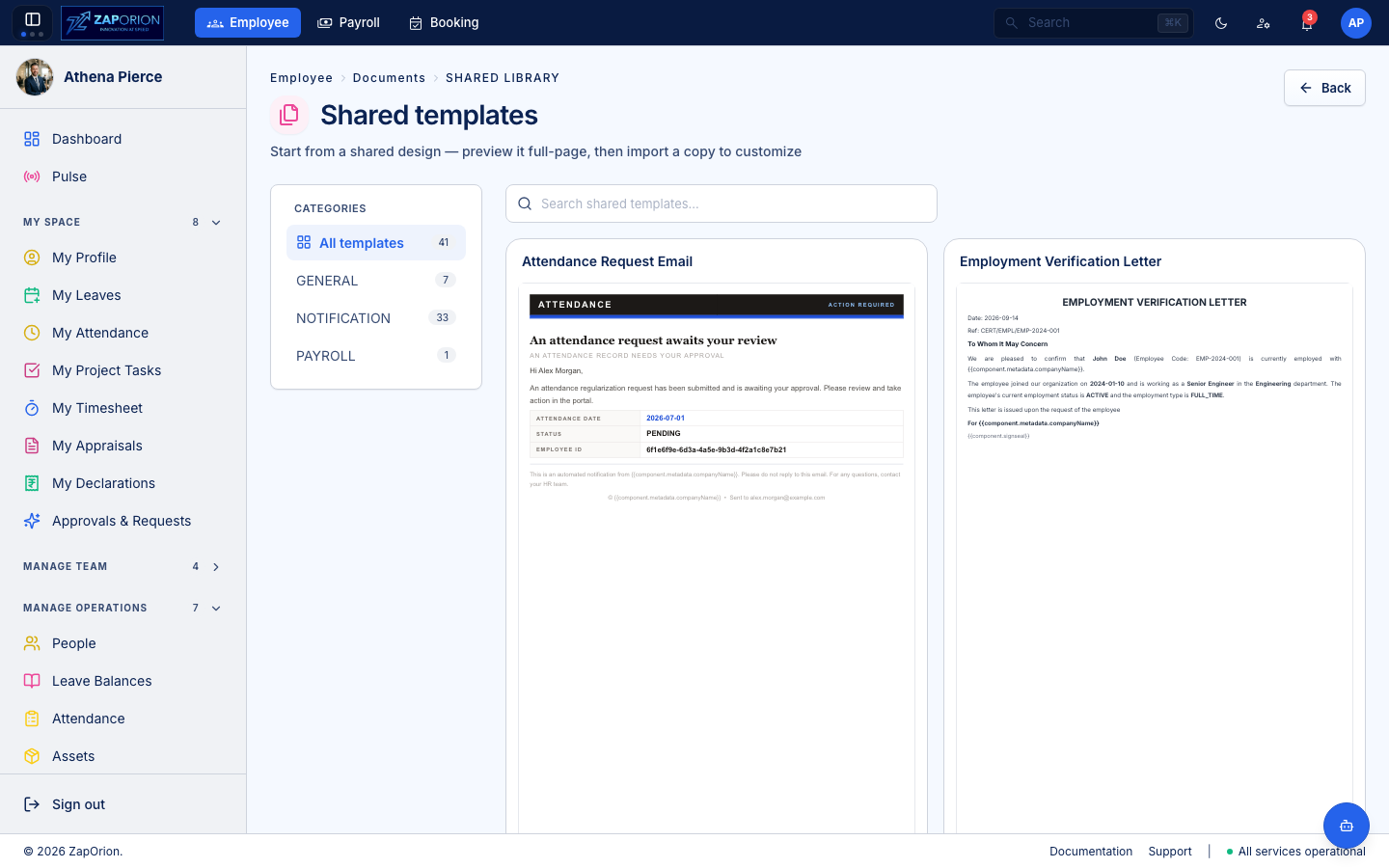
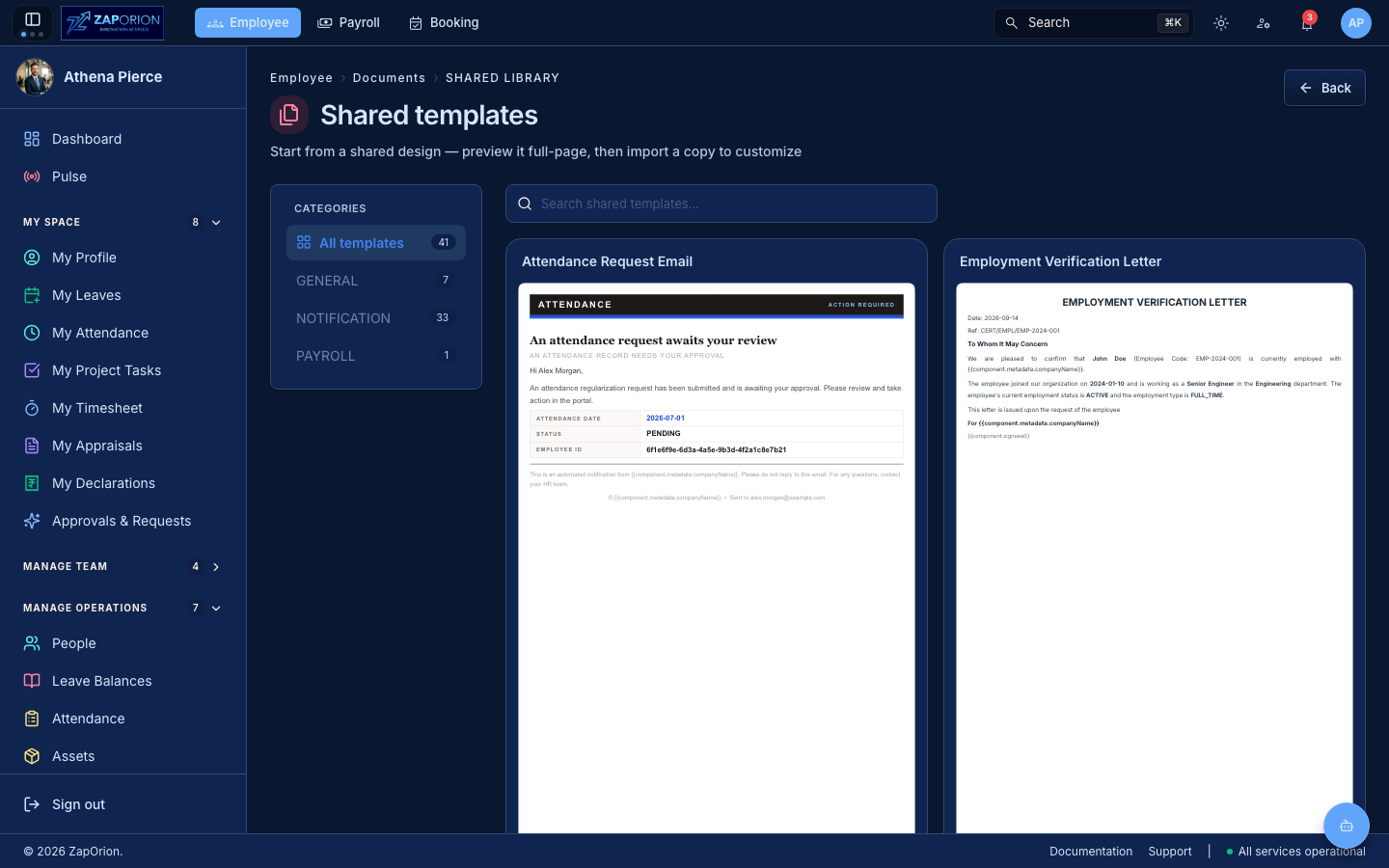
The template gallery every employee can browse: open a card for the shared preview (/documents/shared/:id), then jump to /documents/templates/:id/edit to adopt it. No documentgen:manage needed to view.
Tenant Settings (/documents/settings)
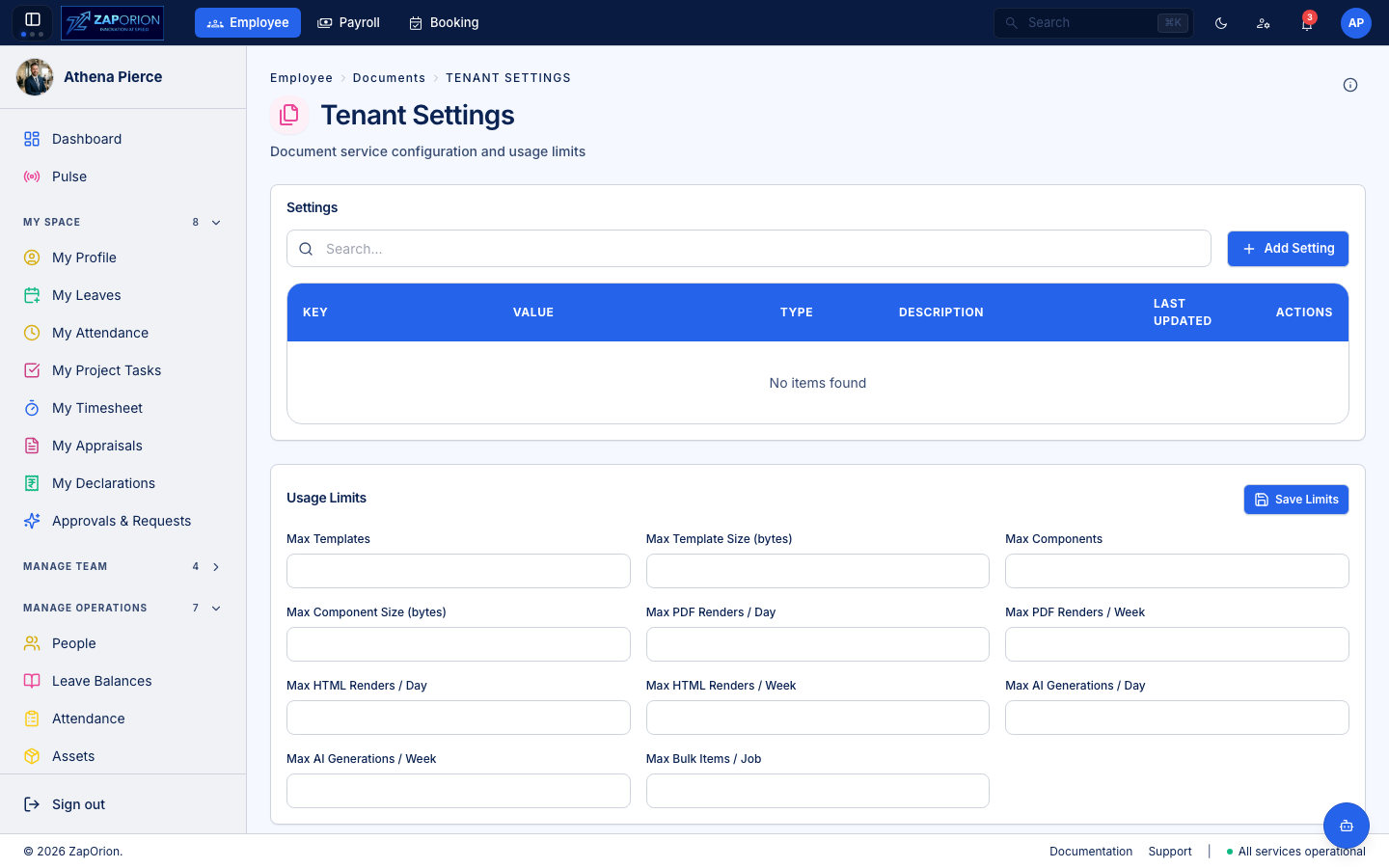
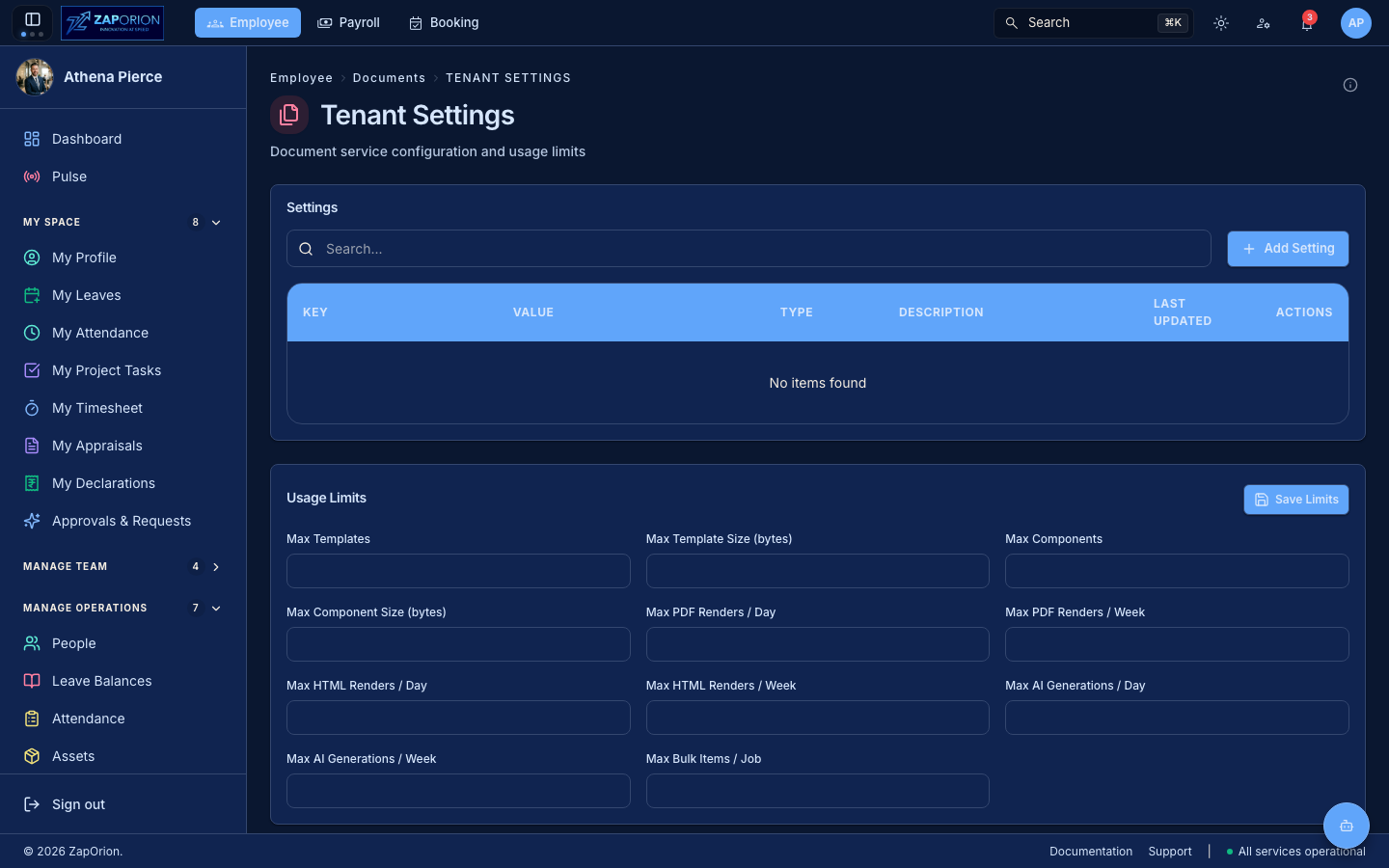
Page setup and tenant defaults for generated documents (page geometry the PDF is printed from).
Editors (/documents/templates/new, /documents/components/new)
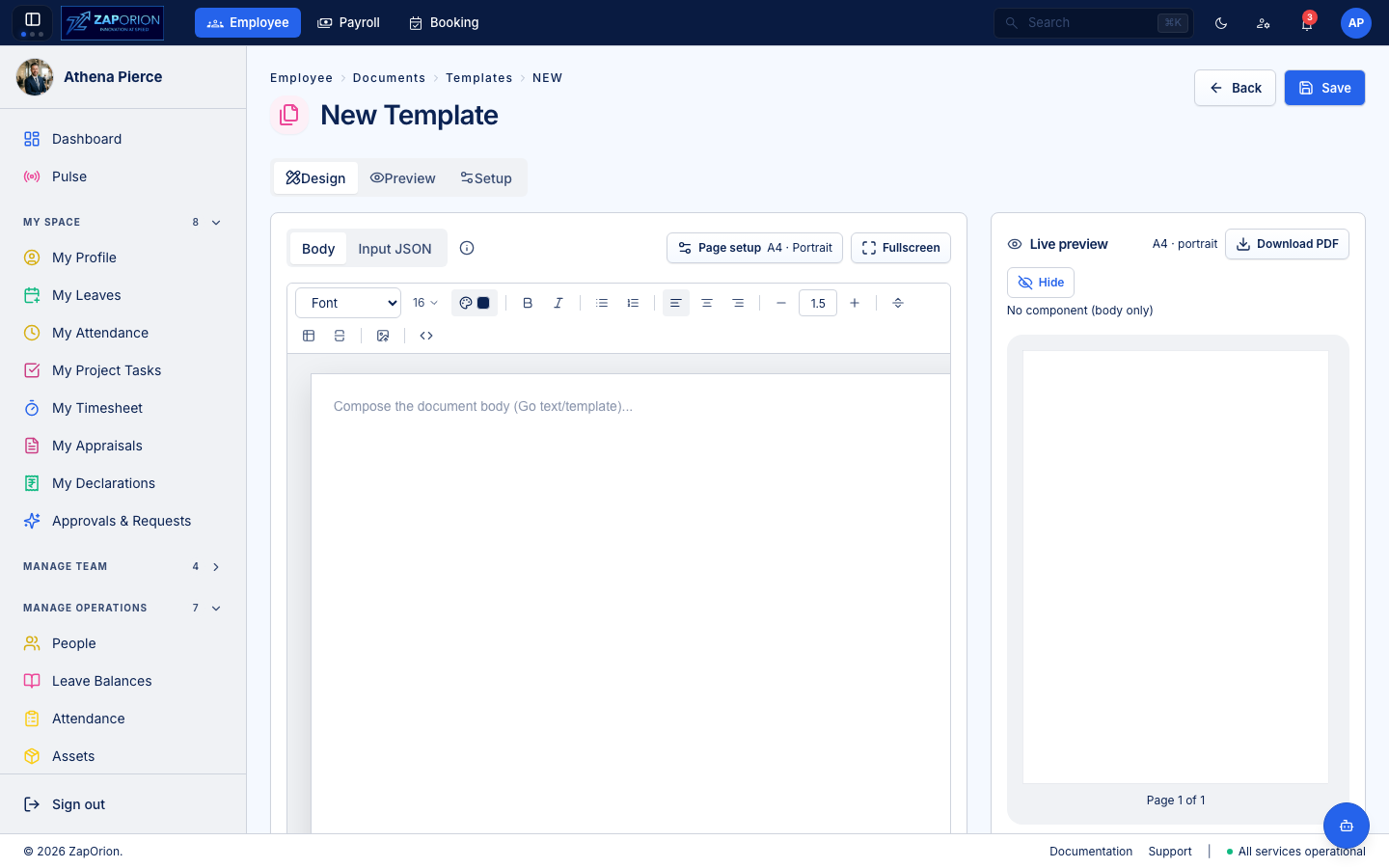
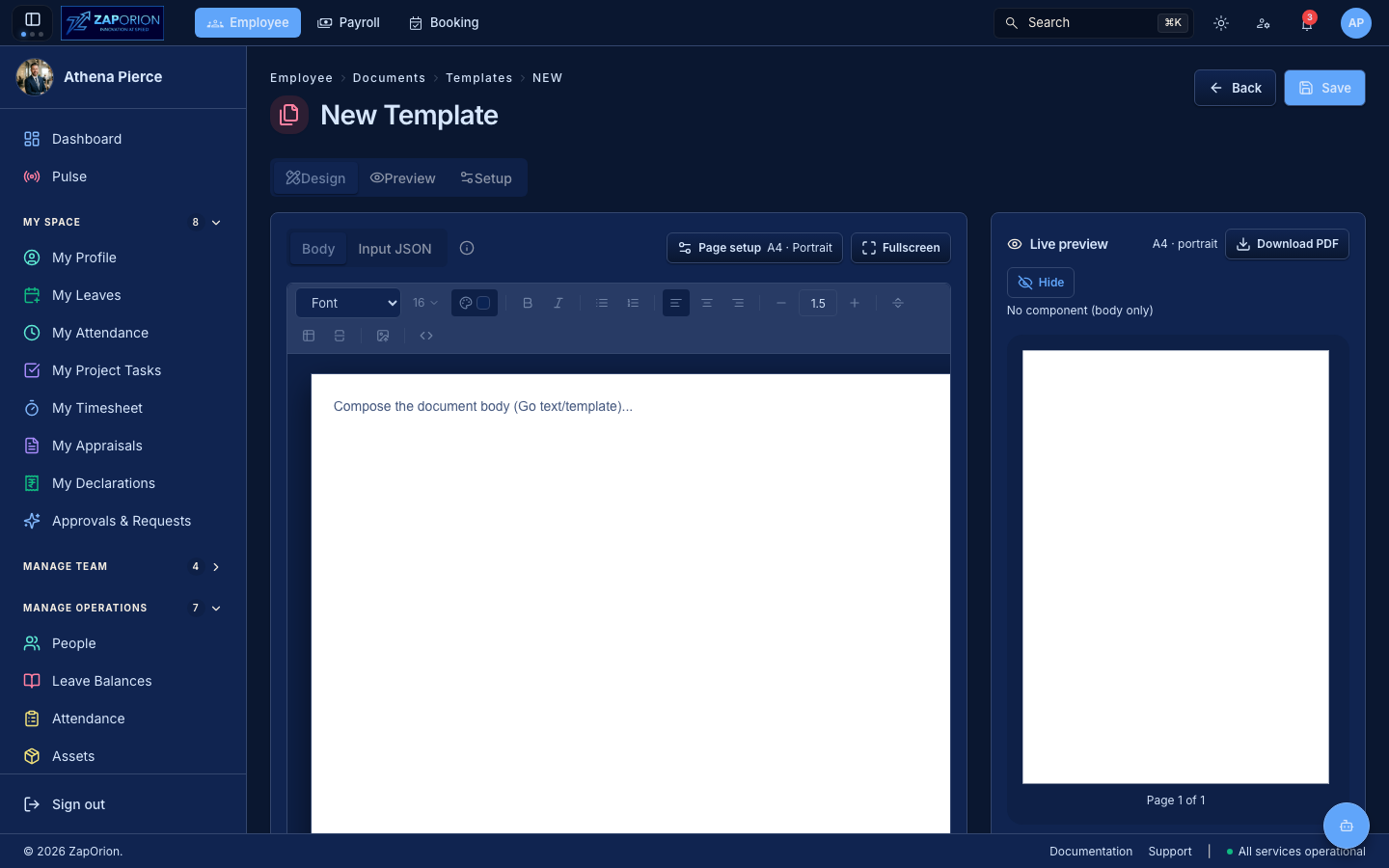
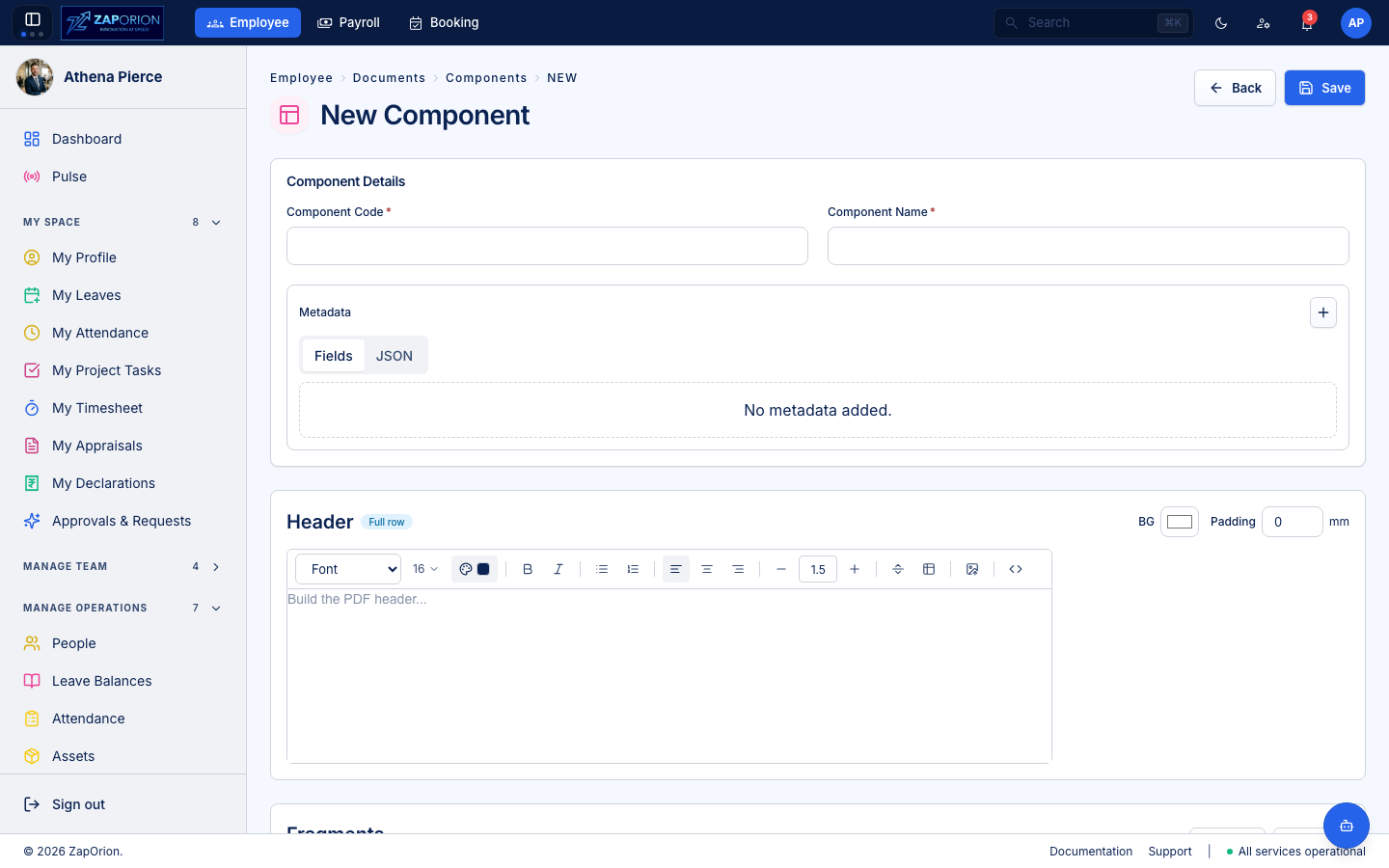
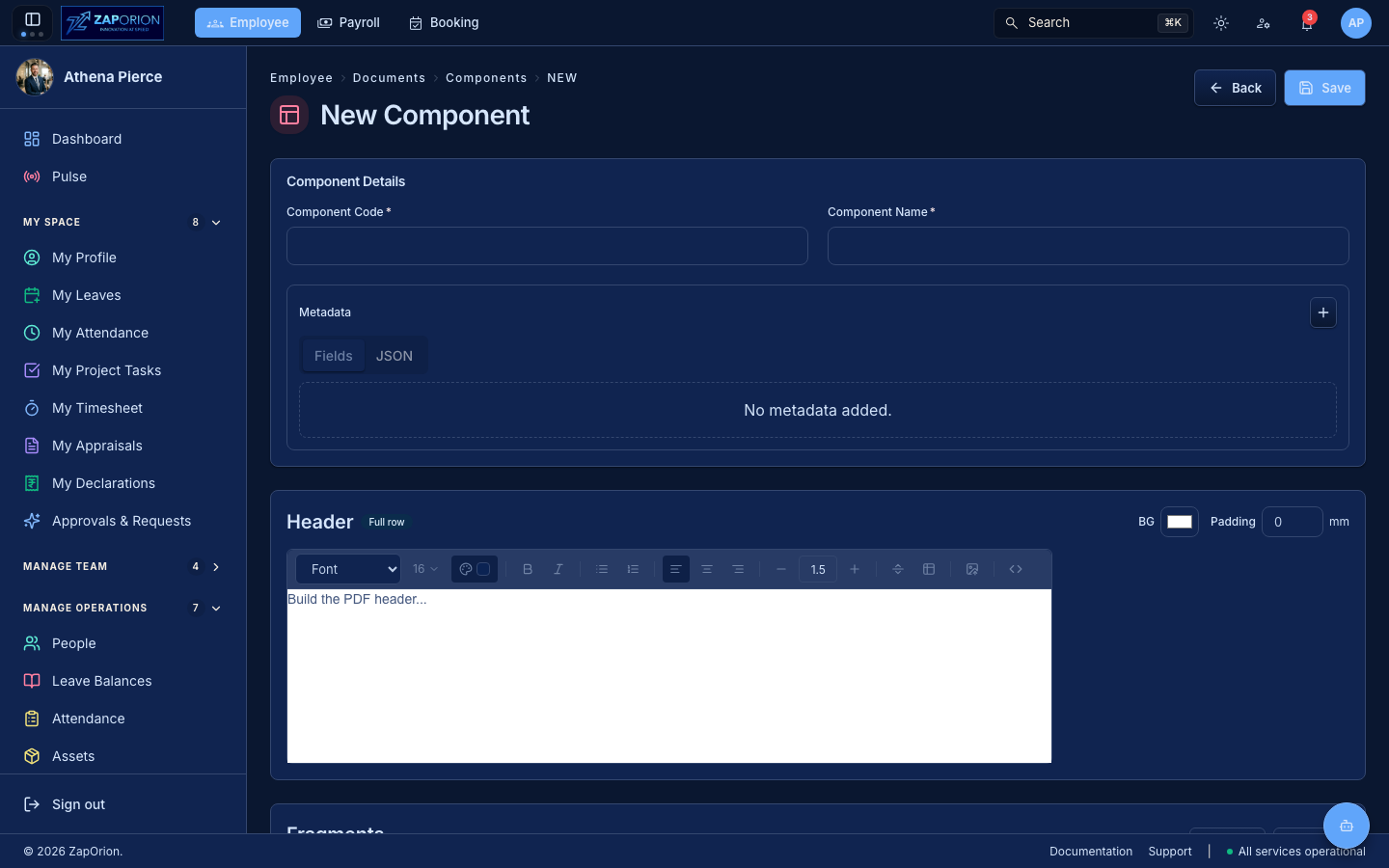
Both are versioned: edit a draft freely, then activate it to make it live; published versions are immutable — clone one to make changes.