Configuration
Administration → Configuration — organization-wide settings. Requires
employee:admin.
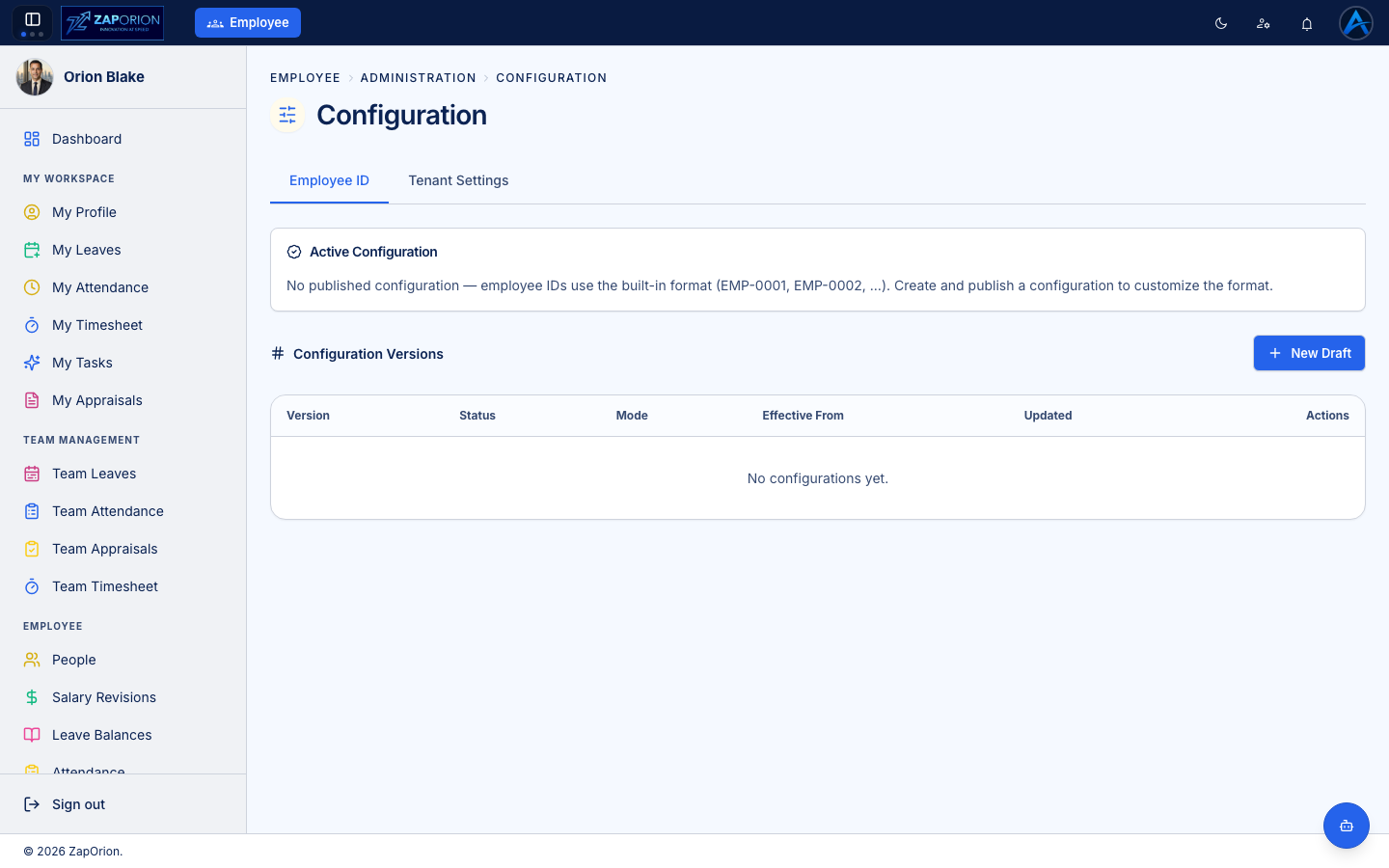
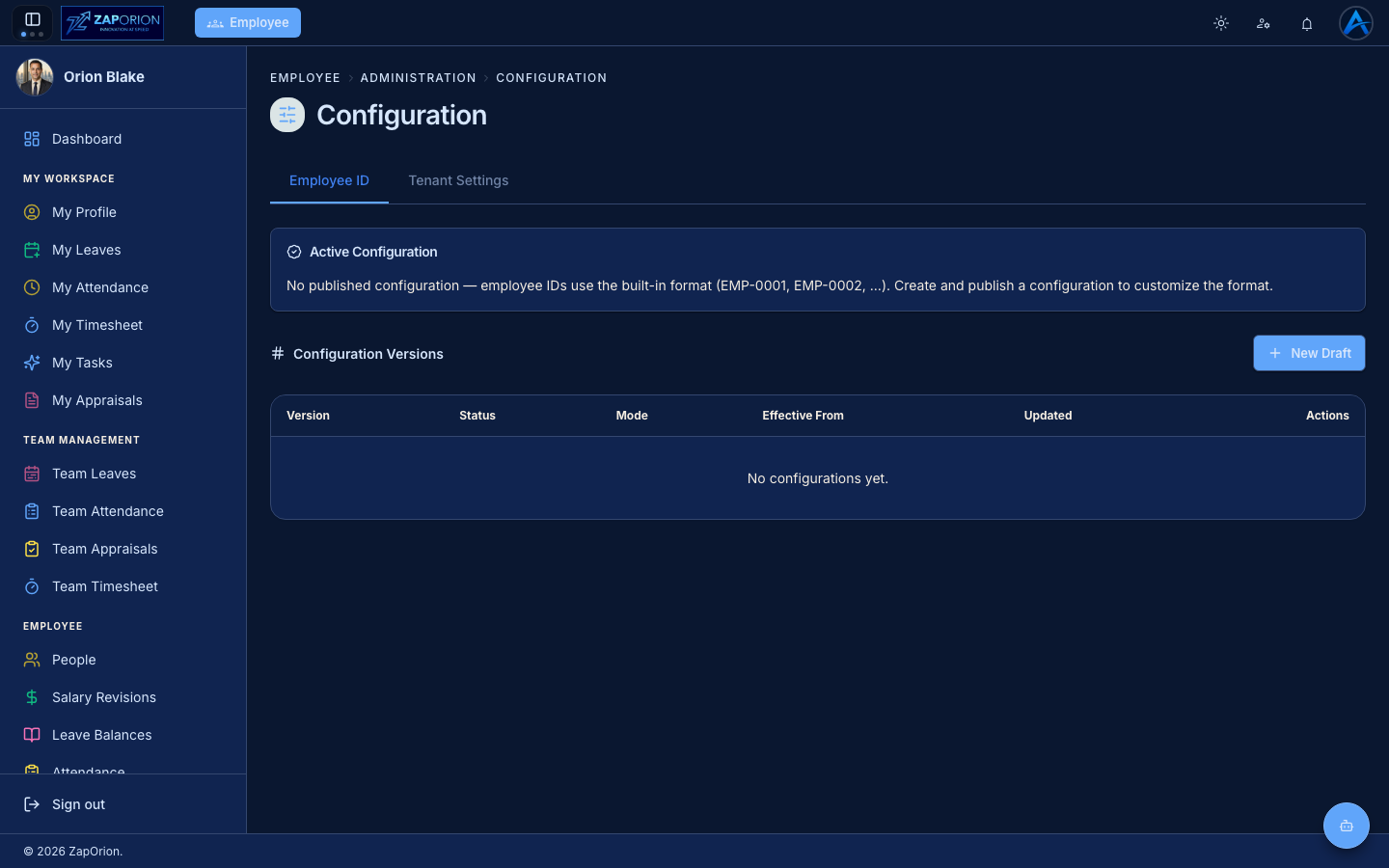
Employee ID format
Define how employee IDs are generated (prefix, separator, number padding, e.g.
EMP-0042). The live preview panel shows exactly what the next generated
ID will look like before you save. New employees created in
People receive IDs in this format automatically.
Change the format only before bulk-creating employees — existing IDs are never rewritten.