Attendance Management
Manage Operations → Attendance — organization-wide attendance operations: bulk
uploads from devices, manual punches and overrides. Requires
attendance:manage.
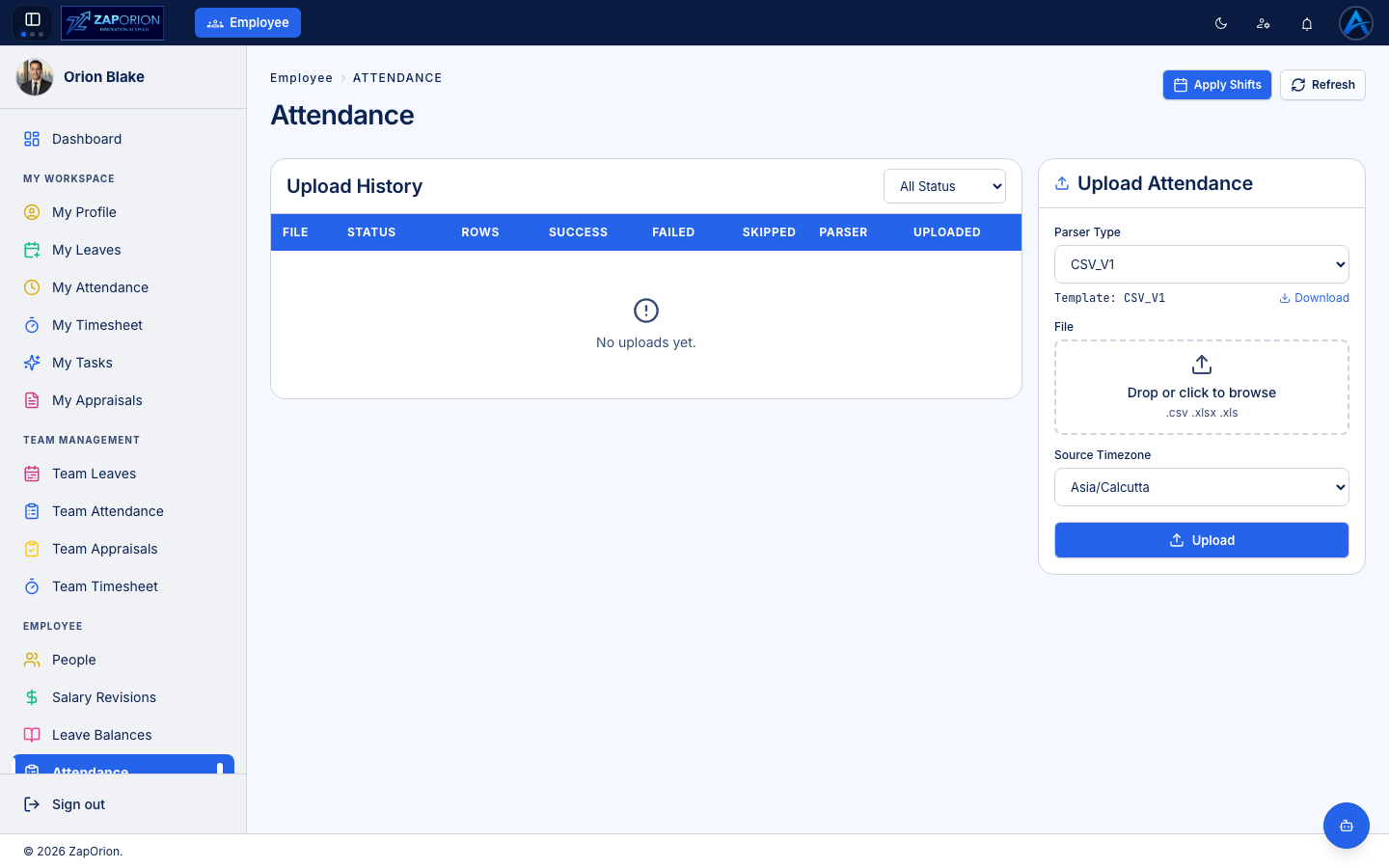
Uploading attendance files
Import punch data from biometric devices or external systems:
- Click New Upload and choose your file (device export / CSV).
- The file becomes an upload batch. Open the batch to see per-row validation — matched employees, unmatched IDs, malformed rows.
- Fix or discard problem rows and commit the batch. Processed punches appear on employees' calendars immediately.
Every batch is kept in the list with its status and row counts, so you can audit exactly what was imported and when.
Manual punches and overrides
- Add attendance — record a punch for an employee who couldn't check in.
- Overrides — force a day's status (e.g. mark a site outage day as Present). Overrides are flagged on the day and can be cleared later to restore the computed status.
note
With attendance:viewall you can also see every employee's attendance calendar
(not just your reportees) from their profile's Attendance tab.