Assets
Manage Operations → Assets — track company assets (laptops, phones, equipment),
their assignment and lifecycle. assets:read to view, assets:manage to
change.
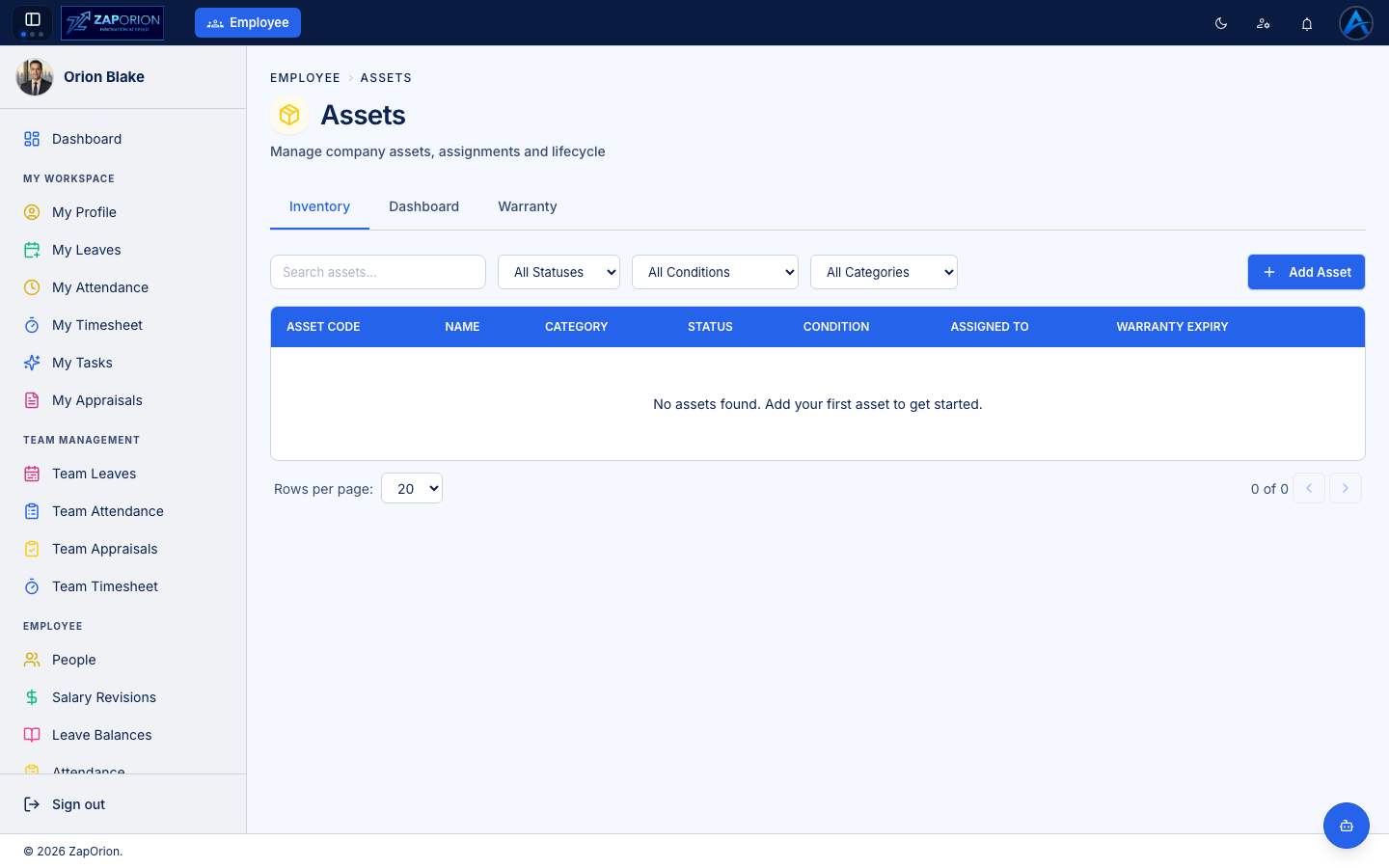
Inventory tab
The searchable asset register. Filter by status (available, assigned, in repair, retired), condition and category (categories are defined in Masters → Asset Categories).
Adding an asset
Click Add Asset and record the asset code, name, category, purchase details, condition and warranty expiry. Each asset gets a QR code — stick it on the device; scanning it opens the asset's page instantly.
Assigning and returning
Open an asset → Assign → pick the employee. The assignment (with date and condition) is added to the asset's history. When it comes back, record the return and its condition. An employee's currently held assets are visible on their profile, and outstanding assets are chased automatically during offboarding.
Dashboard and Warranty tabs
- Dashboard — asset counts by status, category and condition.
- Warranty — assets with expiring warranties, so replacements can be planned.