Activity Logs
Monitor → Activity Logs — the tamper-evident record of who did what,
when. Requires employee:admin.
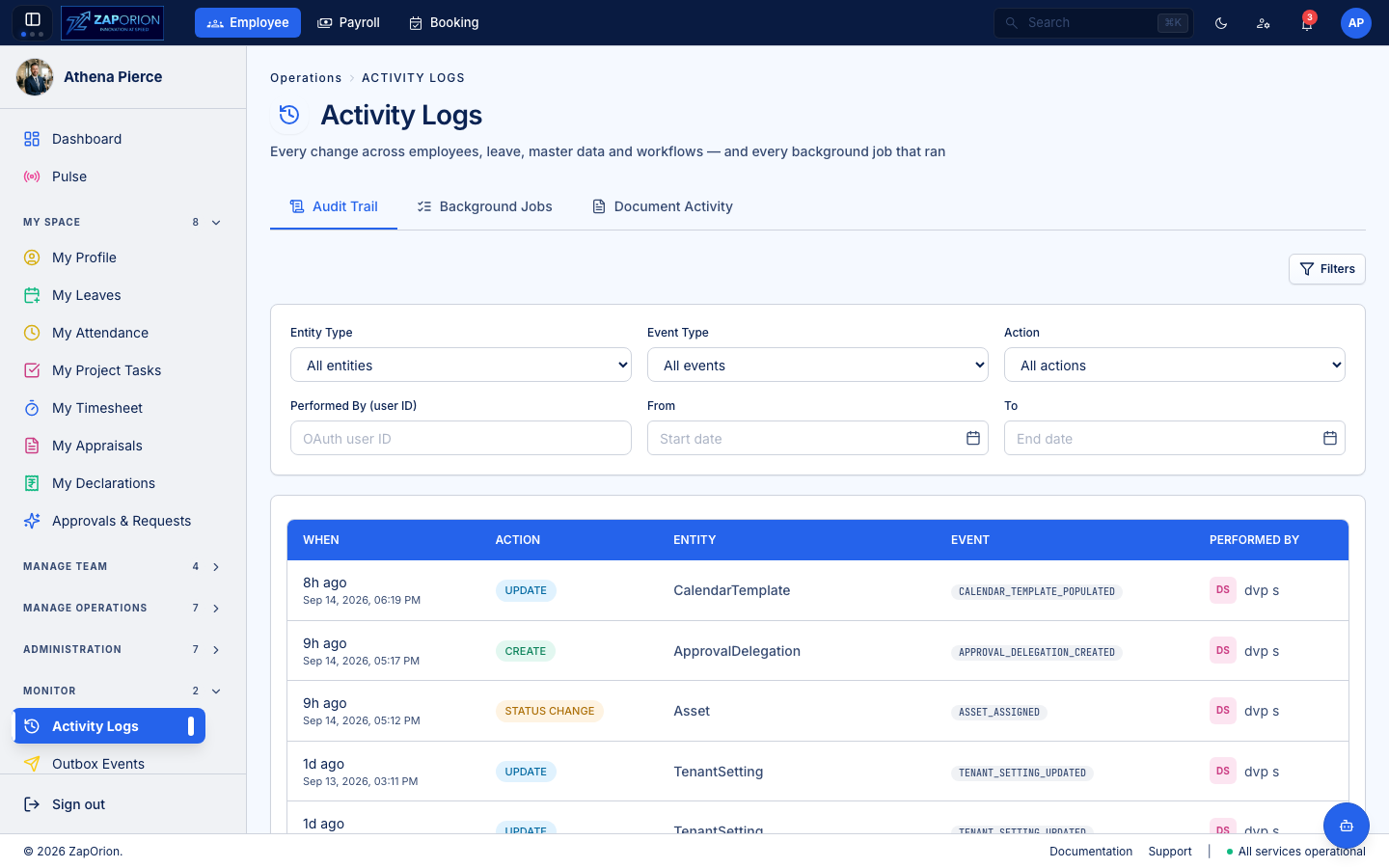
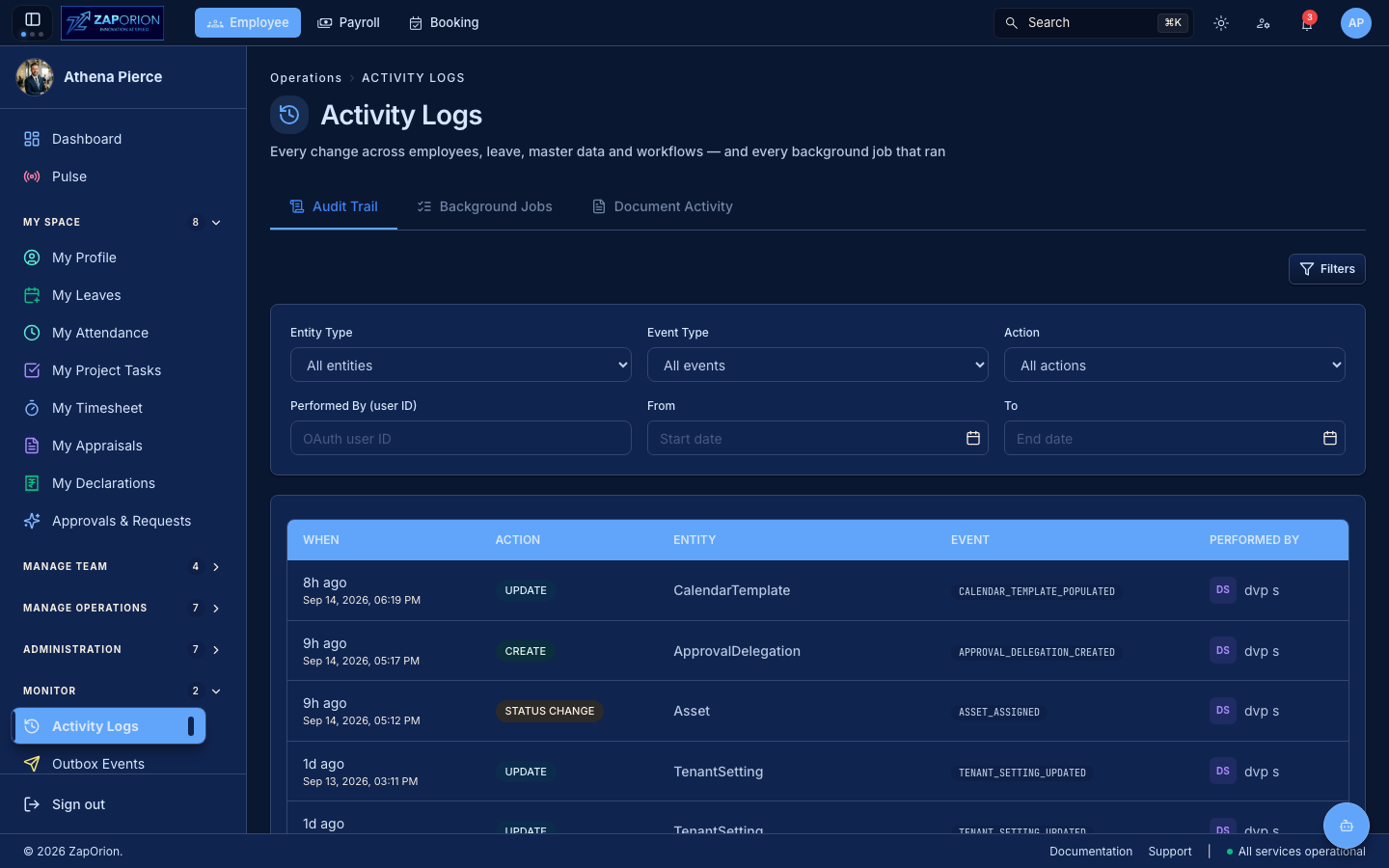
The page is three tabs because that is how an operator investigates: something is wrong with a balance, and the answer is either an edit someone made, an overnight job that ran, or a document someone generated. All three answer "what happened here, and who or what did it".
Audit Trail (?tab=logs)
The first tab — every significant change a person made.
What is recorded
Employee record changes, leave and attendance decisions, permission changes, leave-type / shift / holiday-calendar edits, workflow approvals, document generation, Pulse post changes, approval delegations, asset movements and master-data deletes. Each entry captures:
- Who — the acting user (or System for automated actions).
- What — the action (
CREATE/UPDATE/DELETE/STATUS_CHANGE/PII_ACCESS/PII_DOWNLOAD) and a specific event type (e.g.LEAVE_APPROVED,SALARY_REVISION_CREATED,PULSE_POST_DELETED). - When — timestamp.
- Details — the affected entity and, where applicable, before/after values in a detail drawer.
Filtering
Filter by Entity Type, Event Type, Action, Performed By (OAuth user id) and a date range. Entity types and events are grouped for readability:
| Group | Examples |
|---|---|
| Employee | Employee, EmployeeBankAccount, EmployeeSalaryRevision, EmployeeFamilyMember… |
| Leave Configuration | LeaveType, Shift, CalendarTemplate |
| Workflow / Lifecycle | ProcessInstance, ProcessTask |
| Master Data | Department, Designation, Location, Skill… |
| Pulse | PulsePost, PulseComment |
| Delegation | ApprovalDelegation |
| Documents | DocumentTemplate, DocumentLetterhead, DocumentGenerationActivity |
| Assets | Asset |
| Shift Assignments | EmployeeShift, BulkShiftAssignment |
Click a row to open the detail drawer with the before/after diff. Use it for compliance reviews and incident investigations — e.g. "who changed this employee's bank account?" or "who edited the maternity leave policy and when?".
:::note Policy edits are audited Leave types, shifts and holiday calendars are policy, not reference data: a quota or grace window that quietly changes decides what every balance and calculated attendance day afterwards comes out as. Editing any of them now writes an audit entry with the before/after snapshot, so a figure that moved always has an explanation attached to it. :::
Background Jobs (?tab=jobs)
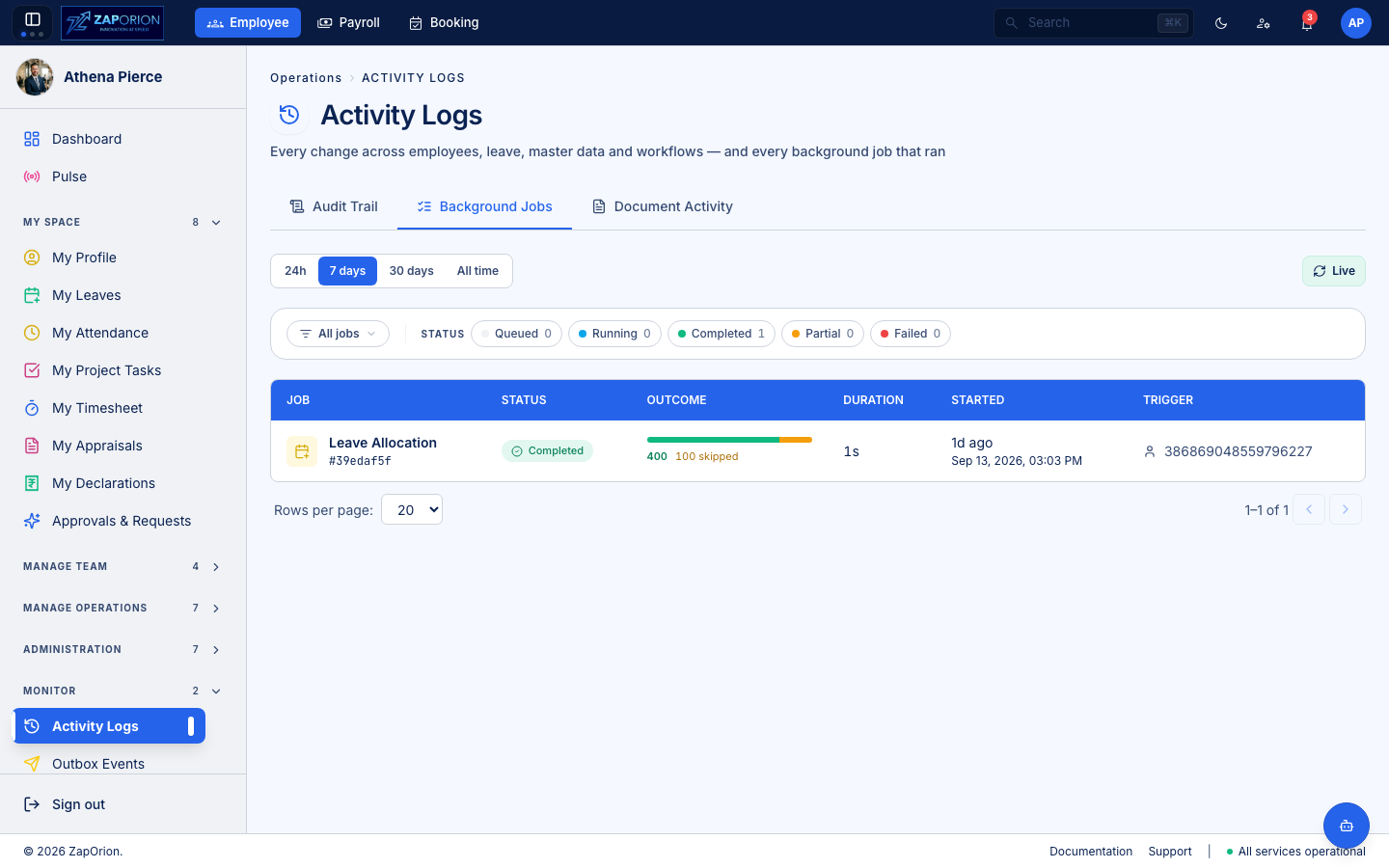
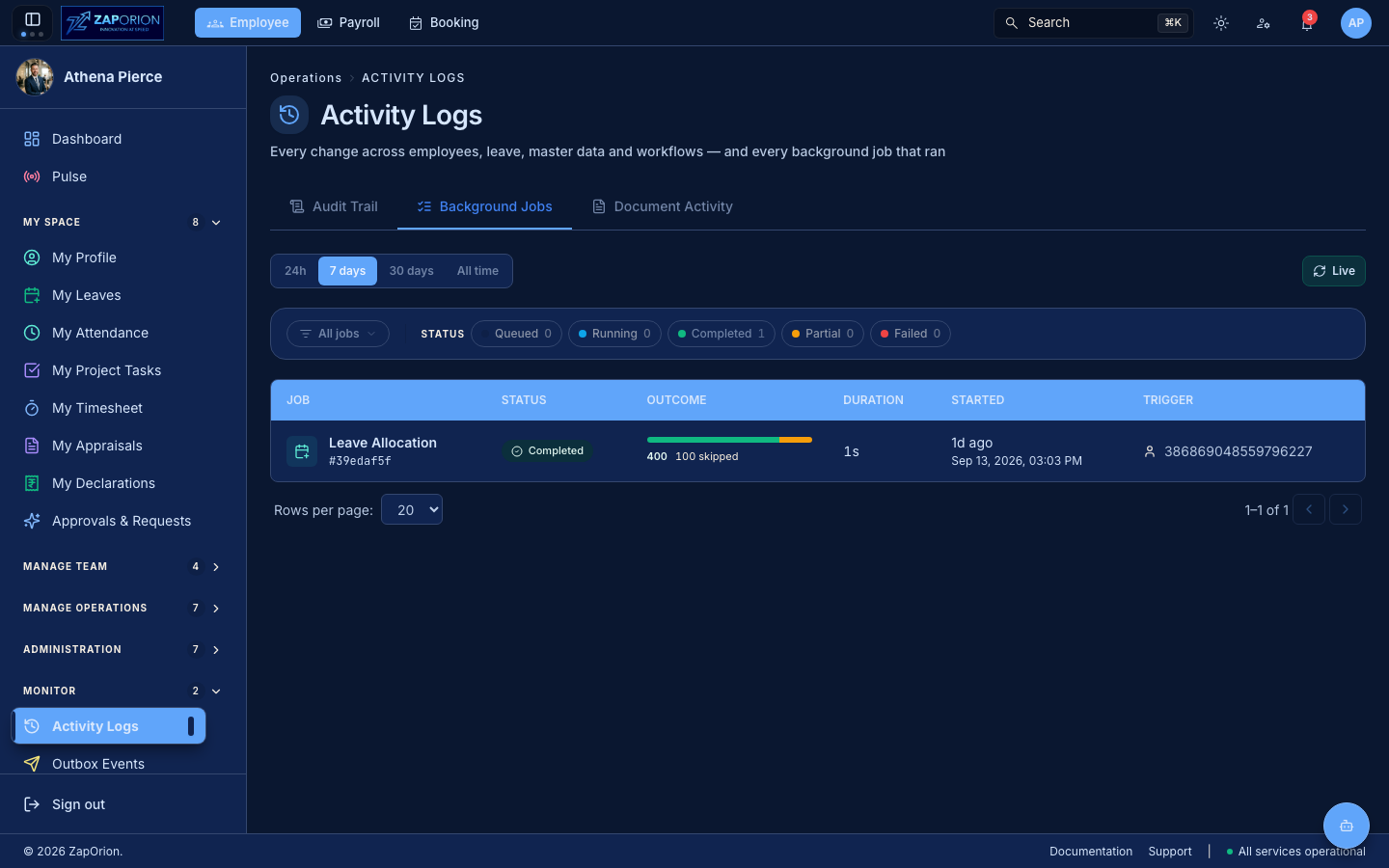
The second tab — every async job that ran, across the whole tenant. The same
jobs table the async framework writes to; this is its read view.
- Window — 24h / 7 days / 30 days / All time.
- Job type — multi-select, grouped by module (Leave, Pulse, Performance, Attendance…). The list comes from the API, so it grows with every job processor anyone adds.
- Status — Pending / Running / Completed / Failed / Partial, as count chips.
- Live — auto-refresh, fast while a job is in flight, lazy when settled.
Each row shows the job type, status, outcome (processed / skipped / failed), run duration (and queue wait if it sat pending), start time and trigger (the user who submitted it, or Scheduler for an external cron). Click a row to open the detail overlay with the per-record breakdown — which entities the job processed, skipped or failed, and the message on each.
A ?jobId=… deep link from elsewhere in the app (a "submitted as background
job" toast, say) opens the overlay directly.
Document Activity (?tab=documents)
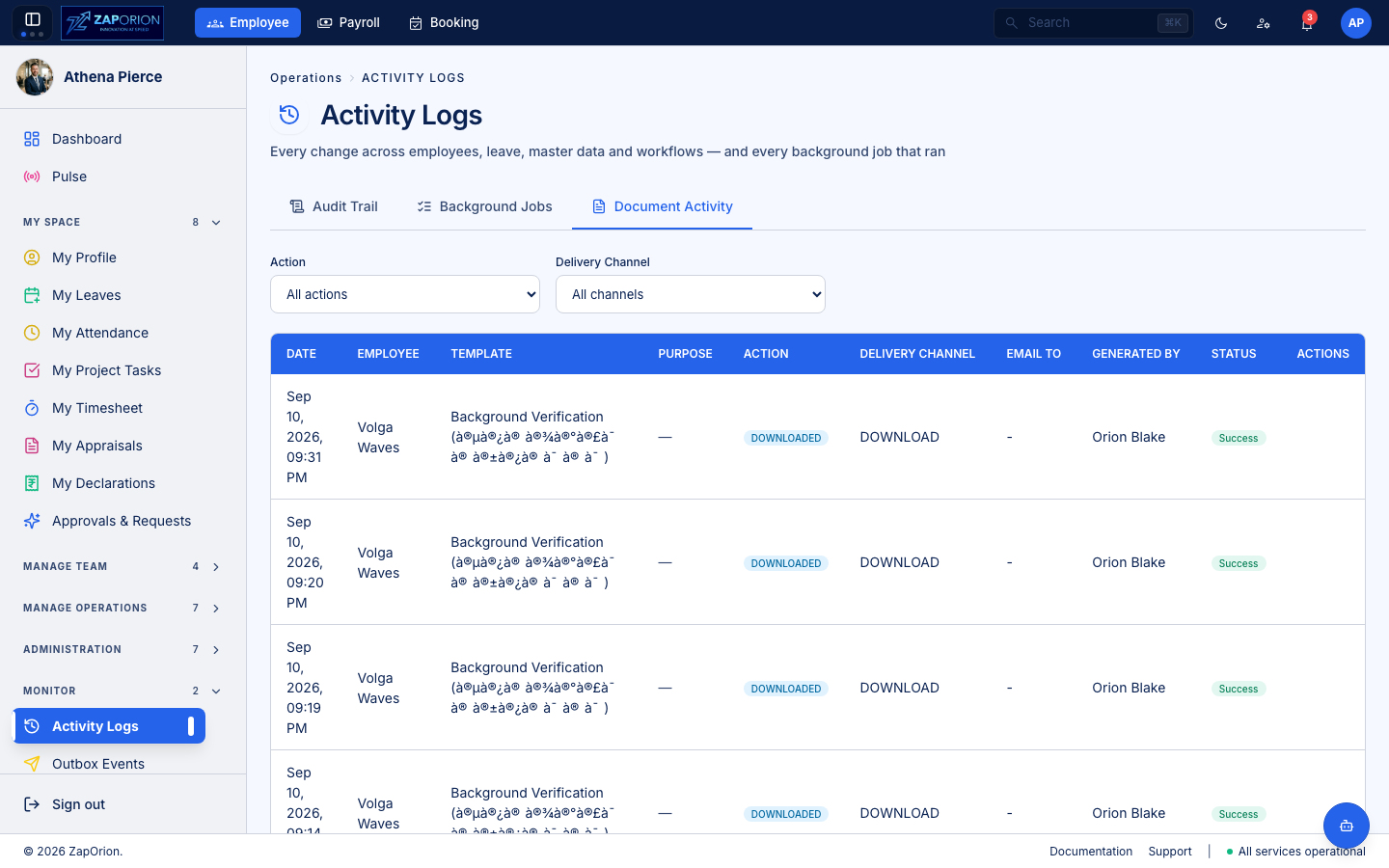
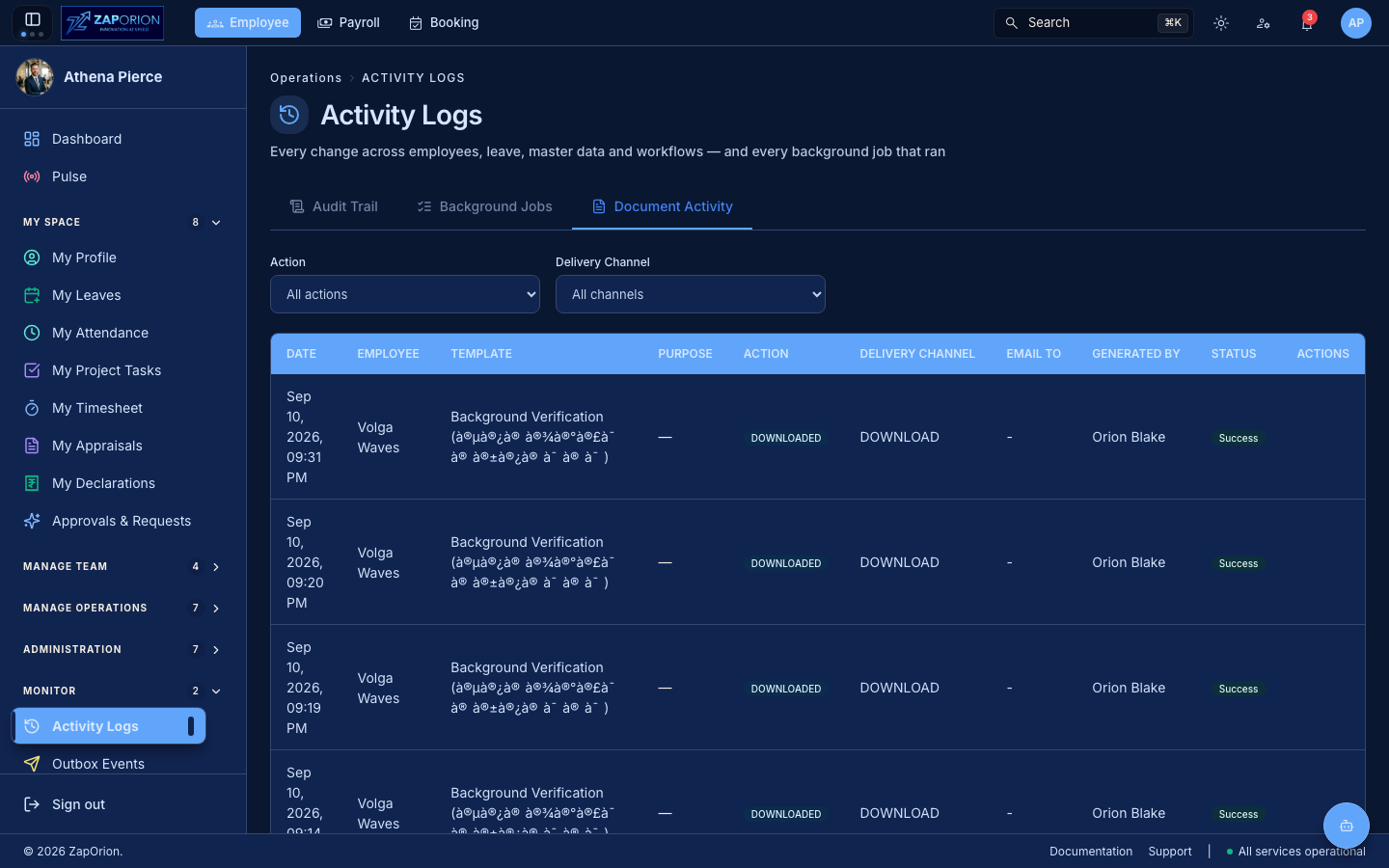
The third tab — every document that was generated, downloaded or emailed, and the reason each was asked for. Covers letters that left the building: who requested the generation, which template, which employee it was for, and the delivery channel (download or email). Useful for "who pulled this employee's salary certificate and when?".