ZapHRMS User Manual
ZapHRMS is a complete human-resource management system by Zaporion covering the entire employee journey — onboarding, attendance and leave, timesheets and projects, performance appraisals with goals and objectives, an engagement feed (Pulse), payroll structures, assets, document generation and offboarding.
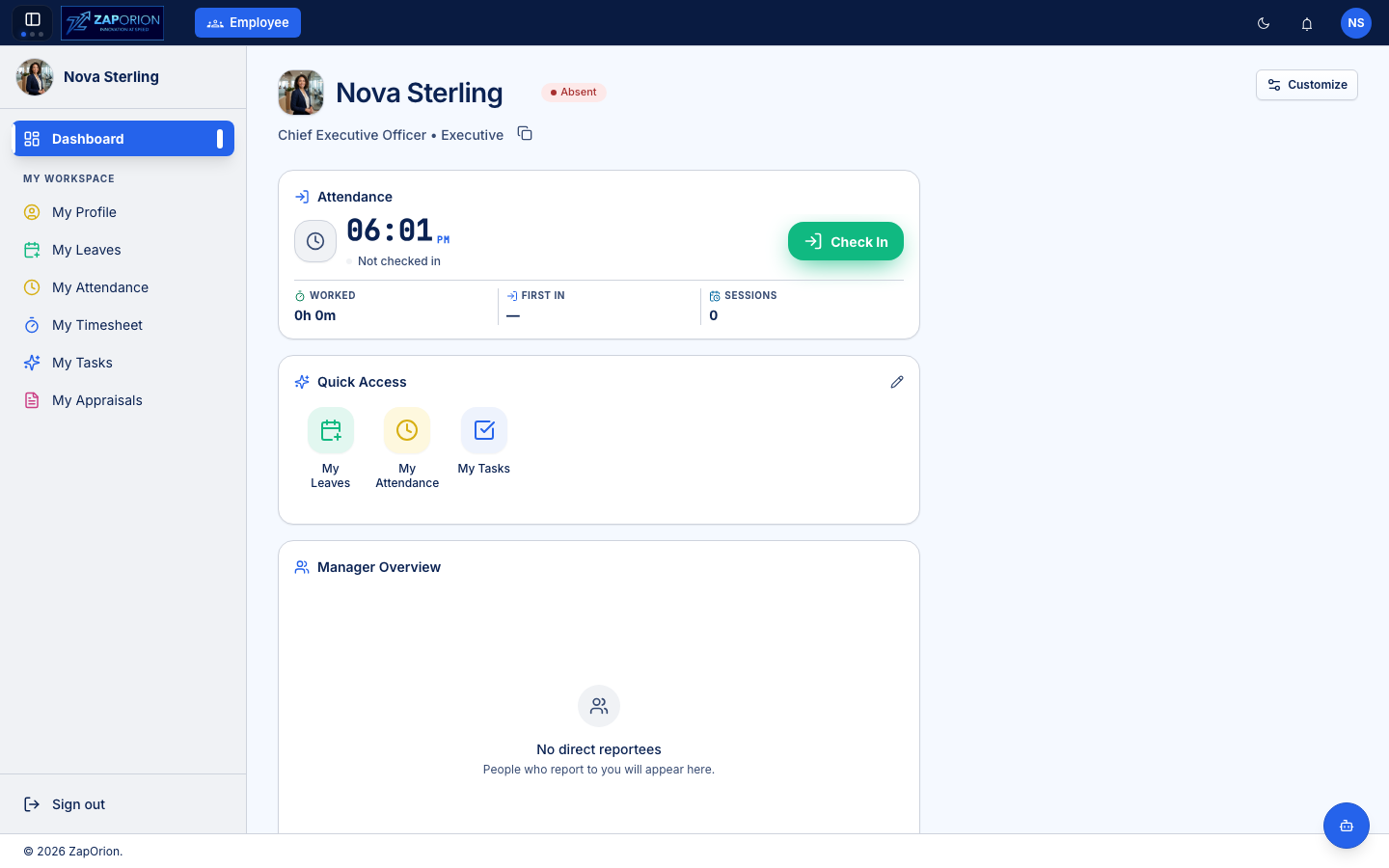
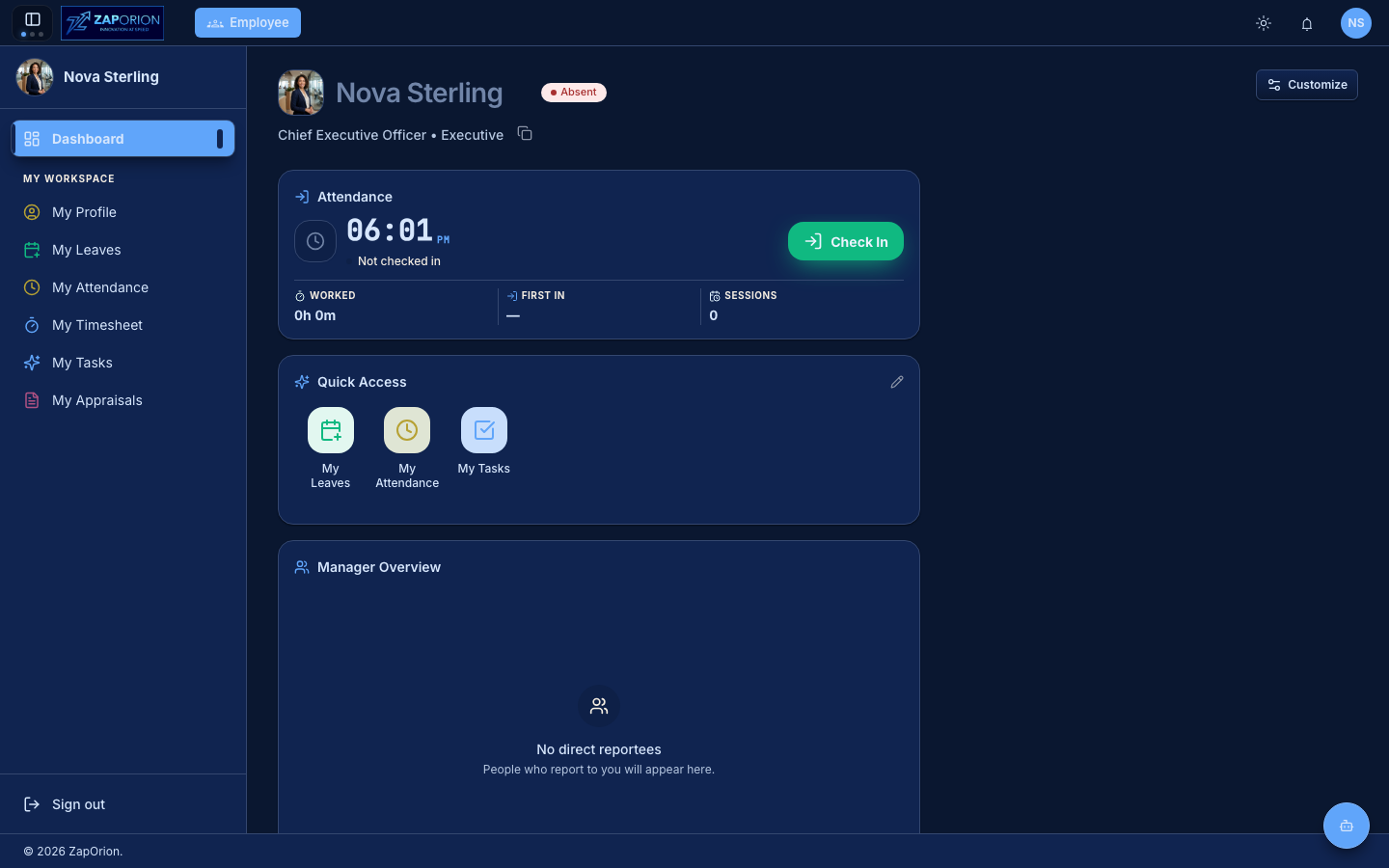
How this manual is organized
The manual is split by role, so you only need to read the parts that apply to you:
| Guide | Audience | What it covers |
|---|---|---|
| Getting Started | Everyone | Signing in, finding your way around, personalizing the app |
| Employee Guide | All employees | Self-service: dashboard, Pulse, profile, leaves, attendance, project tasks, timesheets, approvals & requests, appraisals, tax declarations |
| Manager Guide | Managers with reportees | Team leaves, attendance, appraisals and timesheet approvals |
| Administrator Guide | HR / system administrators | People operations, masters, workflows, notifications, audit |
| Payroll Guide | Payroll administrators, Finance | Pay components, structures, pay groups, salary assignment, pay runs, statutory (PF/ESI/PT/TDS), payslips, loans & reimbursements |
Roles and what you can see
What appears in your sidebar depends on the permissions granted to your role and on whether you have reportees:
- Employee — sees the Dashboard, Pulse, and the My Space section (profile, leaves, attendance, project tasks, timesheet, approvals & requests, appraisals, declarations).
- Manager — additionally sees the Manage Team section for everyone who reports to them.
- Administrator / HR — additionally sees Manage Operations, Administration and Monitor sections. Compensation (salary structures, revisions) now lives in the Payroll module.
- Payroll users — switch to the Payroll module via the module switcher in the top bar (requires
payroll:*permissions). See the Payroll Guide.
If a page described in this manual is missing from your sidebar, you don't have the permission that unlocks it — contact your HR administrator.
Conventions used in this manual
- Screenshots automatically match the manual's light/dark mode — use the moon/sun toggle in the top-right of this site to switch.
- Menu paths are written as Sidebar → Page → Tab, e.g. Administration → Masters → Departments.
- Fields marked
*in the app are mandatory.